



A Beginner's Walkthrough to Navigating the Incometax Efiling Portal Effortlessly
A Beginner's Walkthrough to Navigating the Incometax Efiling Portal Effortlessly
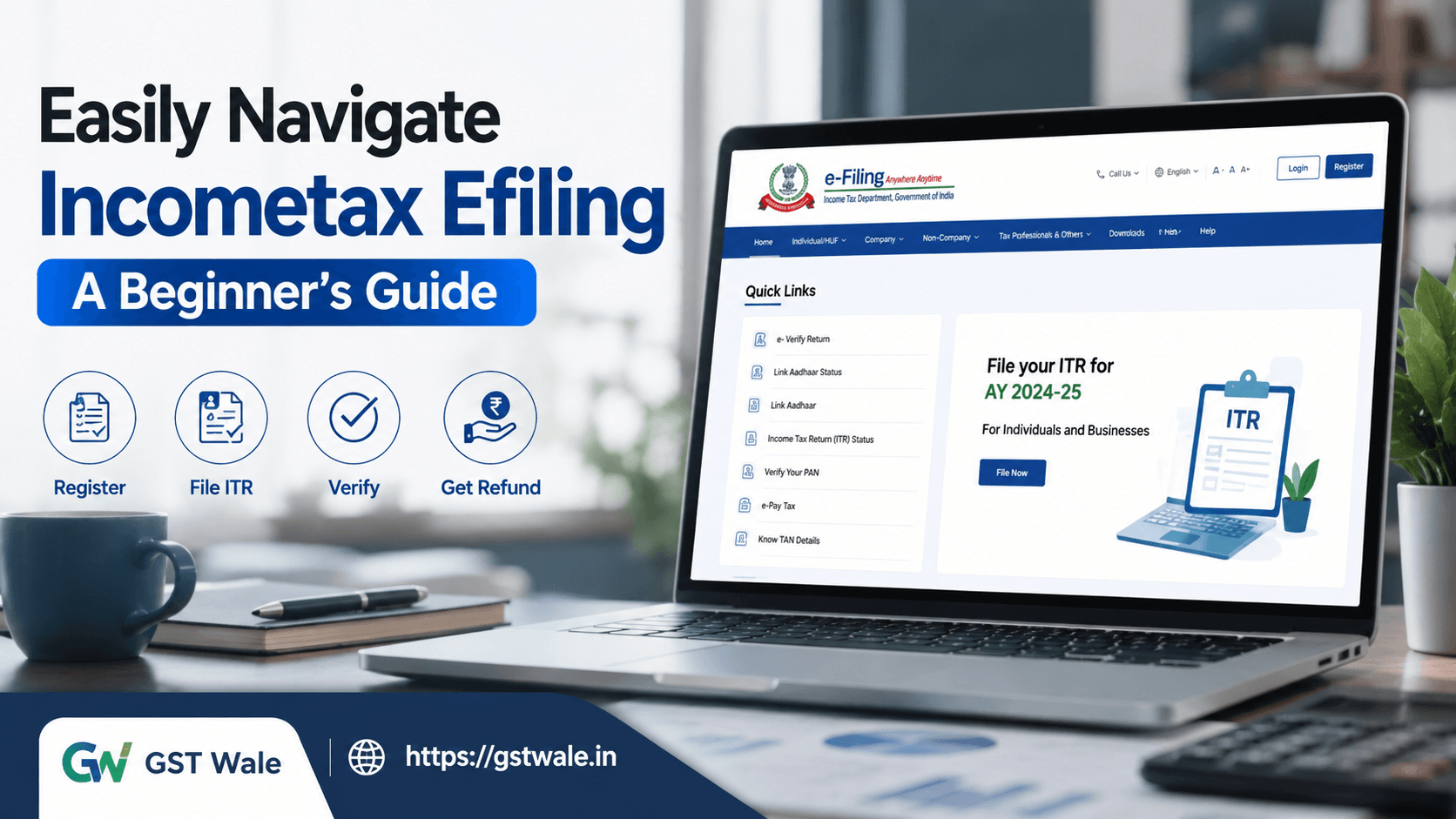
Navigating the incometax efiling portal for the first time can feel overwhelming, especially if you're unfamiliar with tax terminology or online compliance procedures. However, once you understand the portal's layout and key features, filing your Income Tax Return (ITR) becomes much simpler and more efficient.
- At GST Wale, we regularly assist individuals, freelancers, professionals, and business owners with hassle-free tax compliance. If you need expert assistance with ITR Filing , our experienced professionals can guide you through every step while ensuring complete accuracy and timely filing.
Whether you're filing your return for the first time or simply want to become more confident using the portal, this guide will help you understand incometax efiling from registration to successful submission.
Understanding the Incometax Efiling Portal
The incometax efiling portal is the official online platform provided by the Income Tax Department of India. It enables taxpayers to complete various tax-related activities without visiting the department physically.
Through the portal, users can:
- File Income Tax Returns online
- Check refund status
- View tax credit details
- Download tax documents
- Update personal information
- Respond to tax notices
- Verify filed returns
- Manage pending tax-related actions
The portal is designed to simplify tax compliance for salaried employees, business owners, professionals, senior citizens, and other taxpayers.
Why Is Incometax Efiling Important?
Using incometax efiling offers several benefits over traditional paper filing.
Some key advantages include:
- Faster return processing
- Quicker refund issuance
- Better accuracy through automation
- Secure document management
- Easy access to previous returns
- Reduced paperwork
- Convenient filing from anywhere
The portal also minimizes manual errors by using pre-filled data collected from various government databases.
Creating Your Account on the Incometax Efiling Portal
If you're a first-time user, registration is straightforward.
Step 1: Visit the Official Portal
Open the Income Tax Department's official incometax efiling website.
Step 2: Register Yourself
Choose the appropriate taxpayer category:
- Individual
- HUF
- Company
- Partnership Firm
- Trust
- Others
Your PAN becomes your User ID.
Step 3: Verify Mobile Number and Email
Complete OTP verification to activate your account.
Step 4: Set a Strong Password
Choose a secure password and security questions for future login recovery.
Once registered, you can access all the services available on the incometax efiling portal.
Getting Familiar with the Dashboard
After logging in, spend a few minutes understanding the dashboard.
Important sections include:
- Dashboard
- Profile
- Pending Actions
- Authorized Partners
- My Account
- Services
- Downloads
- Help
The dashboard provides a quick overview of your filing history, refund updates, notices, and compliance status.
If you're unsure about any feature, the portal also provides a detailed user manual to help taxpayers navigate different sections.
Updating Your Profile Before Filing
Many taxpayers skip this step, which often leads to avoidable issues.
Before starting incometax efiling, verify the following information:
- PAN details
- Aadhaar linkage
- Residential address
- Email ID
- Mobile number
- Employer information
- Nominee details
Keeping your profile updated ensures smoother communication with the department.
Importance of Bank Account Validation
One of the most important steps before filing your return is bank account validation.
Why is it necessary?
- Refunds are credited only to validated accounts.
- Invalid account details may delay refunds.
- Verification improves account security.
Ensure your IFSC code, account number, and account type are correct before proceeding.
Understanding Pre-Filled Data
One of the biggest advantages of modern incometax efiling is the availability of pre-filled data.
The portal automatically fetches information such as:
- PAN details
- Aadhaar information
- Salary details
- TDS information
- Interest income
- Dividend income
- Tax payments
Although the data is pre-filled, never assume it is 100% complete.
Always compare it with:
- Form 16
- Form 26AS
- AIS
- Bank statements
- Investment proofs
A careful review helps avoid incorrect tax calculations.
Filing Your Return Using the E-File Tab
The e-file tab is where the actual filing process begins.
Follow these steps:
Step 1: Select File Income Tax Return
Choose the relevant assessment year.
Step 2: Select Filing Mode
You may choose:
- Online filing
- Offline utility
Step 3: Choose Correct ITR Form
Selecting the wrong form can result in defective returns.
Common forms include:
- ITR-1
- ITR-2
- ITR-3
- ITR-4
If you're unsure, consult a tax expert.
Step 4: Review Income Details
Check all sources of income carefully.
Step 5: Verify Deductions
Claim deductions under applicable sections after verifying supporting documents.
Step 6: Review Tax Liability
The system calculates payable tax or expected refund automatically.
Checking Your Tax Credit
Always verify your tax credit before submitting your return.
Your tax credit includes:
- TDS deducted by employer
- TDS deducted by banks
- Advance tax
- Self-assessment tax
Cross-check these figures with Form 26AS and AIS to avoid notices later.
Incorrect tax credit claims are one of the most common reasons for return mismatches.
Using Digital Signature for Secure Filing
Certain taxpayers are required to use a digital signature while filing returns.
Even where optional, using a digital signature provides additional security and authenticity.
Benefits include:
- Secure authentication
- Faster processing
- Improved compliance
- Paperless verification
Businesses and companies frequently rely on digital signatures for statutory filings.
E-Verification After Filing
Submitting the return is not the final step.
Your return must be verified.
You can complete verification through:
- Aadhaar OTP
- Net Banking
- Bank Account EVC
- Demat Account EVC
- Digital Signature
After successful verification, your return will display an e-verified status, confirming that the filing process has been completed.
Always check the acknowledgment for your records.
Common Mistakes to Avoid During Incometax Efiling
Many taxpayers make avoidable errors while using incometax efiling.
Some common mistakes include:
- Choosing the wrong ITR form
- Ignoring pre-filled data verification
- Not validating bank account details
- Incorrect PAN or Aadhaar information
- Missing income from multiple sources
- Forgetting e-verification
- Claiming incorrect deductions
- Not checking tax credit before submission
Taking a few extra minutes for review can save considerable time later.
Practical Tips from GST Wale
As tax professionals, we've observed that simple precautions make the filing experience much smoother.
Our recommendations include:
- Keep Form 16 ready before filing.
- Download AIS and Form 26AS in advance.
- Update your profile annually.
- Complete bank account validation before filing.
- Verify every entry in the pre-filled data.
- Save drafts while filing.
- Download the acknowledgment after successful submission.
- Confirm that your return shows an e-verified status.
These practices help reduce errors and improve processing speed.
FAQs
1. Is incometax efiling mandatory?
Yes. Most taxpayers are required to complete incometax efiling online as per applicable Income Tax Department guidelines.
2. Can I edit my return after submission?
Yes. If you discover an error after filing, you can generally file an updated or revised return, subject to the applicable provisions and timelines under the Income-tax Act.
3. What happens if I don't complete e-verification?
Without verification, the Income Tax Department generally does not treat your return as successfully filed. Always ensure your return reaches the e-verified status.
4. Why is bank account validation necessary?
Validated bank accounts ensure smooth refund processing and reduce the chances of payment failures.
5. Can I rely completely on pre-filled data?
No. While pre-filled data reduces manual work, you should always verify it against your tax documents to ensure complete accuracy.
Learning incometax efiling doesn't have to be complicated. Once you understand the portal, verify your information, review your tax credit, complete bank account validation, and ensure your return reaches the e-verified status, the entire filing process becomes much more manageable.
At GST Wale, we believe tax compliance should be simple, transparent, and stress-free. Whether you're filing your first return, correcting previous filings, or managing complex tax situations, our experienced professionals are here to provide reliable guidance and end-to-end support. Get in touch with GST Wale today and file your Income Tax Return with complete confidence and peace of mind.
 Previous


