



The Ultimate Step-by-Step Guide to efilingincometax for First-Timers
The Ultimate Step-by-Step Guide to efilingincometax for First-Timers
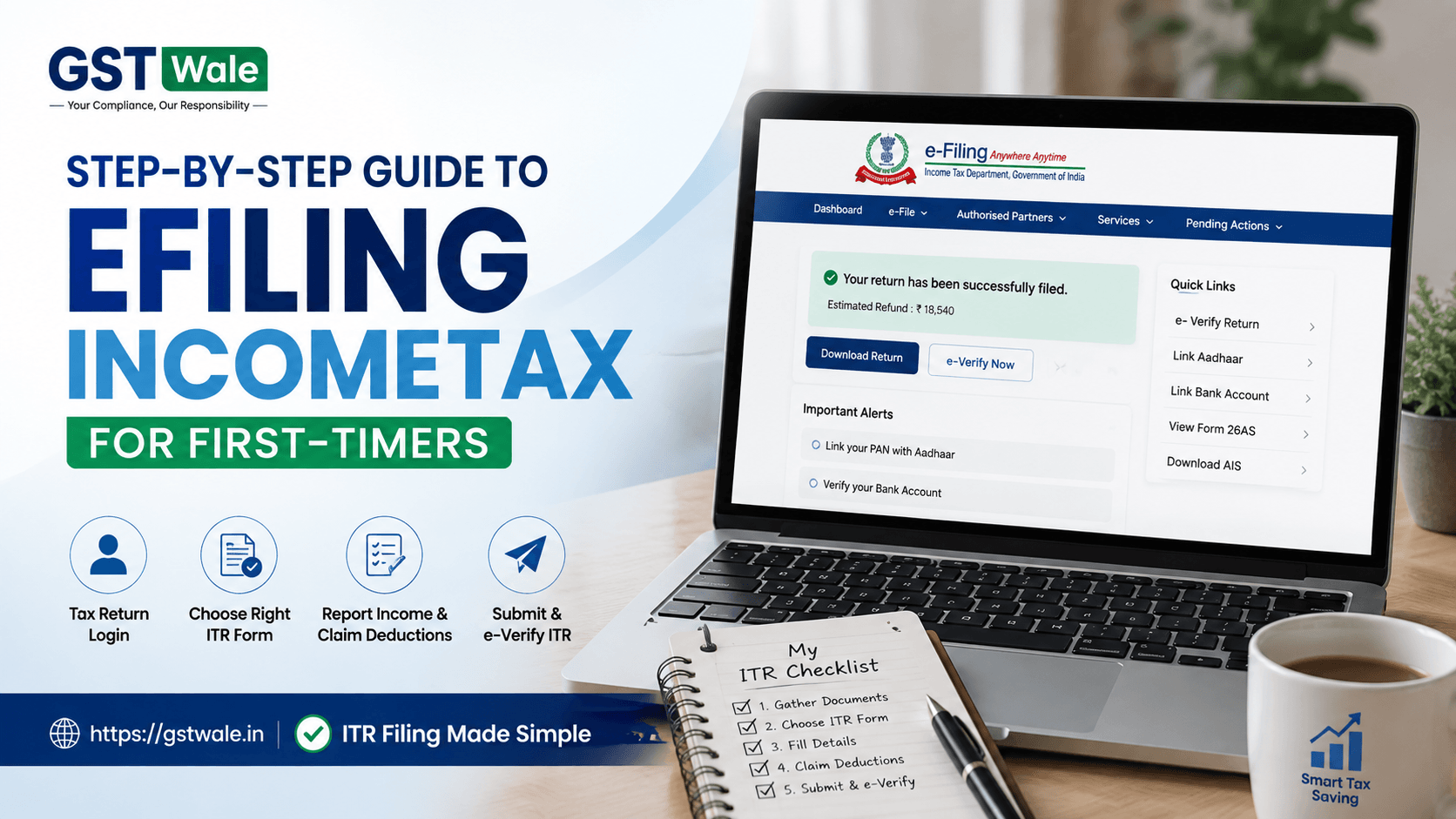
Filing your income tax return for the first time can feel confusing, especially when you see terms like ITR-1, AIS, Form 26AS, tax deductions and e-verification. The good news is that efilingincometax is much simpler once you understand the process. At GST Wale, we believe taxpayers should know what they are submitting rather than simply clicking through a form. If you want professional assistance, our ITR Filing service can help you complete the process correctly and on time.
For a first-time taxpayer, efilingincometax is essentially the online process of preparing, submitting and verifying your Income Tax Return (ITR). Whether you are a salaried employee, freelancer, professional, investor or small business owner, this tax return guide will take you through the important steps.
What Is efilingincometax?
efilingincometax means filing your Income Tax Return electronically through the official income tax portal. Instead of submitting physical documents to a tax office, taxpayers can file taxes online from their computer or mobile device.
The online process generally involves:
- Creating or accessing your taxpayer account
- Checking your income and tax information
- Selecting the appropriate ITR form
- Reporting income from different sources
- Claiming eligible tax deductions
- Paying additional tax, if applicable
- Submitting the return
- Completing the e-verification process
The important point is that filing your return is not just about entering your salary. Other income, investments, deductions and taxes already paid may also affect your final tax calculation.
Step 1: Keep Your Documents Ready
Before beginning efilingincometax, collect all relevant financial documents. This reduces errors and makes the process much faster.
Depending on your income sources, you may need:
- PAN and Aadhaar details
- Form 16 from your employer
- Bank statements
- Interest certificates from banks or post offices
- Form 26AS
- Annual Information Statement (AIS)
- Taxpayer Information Summary (TIS)
- Investment and deduction proofs
- Details of capital gains, if applicable
- Details of rental income, if any
- Previous ITR details, where relevant
A practical tip from GST Wale: don't rely only on Form 16. Compare your income and tax information with AIS and Form 26AS before submitting your return.
Step 2: Complete Your Tax Return Login
The next step in efilingincometax is accessing your account on the income tax portal.
Use your PAN as your user ID and follow the portal's authentication process. If you are a new taxpayer, you may first need to register your account.
Once logged in, check whether your profile details are correct, particularly:
- PAN information
- Mobile number
- Email address
- Bank account details
- Aadhaar-related information
Keeping your profile updated can prevent unnecessary problems during filing and refunds.
Step 3: Understand How to File ITR
One of the most common first-timer questions is how to file ITR. The answer depends primarily on your sources of income and taxpayer category.
For example, a salaried individual with income from salary, one house property and certain other sources may be eligible for a simpler ITR form. A person with business income, capital gains or more complex financial transactions may need a different form.
Do not select an ITR form simply because a friend or colleague used it. Your correct form depends on your individual income profile.
If you are unsure, review the eligibility conditions on the income tax portal or take professional advice.
Step 4: Check Your Pre-Filled Information
Modern efilingincometax facilities can make the process easier by displaying certain information already available with the department.
Review every pre-filled detail carefully.
Pay special attention to:
- Salary or professional income
- Bank interest
- TDS
- Dividend income
- Capital gains
- Other reported income
Pre-filled data is useful, but it should not be treated as automatically correct. If something is missing or incorrect, investigate it before submitting the return.
Step 5: Report All Your Income
This is one of the most important parts of efilingincometax.
Taxable income may come from several sources, including:
Salary Income
Check your Form 16 and ensure the salary figures match the information being reported.
Income From House Property
If you earn rent, relevant rental income and eligible deductions must be considered.
Capital Gains
Profit or loss from the sale of shares, mutual funds, property or other capital assets may need to be reported.
Other Sources
Bank interest, dividends and certain other receipts can fall under income from other sources.
A common mistake is reporting only salary and forgetting bank interest or investment income. Even a relatively small amount should be considered where applicable.
Step 6: Claim Eligible Tax Deductions
Tax deductions can reduce your taxable income when you are eligible to claim them. Depending on the applicable tax regime and circumstances, deductions may relate to investments, insurance, certain education loans, donations and other qualifying expenses.
However, don't claim a deduction merely because it reduces your tax.
Keep supporting documents and make sure the deduction is legally available to you. Incorrect claims can create problems later.
This is why efilingincometax should be approached as a financial compliance exercise rather than simply a way to obtain a refund.
Step 7: Calculate Tax and Check TDS
After entering income and eligible deductions, the portal calculates the tax payable or refund position.
Compare the TDS shown in your return with Form 26AS, AIS and Form 16.
If additional tax is payable, complete the required payment before submitting the return. If excess tax has already been paid, you may become eligible for a refund, subject to the final assessment.
Before clicking submit, carefully review the complete computation.
Step 8: Submit and e-Verify ITR
Completing efilingincometax does not end with clicking the submit button. You also need to e-verify ITR.
E-verification confirms that the return was actually filed by you. Available verification methods may include Aadhaar-based authentication, electronic verification through eligible bank or demat facilities, or other methods provided on the portal.
Always complete verification within the applicable time limit. An unverified return can create unnecessary complications.
After successful verification, save the acknowledgement for your records.
Common Mistakes First-Time Taxpayers Should Avoid
Even a straightforward efilingincometax process can go wrong because of small mistakes.
Avoid these common errors:
- Selecting the wrong ITR form
- Forgetting interest income
- Ignoring capital gains
- Claiming deductions without eligibility
- Not checking AIS and Form 26AS
- Entering incorrect bank details
- Assuming Form 16 contains every taxable income
- Forgetting to e-verify the return
- Waiting until the last date to start filing
Our advice at GST Wale is simple: review first, submit second.
Can You File Taxes Online Without Professional Help?
Yes. Many taxpayers can file taxes online themselves, particularly when their income sources are straightforward.
However, professional assistance can be valuable when you have:
- Business or professional income
- Multiple investments
- Capital gains
- Rental properties
- Foreign income or assets
- Complicated deductions
- Previous-year filing issues
- Significant tax payable
The objective of efilingincometax should not be merely completing a form. It should be accurate reporting and proper tax compliance.
FAQs About efilingincometax
Is efilingincometax compulsory for everyone?
The requirement to file an ITR depends on your income, applicable legal conditions and other circumstances. Not every individual has the same filing obligation.
What is the income tax portal used for?
The income tax portal is the government's online platform for several tax-related activities, including ITR filing, verification, tax payments and accessing relevant tax information.
What should I check before submitting my ITR?
Verify your income, TDS, deductions, bank details and information available in AIS and Form 26AS. A final review can prevent many common errors.
How long does efilingincometax take?
A simple return may be completed relatively quickly once your documents are ready. More complex returns can take considerably longer because additional income and transaction details need to be reviewed.
Is e-verification necessary after filing?
Yes. After submitting your return, you should complete the applicable e-verification process within the prescribed timeframe.
Make efilingincometax Simple With GST Wale
For a first-time taxpayer, efilingincometax may initially look complicated, but the process becomes manageable when you follow it step by step. Gather your documents, choose the correct ITR form, report every relevant income source, claim only eligible tax deductions, verify your tax calculation and complete e-verification.
If you are still unsure about how to file ITR, don't take unnecessary risks with your tax compliance. GST Wale can help you understand your filing requirements and complete your return accurately.
 Previous


