



Step-by-Step Troubleshooting: What to Do When the Income Tax E Filing Portal Crashes
Step-by-Step Troubleshooting: What to Do When the Income Tax E Filing Portal Crashes
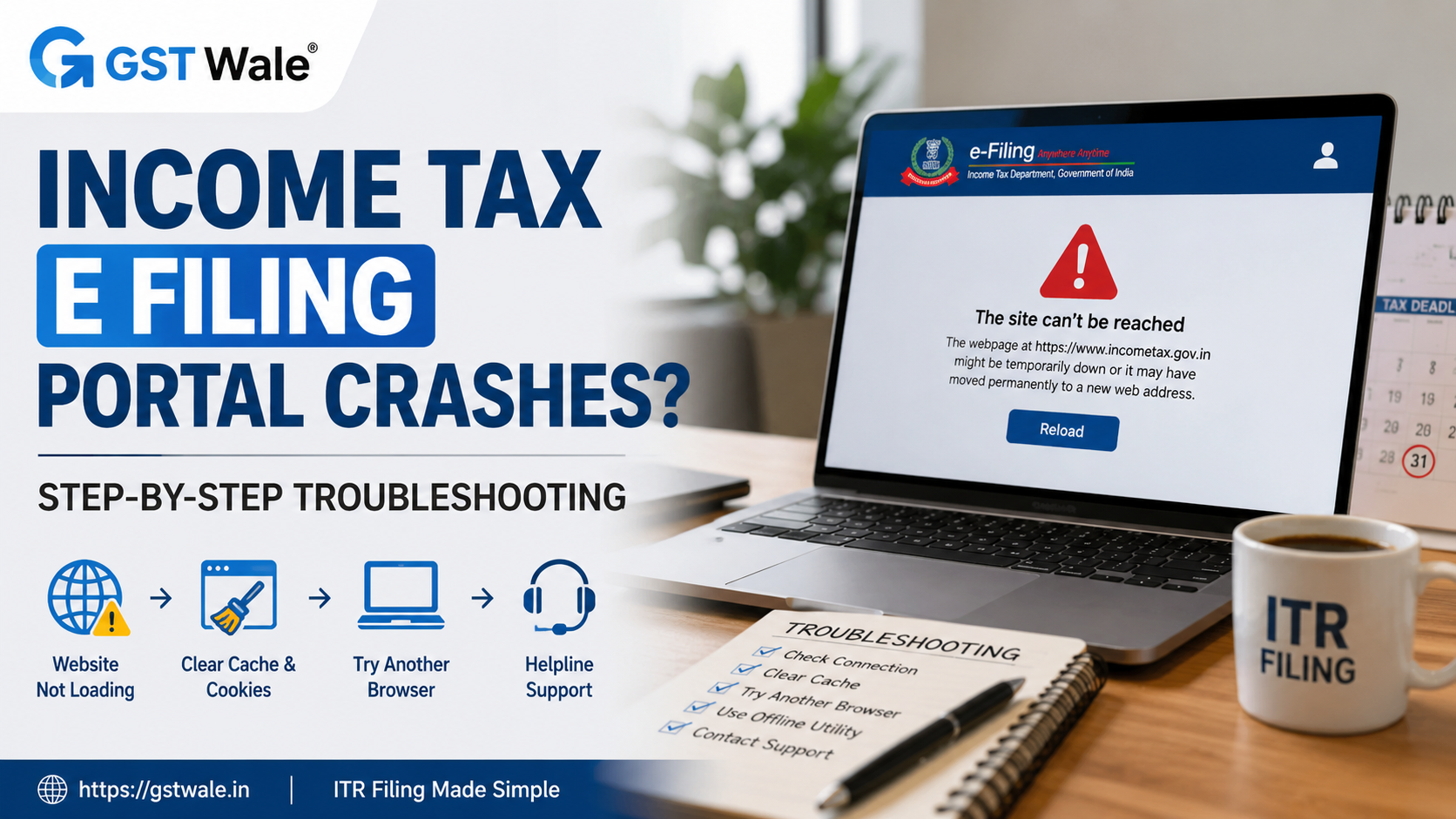
Filing your Income Tax Return online has made tax compliance easier than ever. However, many taxpayers face unexpected technical issues while using the income tax e filing portal, especially during the last few days before the due date. A slow website, login failures, payment errors, or pages that refuse to load can quickly turn a simple task into a frustrating experience.
If you are struggling with income tax e filing because the portal is not working properly, don't panic. In most cases, these issues are temporary and can be resolved with a few practical troubleshooting steps. At GST Wale, we regularly assist individuals, freelancers, professionals, and business owners who encounter such situations. If you need professional assistance with ITR Filing, our experts can help ensure your return is filed accurately and on time.
Why Does the Income Tax E Filing Portal Crash?
The income tax e filing portal handles millions of users across India. During the return filing season, especially near the due date, the portal experiences heavy traffic. This often results in a temporary website glitch, slower response times, or service interruptions.
Some common reasons include:
- High user traffic during peak hours.
- Scheduled maintenance by the Income Tax Department.
- Browser compatibility issues.
- Internet connectivity problems.
- Temporary server overload.
- Outdated browser settings or stored cache files.
Understanding the possible cause helps you choose the right solution instead of repeatedly refreshing the page.
Step-by-Step Troubleshooting for Income Tax E Filing Problems
Step 1: Check Whether the Problem Is Temporary
Before making any changes, wait for a few minutes and refresh the page. Sometimes the income tax e filing portal experiences temporary server issues that are resolved automatically.
If many taxpayers are filing returns simultaneously, the portal may respond slowly for a short period.
Step 2: Avoid Filing During Peak Hours
One of the biggest reasons for portal slowdowns is excessive traffic during peak hours. Many taxpayers log in after office hours or close to the filing deadline.
Try accessing the portal:
- Early in the morning.
- Late at night.
- On weekdays instead of weekends.
Choosing a less busy time often improves the performance of the income tax e filing portal significantly.
Step 3: Clear Cache and Cookies
Old browser files can create loading problems. One of the easiest solutions is to clear cache and cookies.
After clearing the cache:
- Close the browser.
- Reopen it.
- Visit the income tax e filing portal again.
- Log in with your credentials.
This simple step resolves many common display and login issues.
Step 4: Try Alternative Browsers
Sometimes a browser extension or outdated browser version interferes with portal functionality.
Use alternative browsers such as:
- Google Chrome
- Microsoft Edge
- Mozilla Firefox
- Safari (for Mac users)
Always ensure your browser is updated to the latest version before attempting income tax e filing.
Step 5: Check Your Internet Connection
An unstable internet connection can interrupt uploads, OTP verification, or payment confirmation.
If possible:
- Switch to another Wi-Fi network.
- Use mobile internet temporarily.
- Avoid public networks.
A stable connection helps complete income tax e filing without interruptions.
Step 6: Verify Your Login Credentials
If you cannot log in, double-check:
- PAN details.
- Password.
- Registered mobile number.
- Email address.
If required, reset your password using the portal's recovery option.
Step 7: Use the Offline Utility
When the portal remains unstable, consider using the official offline utility.
This allows you to:
- Prepare your return offline.
- Validate information.
- Generate the required files.
- Upload the completed return once the portal becomes available.
This approach saves valuable time, particularly when deadlines are approaching.
What If Payment Fails During Income Tax E Filing?
Many taxpayers worry when tax payments fail or appear to be deducted twice.
In such cases:
- Do not make another payment immediately.
- Check your bank statement.
- Wait for payment status updates.
- Verify the challan after some time.
Most payment reconciliation issues are resolved automatically within a reasonable period.
How to Handle Document Upload Errors
If supporting documents or attachments fail to upload during income tax e filing, check the following:
- Correct file format.
- Permitted file size.
- Stable internet connection.
- Updated browser.
Compress large files if necessary before uploading them again.
When Should You Contact the Helpline?
If none of the troubleshooting steps work, it may be time to contact the official helpline number provided on the income tax portal.
Before calling, keep the following information ready:
- PAN.
- Registered mobile number.
- Error screenshots.
- Transaction reference numbers.
- Date and time when the issue occurred.
Providing complete information helps the support team resolve your issue faster.
Can You Get a Filing Extension?
Many taxpayers ask whether technical issues automatically provide a filing extension.
The answer depends on official announcements made by the Income Tax Department. If widespread technical problems affect a large number of taxpayers, the government may extend the due date. However, such extensions are not guaranteed.
Therefore, never assume that a filing extension will be announced. It is always better to complete income tax e filing well before the deadline.
Best Practices to Avoid Last-Minute Problems
Experienced tax professionals recommend following these simple practices every year:
- Collect all tax documents in advance.
- Verify Form 26AS and AIS before filing.
- Keep bank details updated.
- Complete income tax e filing several days before the due date.
- Save acknowledgement receipts immediately.
- Maintain backups of important documents.
These habits reduce stress and minimise the chances of technical issues affecting your filing.
Real-Life Example
Consider a small business owner who waited until the final evening to complete income tax e filing. Due to heavy traffic during peak hours, the portal became slow, payment verification failed, and document uploads stopped working. Instead of repeatedly refreshing the page, the taxpayer switched to an updated browser, cleared cache, prepared the return using the offline utility, and uploaded it successfully early the next morning. A calm, step-by-step approach prevented unnecessary panic and ensured timely compliance.
Frequently Asked Questions
1. Why is the income tax e filing portal not opening?
The portal may be facing a temporary website glitch, scheduled maintenance, heavy traffic during peak hours, or your browser may require cache clearing or an update.
2. Is it safe to refresh the portal repeatedly?
Refreshing occasionally is fine, but repeatedly doing so during server overload may not help. Wait for a few minutes before trying again.
3. Can I complete my return if the portal is down?
Yes. You can prepare your return using the offline utility and upload it once the portal becomes available.
4. What should I do if I miss the deadline because of portal issues?
Monitor official announcements regarding any filing extension. If no extension is announced, seek professional advice immediately to understand the applicable provisions.
5. When should I contact technical support?
If login issues, payment failures, or system errors continue even after trying the recommended troubleshooting steps, contact the official helpline number with complete details and screenshots.
Technical issues during income tax e filing can be frustrating, but they are usually manageable with the right approach. Avoid filing at the last minute, clear cache when needed, try alternative browsers, use the offline utility if required, and keep important documents ready in advance. A little preparation can save significant time and prevent unnecessary stress.
At GST Wale, we understand that tax compliance should be smooth and worry-free. Whether you need expert guidance for income tax e filing, return verification, tax planning, or resolving filing issues, our experienced professionals are here to help. Contact GST Wale today and let our experts ensure your Income Tax Return is filed accurately, securely, and on time.
 Previous


