


How to E-Verify Your ITR Filing Instantly Using Aadhaar OTP, Net Banking, or EVC
How to E-Verify Your ITR Filing Instantly Using Aadhaar OTP, Net Banking, or EVC
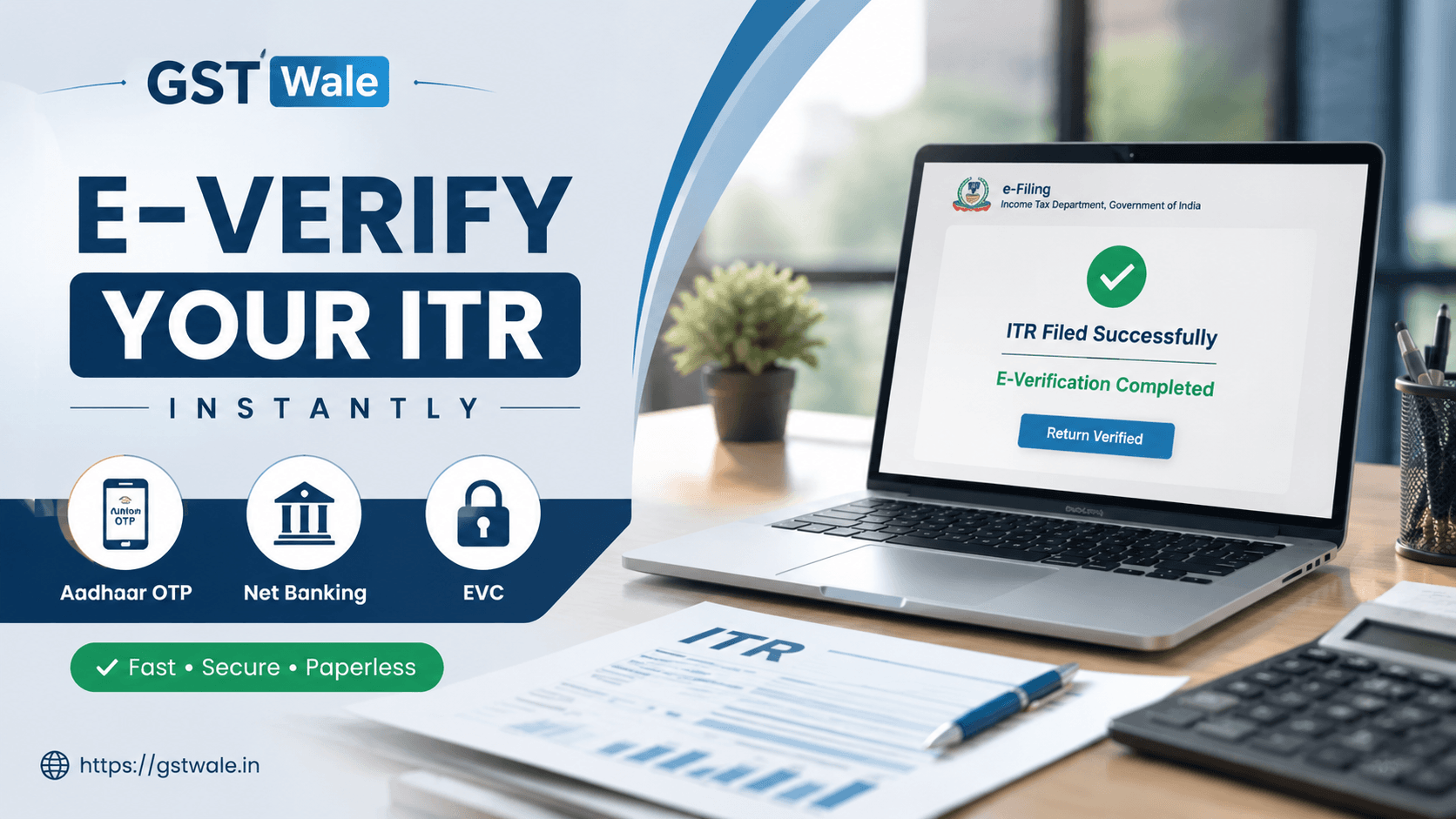
Many taxpayers believe that once itr filing is completed, the process is over. However, your Income Tax Return is considered incomplete until it is successfully e-verified. If you do not verify your return within the prescribed time limit, the Income Tax Department may treat your return as invalid.
At GST Wale, we regularly help individuals, freelancers, salaried employees, and business owners complete their returns smoothly. If you are planning your ITR Filing, understanding the e-verification process can save you from unnecessary notices and delays.
The good news is that the Income Tax Department has made itr filing verification extremely simple. You can now verify your return instantly through Aadhaar OTP, net banking login, or Electronic Verification Code (EVC) without sending any physical documents to the central processing center.
What Is E-Verification in itr filing?
E-verification is the final step of itr filing where you confirm the authenticity of your submitted Income Tax Return electronically.
Once your return is filed, the Income Tax Department asks you to verify it within the 30-day window from the date of filing. If verification is not completed within this period, the return may become invalid.
Earlier, taxpayers had to print the ITR-V form and courier it to the central processing center in Bengaluru. Today, online e-verification methods have made the process faster and more convenient.
Different E-Verification Methods Available
The Income Tax portal provides multiple e-verification methods for taxpayers. You can choose any option based on convenience and eligibility.
Common methods include:
- Aadhaar OTP
- Net banking login
- Bank account EVC
- Demat account verification
- ATM-based EVC
- Digital Signature Certificate (mainly for companies)
For most individuals, Aadhaar OTP and bank account EVC are the quickest options.
How to E-Verify itr filing Using Aadhaar OTP
Aadhaar OTP is one of the most commonly used e-verification methods because it is simple and instant.
Conditions for Aadhaar OTP Verification
Before using this method, ensure:
- Your Aadhaar is linked with PAN
- Your mobile number is linked with Aadhaar
- The mobile number is active to receive OTP
Step-by-Step Process
Step 1: Login to Income Tax Portal
Visit the Income Tax e-filing portal and log in using your PAN credentials.
Step 2: Go to Pending Actions
Click on “Pending Actions” and select “E-Verify Return.”
Step 3: Select Aadhaar OTP
Choose the Aadhaar OTP option from the available methods.
Step 4: Generate OTP
An OTP will be sent to your Aadhaar-linked mobile number.
Step 5: Enter OTP
Enter the OTP and submit it.
Once completed, your itr filing will be successfully verified instantly.
Practical Tip from GST Wale
Many taxpayers face OTP issues because their Aadhaar mobile number is outdated. Before starting itr filing, always check whether your Aadhaar details are updated.
How to E-Verify itr filing Through Net Banking Login
Net banking login is another reliable option, especially for taxpayers who use internet banking regularly.
Eligible Banks for Net Banking Verification
Most major banks in India support this facility, including:
- SBI
- HDFC Bank
- ICICI Bank
- Axis Bank
- Punjab National Bank
Step-by-Step Process
Step 1: Login to Your Bank Account
Use your internet banking credentials to access your bank portal.
Step 2: Select Income Tax E-Filing Option
Most banks provide a direct link under the “Tax Services” or “e-Tax” section.
Step 3: Redirect to Income Tax Portal
You will automatically reach the Income Tax portal without separate login credentials.
Step 4: Choose E-Verify Return
Select your pending itr filing and proceed with verification.
Step 5: Confirm Verification
Submit the verification request.
Your return gets verified immediately.
Why Many Professionals Prefer Net Banking Login
At GST Wale, we often recommend net banking login to business owners because it avoids OTP delays and provides a smooth verification experience.
How to Verify itr filing Using Bank Account EVC
Electronic Verification Code through a bank account EVC is another convenient method.
Conditions for Bank Account EVC
Your bank account must be:
- Pre-validated on the Income Tax portal
- Linked with PAN
- Enabled for EVC generation
Steps to Generate EVC
Step 1: Login to Income Tax Portal
Access your account on the e-filing portal.
Step 2: Select EVC Option
Choose “Verify via Bank Account EVC.”
Step 3: Generate EVC
An EVC code will be sent to your registered mobile number and email.
Step 4: Enter the Code
Submit the EVC to complete verification.
This method works well when Aadhaar OTP is unavailable.
Can You Use a Demat Account for E-Verification?
Yes, taxpayers can also use a demat account for itr filing verification.
Requirements for Demat Verification
- Demat account should be pre-validated
- Mobile number and email should be updated with the depository participant
When Is This Useful?
This option is commonly used by active investors and traders who already maintain linked demat accounts.
However, for regular salaried taxpayers, Aadhaar OTP remains simpler.
What Happens If You Miss the 30-Day Window?
One of the biggest mistakes taxpayers make after itr filing is forgetting the verification step.
If you fail to verify your return within the 30-day window:
- Your return may be treated as invalid
- Tax refunds can get delayed
- You may need to file a revised or belated return
- Notices from the department may arise
At GST Wale, we strongly advise taxpayers to complete verification immediately after itr filing instead of postponing it.
Common E-Verification Errors and Solutions
Aadhaar OTP Not Received
Possible reasons:
- Network issues
- Aadhaar mobile mismatch
- DND settings
Solution:
Update Aadhaar-linked mobile details and retry after some time.
Bank Account EVC Failure
Possible reasons:
- Bank account not pre-validated
- PAN mismatch
Solution:
Check account validation status on the portal.
Net Banking Login Redirect Issues
Possible reasons:
- Browser cache problems
- Temporary bank server issues
Solution:
Clear browser cache or try another browser.
Important Points Every Taxpayer Should Know
Before completing itr filing verification, remember these important points:
- Verification is mandatory
- Complete verification within the 30-day window
- Keep mobile number and email active
- Pre-validate bank account in advance
- Save acknowledgement receipts for future reference
FAQs on itr filing E-Verification
Is itr filing complete without e-verification?
No. itr filing is considered incomplete until the return is successfully verified.
How long does Aadhaar OTP verification take?
Usually, verification is completed instantly once the OTP is submitted.
Can I verify itr filing without Aadhaar?
Yes. You can use net banking login, bank account EVC, or demat account methods.
What is the role of the central processing center?
The central processing center processes verified Income Tax Returns and handles refund processing and compliance checks.
Which is the fastest e-verification method?
For most taxpayers, Aadhaar OTP is the fastest option, while business owners often prefer net banking login.
Completing itr filing is only half the job. E-verification is the final and most important step that validates your return with the Income Tax Department. Whether you choose Aadhaar OTP, bank account EVC, demat account verification, or net banking login, the process is now simple and fully online.
At GST Wale, we help taxpayers avoid common filing mistakes and ensure smooth itr filing from start to finish. If you need expert assistance with tax filing, notices, refunds, or compliance, our team is ready to guide you with practical and reliable support.
 Previous