



Avoid Pitfalls: How to Check HSN Summaries in Your GST R 1 Sales Return
Avoid Pitfalls: How to Check HSN Summaries in Your GST R 1 Sales Return
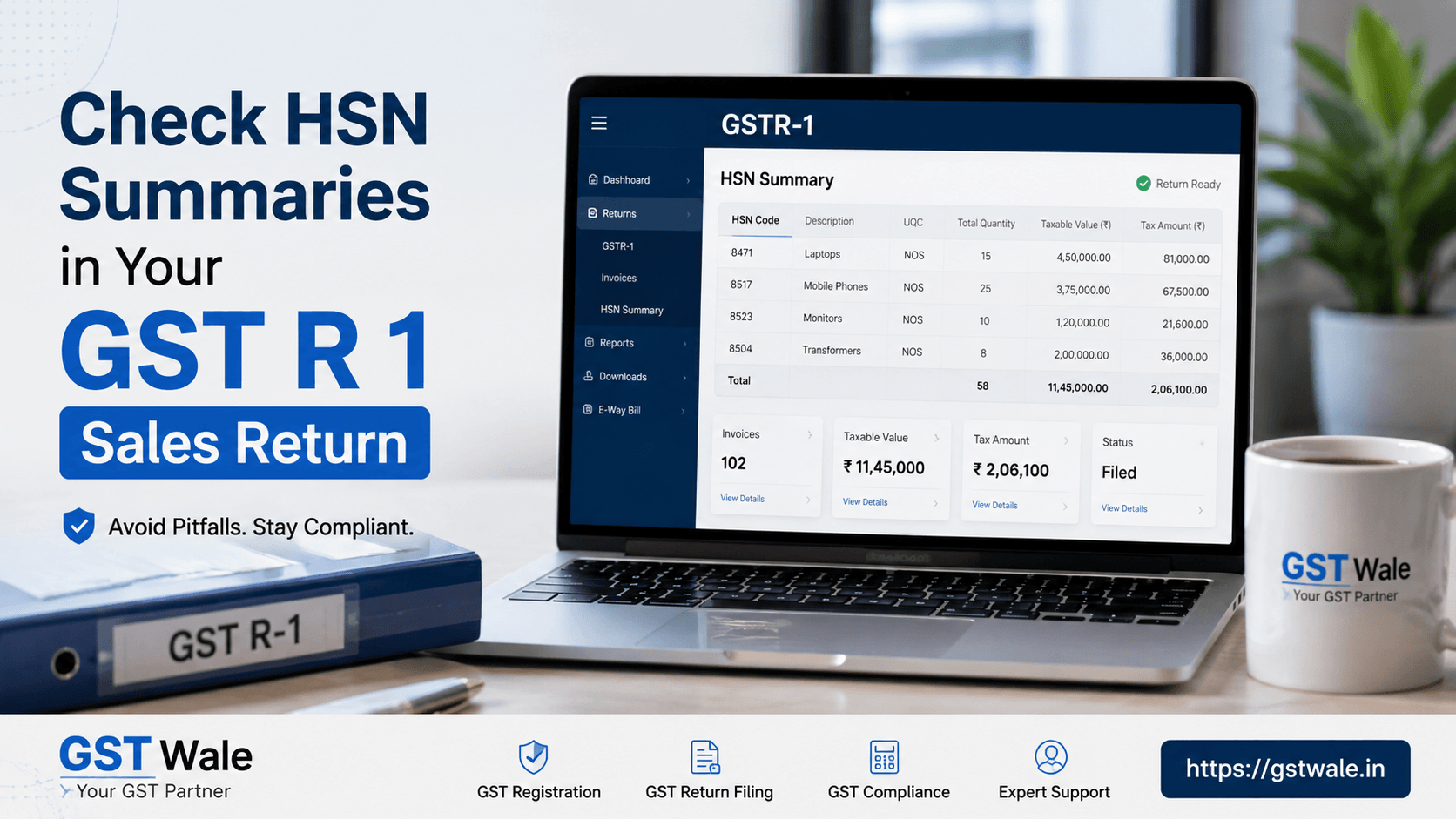
Preparing your gst r 1 correctly is one of the most important responsibilities for every registered taxpayer. Even a small mistake in reporting HSN details can lead to notices, mismatched returns, or unnecessary compliance issues. Many businesses focus only on invoice entries and forget to verify the HSN summary before filing. However, this section plays a crucial role in ensuring that your sales data is accurate and consistent.
If you are a new business or planning to regularize your GST compliance, completing your GST Registration correctly is the first step toward hassle-free return filing. Once registered, understanding how to review every section of gst r 1, including the HSN summary, helps avoid costly errors and improves overall compliance.
Why the HSN Summary Matters in gst r 1
The HSN summary provides a consolidated view of the goods or services sold during the tax period based on their HSN codes. Instead of showing every invoice individually, it groups transactions under their respective HSN classifications.
Incorrect HSN reporting can result in:
- GST notices from the department
- Mismatch between invoices and return data
- Incorrect tax calculations
- Delayed assessments
- Compliance risks during audits
Before submitting your gst r 1, reviewing the HSN summary should always be part of your final checklist.
What Information Appears in the HSN Summary?
The HSN summary in gst r 1 generally contains:
- HSN or SAC code
- Description of goods or services
- Total taxable value
- Quantity sold
- Unit of measurement
- CGST, SGST, IGST, and Cess details
Every value should match the invoices uploaded during the return period.
Common Mistakes Businesses Make in gst r 1
Using Incorrect HSN Codes
One of the most common issues is selecting an incorrect HSN code. Businesses sometimes reuse old codes or rely on assumptions instead of verifying the applicable classification.
Using the correct code ensures proper tax reporting and minimizes future disputes.
Incorrect Quantity Reporting
Many businesses enter the taxable value correctly but make mistakes while reporting quantities.
This usually happens when different units are used across invoices.
Always verify quantities using the unit quantity code guide applicable under GST.
Ignoring Mandatory Descriptions
Certain products require proper classification along with mandatory descriptive codes. Missing or incomplete descriptions may lead to discrepancies during departmental verification.
Multiple Tax Rates Under One HSN
Businesses selling similar products with different GST rates often combine everything under one summary.
This creates inconsistencies and affects overall reporting accuracy.
Manual Data Entry Errors
Typing mistakes while preparing the HSN summary can change taxable values, quantities, or tax amounts.
Even a single digit entered incorrectly can create reconciliation issues later.
Step-by-Step Guide to Check HSN Summaries in gst r 1
Step 1: Download Your Sales Register
Export your complete sales register from your accounting software.
Ensure all invoices for the return period are included.
Step 2: Group Sales by HSN
Prepare a summary based on HSN codes.
Verify that each product has been classified correctly.
Step 3: Compare Quantities
Cross-check invoice quantities with the HSN summary.
Ensure the unit of measurement matches the prescribed codes.
Step 4: Verify Taxable Values
Check whether the taxable values in the HSN summary exactly match your books of accounts.
Any mismatch should be corrected before filing gst r 1.
Step 5: Confirm GST Rates
Ensure every HSN code carries the correct GST rate.
Different products may have different applicable tax percentages.
Step 6: Validate Tax Amounts
Review CGST, SGST, IGST, and Cess values.
Proper tax computation consistency is essential for accurate return filing.
Step 7: Review Before Submission
Perform one final verification before submitting your gst r 1.
A few extra minutes spent reviewing can save significant compliance costs later.
Useful Tools That Help Verify HSN Data
HSN Rate Validator Tool
A reliable hsn rate validator tool helps businesses confirm whether the selected HSN code matches the applicable GST rate.
This reduces classification errors and improves filing accuracy.
Accounting Software Reports
Modern accounting software automatically generates HSN summaries.
However, businesses should still manually review the output before filing.
GST Portal Preview
Always use the preview option available before filing gst r 1.
This helps identify any visible discrepancies.
Handling Multi Item Invoice Summary Correctly
Many invoices contain multiple products with different HSN codes.
While preparing the multi item invoice summary, ensure:
- Each product is mapped to the correct HSN.
- GST rates are applied individually.
- Quantities are correctly aggregated.
- Taxable values are accurately split.
- Invoice totals remain consistent.
Incorrect grouping often results in mismatched HSN summaries.
Practical Example
Suppose a furniture manufacturer sells office chairs and wooden tables in the same invoice.
Both products may fall under different HSN classifications and may even attract different GST rates depending on their specifications.
If both items are incorrectly grouped under a single HSN while preparing gst r 1, the HSN summary becomes inaccurate even though the invoice total appears correct.
This is exactly why reviewing product-wise classifications before filing is essential.
Best Practices for Accurate gst r 1 Filing
- Maintain updated HSN master records.
- Review every month's HSN summary.
- Train staff handling GST entries.
- Use standardized product descriptions.
- Reconcile accounting software with GST data.
- Verify quantities using prescribed unit codes.
- Review tax calculations before submission.
- Keep supporting documents safely for future audits.
Frequently Asked Questions
1. Is the HSN summary mandatory in gst r 1?
Yes. Eligible taxpayers are required to report HSN-wise details as prescribed under GST rules. Accurate reporting helps maintain compliance and reduces the chances of notices.
2. What happens if I use the wrong HSN code?
An incorrect HSN code may lead to tax mismatches, departmental queries, penalties in certain situations, and additional compliance work. It is always advisable to verify HSN classifications before filing.
3. Can I revise the HSN summary after filing gst r 1?
Direct revision of a filed return is not permitted. Corrections are generally made in subsequent returns as allowed under GST provisions, depending on the nature of the error.
4. Why should I verify quantity codes?
Incorrect quantity codes may create inconsistencies between invoice data and HSN summaries. Using the prescribed unit codes improves reporting accuracy and ensures smoother compliance.
5. How often should businesses review HSN classifications?
Businesses should review HSN classifications regularly, especially when introducing new products, revising pricing, or whenever GST notifications update classification requirements.
Accurate HSN reporting is an essential part of filing gst r 1. Verifying HSN codes, quantities, tax rates, and invoice summaries before submission helps businesses avoid unnecessary notices and ensures smoother GST compliance. Small checks performed before filing can prevent larger issues during assessments or audits.
At GST Wale, we help businesses simplify GST compliance with practical guidance, expert support, and accurate return filing services. Whether you need assistance with gst r 1, HSN verification, registrations, or ongoing GST compliance, our experienced professionals are here to help you stay compliant with confidence. Contact GST Wale today and file your GST returns with complete peace of mind.
 Previous


