


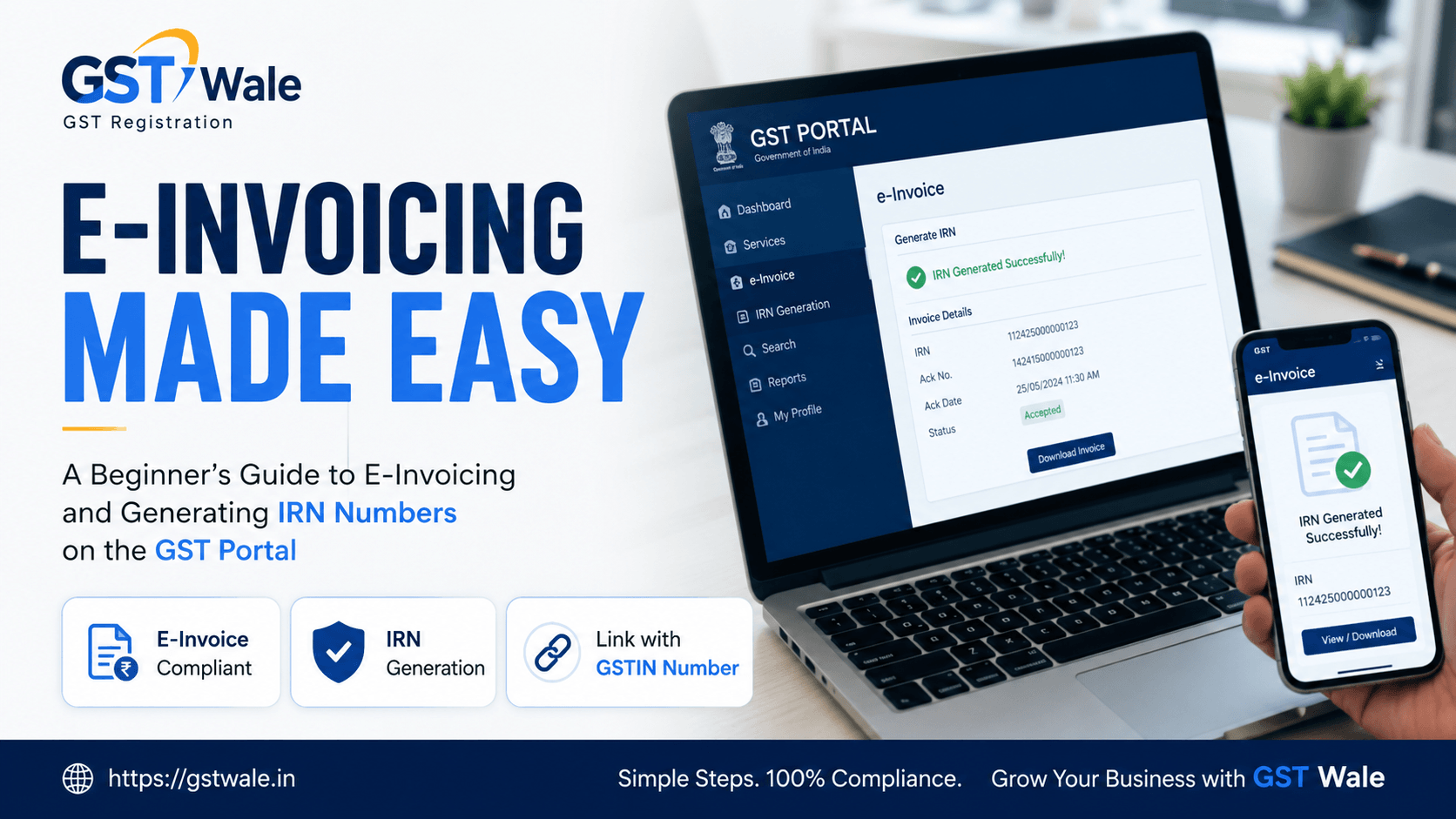
A Beginner's Guide to E-Invoicing and Generating IRN Numbers on the GST Portal
A Beginner's Guide to E-Invoicing and Generating IRN Numbers on the GST Portal
Are you a business owner trying to navigate the ever-evolving world of Indian taxation? If yes, you’ve probably heard the buzz around e-invoicing. Ever since the Government of India introduced this digital mandate, managing your business transactions requires a bit more technical know-how. At the heart of this entire system is your 15-digit gstin number, which acts as your unique identity on the tax portal. If you're wondering how this affects your daily billing, don't worry. At GST Wale, we break down complex compliance into simple steps so you can focus on growing your business instead of drowning in paperwork.
Before you can think about generating an electronic invoice, your business must be legally enrolled under the tax net. If you haven't done it yet, getting a seamless GST Registration is your very first step to obtain your certificate. A formal goods and services tax registration ensures your business stays compliant and free from heavy penalties. Once registered, your unique gstin number becomes the key to unlocking the entire e-invoicing ecosystem.
Understanding the Basics of Your GSTIN Number and E-Invoicing
Let’s bust a common myth right away: e-invoicing does not mean generating your invoices directly on the government portal. You will still use your regular accounting software like Tally, Zoho Books, or Busy to create your bills.
Instead, e-invoicing means reporting your standard billing data to a government-approved platform known as the Invoice Registration Portal (IRP). Once uploaded, the portal verifies the data, signs it digitally, and links it back to your gstin number. This process turns your standard bill into a legally valid digital tax invoice that the tax department recognizes instantly.
Why Was E-Invoicing Linked to the GSTIN Number?
The primary goal of this system is automation and reducing data mismatch errors across every registered gstin number in India. When you report data via the irp portal reporting framework, the information automatically flows into your GSTR-1 and your buyer's GSTR-2B. This eliminates the tedious process of manual data entry at the end of the month, cuts down on clerical typing errors, and substantially reduces tax evasion. For your clients, having a valid gstin number on their invoices means smoother Input Tax Credit (ITC) claims, making your business a preferred vendor to work with.
Who Needs to Comply? The E-Invoice Mandatory Limits
Not every business owner needs to implement this system from day one. The government has rolled out this mandate in a phased manner based on annual turnover thresholds.
Currently, the e-invoice mandatory limits apply to any registered business whose aggregate turnover in any preceding financial year (from 2017-18 onwards) exceeds ₹5 Crores. If your business crosses this threshold, you cannot issue a standard paper bill for commercial transactions. You must generate an electronic variant, and your specific gstin number must be configured on the e-invoice portal to enable this tracking feature.
Scope of Transactions: Where Does It Apply?
It is crucial to understand that this rule doesn’t apply blindly to every single sale you make. Under the standard b2b e-invoicing rules, it is strictly meant for:
B2B Transactions: Supplies made to another registered business entity holding a valid gstin number.
Exports: All export transactions tied to your commercial gstin number, whether with or without payment of IGST.
Deemed Exports & SEZ Supplies: Sales made to Special Economic Zones or business units treated as deemed exports.
Expert Note from GST Wale: If you are selling directly to final consumers (B2C transactions), these rules do not apply to your gstin number operations, regardless of your turnover. You can continue issuing normal invoices, though the government encourages digital transparency across the board.
What is an IRN and Why is It Critical?
The backbone of the entire e-invoicing system is the IRN, which stands for Invoice Registration Number. The invoice registration number is a unique 64-character alphanumeric hash generated by the government's registry system.
Think of it as a unique digital fingerprint for your bill. It is calculated using a complex mathematical algorithm based on three core parameters:
The supplier’s gstin number
The financial year
The document type and document number (Invoice number)
Because it is built using these specific points, no two invoices in India can ever share the same hash. Alongside the IRN, the portal also generates a unique Quick Response (QR) code. A printout of your bill is legally invalid under the b2b e-invoicing rules unless it displays both this 64-digit number and the QR code prominently, mapping directly to your verified gstin number.
Step-by-Step Guide to Generating an IRN on the Portal
Now, let's walk through the actual, practical process of how you can generate this number for your day-to-day operations.
Step 1: One-Time Registration on the E-Invoice Portal
Go to the official government e-invoice portal. Click on the 'Registration' tab and select 'E-Invoice Enablement'. Enter your active gstin number and validate it using the OTP sent to your registered mobile number. Once validated, set up your login credentials.
Step 2: Choosing Your Mode of Generation
Depending on the size of your business, you can choose how you want to interact with the system:
API Integration: Ideal for medium to large businesses. Your accounting software connects directly via your gstin number profile to generate the IRN instantly.
Offline Bulk Tool: Best for businesses with a moderate number of daily invoices. You enter details into an Excel-based utility tool provided by the government to generate a JSON file.
Step 3: Creating and Preparing the JSON File
Enter your sales transaction into your software or the offline utility. Ensure all mandatory fields—such as buyer details, item description, HSN codes, tax rates, and the buyer's gstin number—are completely accurate. Export this data as a JSON file.
Step 4: Uploading to the IRP Portal Reporting System
Log into your account on the e-invoice registry platform. Navigate to the bulk upload section and upload your prepared JSON file. The irp portal reporting mechanism will instantly validate the structure of your data.
Step 5: Receiving the Signed Digital Tax Invoice
If everything is correct, the system generates the 64-character invoice registration number, signs the invoice digitally, and appends a QR code. You can now download this validated file and print the invoice showing both your details and the buyer's verified gstin number.
Consequences of Not Linking Invoices to Your GSTIN Number
As professional consultants, we cannot stress this enough: ignoring these rules can severely hurt your business cash flow. If you cross the e-invoice mandatory limits and fail to generate an IRN for your active gstin number:
Your invoice is legally treated as "not issued" in the eyes of the law.
Your corporate clients will be completely denied their Input Tax Credit (ITC), which means they will likely stop doing business with your gstin number.
You face a penalty of 100% of the tax due or ₹10,000 per invoice (whichever is higher) for issuing an incorrect invoice.
Your goods can be detained or confiscated during transit if the accompanying e-way bill does not contain a valid IRN-linked QR code.
Frequently Asked Questions (FAQs)
1. Can I cancel an IRN once it is generated on the portal?
Yes, you can cancel an IRN directly on the platform, but it must be done within 24 hours of generation. Note that you cannot modify an invoice once uploaded; if there is a mistake, cancellation and regeneration is the only way out. If 24 hours have passed, you must issue a Debit or Credit Note instead.
2. Is a separate E-Way Bill required if I have generated an IRN?
The irp portal reporting system is fully integrated with the E-Way bill system. When uploading your invoice JSON, if you provide transportation details, the system will automatically generate your E-Way Bill alongside your invoice registration number, saving you double effort.
3. What happens if my buyer does not have a gstin number?
If your buyer does not possess a valid gstin number, it is classified as a B2C transaction. In this case, you do not need to upload the bill or generate an IRN under the current b2b e-invoicing rules.
4. Does e-invoicing apply to composition dealers or banking companies?
No, certain sectors are explicitly exempted by the government regardless of their turnover. This includes composition scheme dealers, banking institutions, insurance companies, financial institutions, Goods Transport Agencies (GTAs), and passenger transport services.
Partner with GST Wale for Seamless Compliance
Transitioning to automated systems can feel overwhelming at first, but once you set up the right workflows, it makes your business highly efficient. Ensuring your gstin number is fully compliant with the latest digital tax invoice protocols protects your brand reputation and keeps your operations running smoothly without legal hurdles.
If you find the technical setup, API integrations, or threshold rules confusing, let the experts handle it for you. At GST Wale, our dedicated team of experienced professionals guides you through every step—from initial registration to automated billing setup. Reach out to us today to secure your gstin number compliance together!
 Previous