


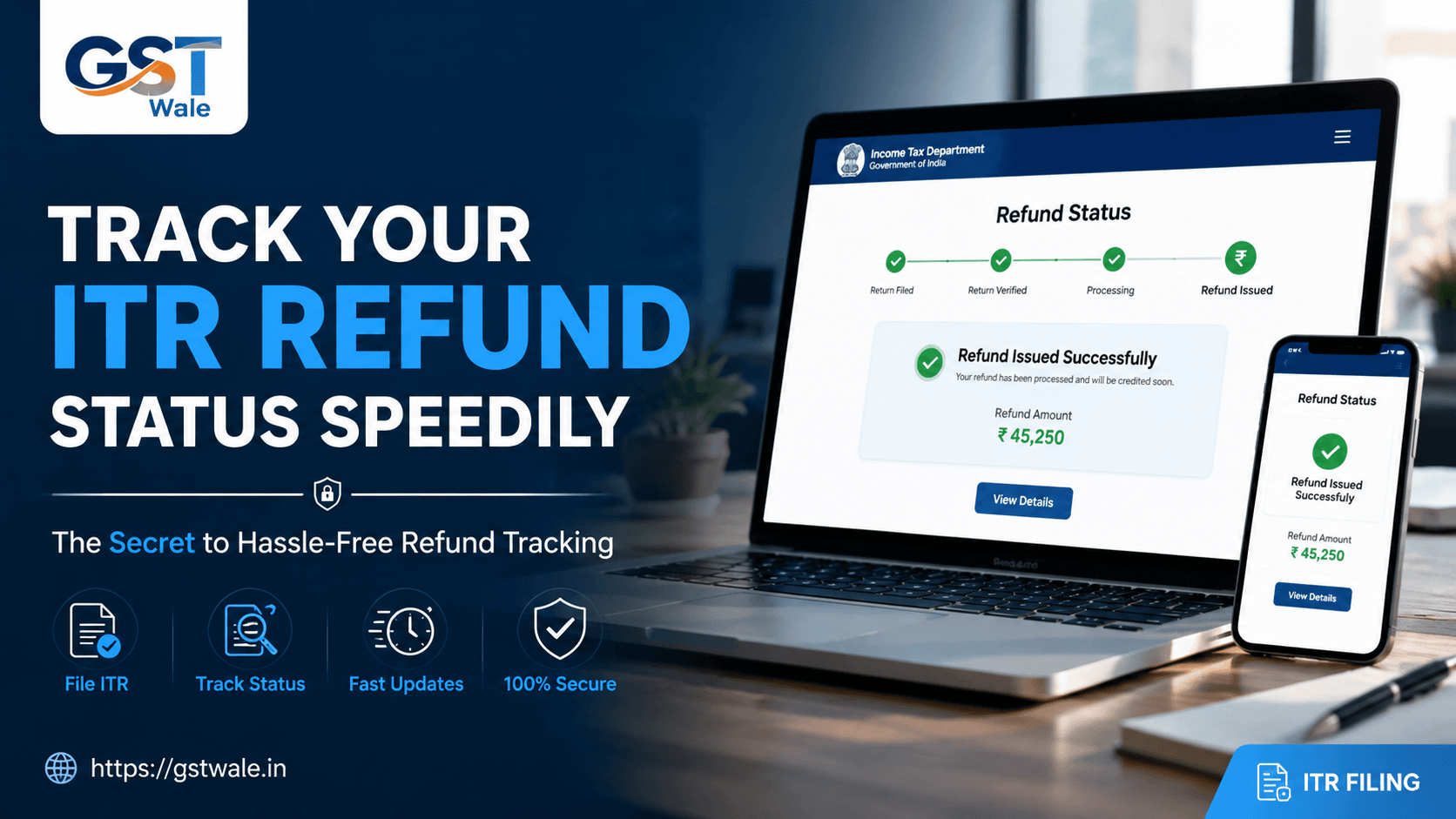
The Secret to Tracking Your ITR Return Refund Status Speedily
The Secret to Tracking Your ITR Return Refund Status Speedily
Every year between June and July, a collective sigh of relief echoes across India as lakhs of taxpayers finish uploading their financial lives onto the income tax portal. But let’s be honest with each other: the real relief doesn’t come when you click 'Submit'. The real joy happens when your phone buzzes with that sweet SMS from your bank confirming your tax refund credit.
If you have already filed your ITR return, you are probably eagerly waiting for that money to hit your account. At GST Wale, we interact with hundreds of salaried individuals and small business owners who ask us the exact same question every week: "Sir, I filed my tax weeks ago, where is my money" Waiting blindly can be incredibly frustrating. The good news is that the Income Tax Department has modernized its systems significantly. Today, you don’t need to call your CA every day or visit a tax office to know what's happening. In this comprehensive guide, we will share the ultimate insider secrets to tracking your ITR return refund status speedily and resolving roadblocks before they delay your money.
Why is Your ITR Return Refund Delayed?
Before we jump into the tracking tools, it is crucial to understand how the system works. Once you submit your ITR return, it goes through an automated processing system at the Centralized Processing Center (CPC) in Bengaluru.
Most delays don't happen because the department is slow; they happen due to minor mismatches that go unnoticed by taxpayers. If you handled your ITR Filing through a professional platform like GST Wale, your data is likely completely error-free. However, if you filed in a hurry, your refund might be stuck due to unmatched Tax Deducted at Source (TDS) details, unverified returns, or a simple typo in your bank credentials. Let’s look at how you can check where your money is right now.
Method 1: The Fastest Way to Check Refund Status Online via the E-Filing Portal
The official Income Tax e-filing portal is your absolute control command center. It gives you the most detailed breakdown of your tax processing lifecycle.
Here is the step-by-step process to check your status instantly:
Log In: Go to the official Income Tax e-filing website and log in using your PAN or Aadhaar number and your secure password.
Navigate to e-File: Click on the 'e-File' tab on the top menu, then select 'Income Tax Returns', and click on 'View Filed Returns'.
Review Your Year: Locate the relevant Assessment Year (AY) for which you are expecting the refund.
Check the Status Trail: Look at the status bar. It will show you a clear progression: Submitted -> e-Verified -> Processing -> Refund Issued.
If the status shows "Refund Issued", the department has authorized the payment, and you will see the exact amount and date of dispatch. If it says "Under Processing", hang tight—the CPC is still validating your numbers.
Method 2: NSDL Refund Tracking Portal (Tin-NSDL)
Did you know there is a secondary backup route to track your money without even logging into your tax profile? This is the NSDL refund tracking mechanism, managed through the Protean (formerly NSDL) website. It is an incredibly fast, no-nonsense tool.
To use the NSDL refund tracking tool:
Visit the official Protean Tin-NSDL refund tracking webpage.
Type in your 10-digit Permanent Account Number (PAN).
Select the correct Assessment Year (e.g., if you filed your taxes for FY 2025-26, your AY is 2026-27).
Enter the captcha code and click 'Proceed'.
The system will instantly display the exact status of your income tax refund online. It will show whether the refund has been sent to your bank, if it was returned due to an incorrect account number, or if it is still being processed.
The Ultimate Secret: Bank Account Validation is Non-Negotiable
If you take only one piece of expert advice from this entire article, let it be this: Check your bank account validation status right now.
The Income Tax Department has completely stopped issuing physical refund cheques. Every single refund credit is processed electronically via direct bank transfer (NECS/RTGS). The department cannot send money to an account that hasn't been pre-validated on their portal.
To ensure your bank account validation is active:
Log into your e-filing dashboard.
Go to 'Profile' and click on 'My Bank Account'.
Look at your primary bank account. It must display a green tag saying "Validated" and another tag saying "Refund Nomination Enabled".
If it says "Validation Failed" or "Restricted", your refund will stay stuck indefinitely in the cloud, even if the tax department has fully approved it. Make sure your PAN, name on the bank passbook, and phone number exactly match your tax records to avoid validation failures.
Understanding Common Status Messages
When you check refund status, you might run into specific tax jargon. Here is a quick cheat sheet from GST Wale to help you decode what they mean:
Refund Awaited / Under Processing: Your ITR return is verified, and the assessment officer is calculating your final liability. No action is needed from your end yet.
Refund Determined: The department agrees with your calculations and has finalized the refund amount. The money will move to the bank soon.
Refund Reissue Request Required: This means the department tried to send your refund credit but your bank rejected it (usually due to a failed bank account validation or a closed account). You will need to update your bank details and submit a formal "Refund Reissue Request" under the Services tab.
Defective Return u/s 139(9): This is a red flag. The department found structural defects or missing schedules in your filing. You must respond to this notice within 15 days to save your refund.
Pro-Tips from GST Wale to Speed Up Your Refund
If you want your money back swiftly in future tax seasons, implement these three golden rules:
e-Verify Instantly: Your ITR return is a dead piece of paper until it is e-verified. You have 30 days to verify it via Aadhaar OTP. The faster you e-verify, the faster the CPC processes your file.
Reconcile with Form 26AS & AIS: Ensure every rupee of TDS deducted by your employer or bank matches your Annual Information Statement (AIS). Mismatches trigger human audits, delaying refunds by months.
File Early: The processing system follows a queue. Filing in June guarantees a much faster turnaround time compared to filing on the frantic night of July 31st.
Frequently Asked Questions (FAQs)
Q1: How long does it take to receive an income tax refund online?
Generally, it takes anywhere between 10 days to 45 days after successful e-verification. However, straightforward salaried returns are often processed much faster now, sometimes within just a week.
Q2: My status says "Refund Issued" but I haven't received it yet. What should I do?
First, wait for 2 to 3 working days as national clearing cycles take time. Next, check your bank statement carefully. If it’s still missing, log into the portal to ensure your bank account validation hasn’t lapsed or encountered an error.
Q3: Can I change my bank account after submitting my ITR return?
Yes, absolutely. You can log into the e-filing portal, navigate to your profile, add a new bank account, successfully validate it, and then raise a 'Refund Reissue Request' nominating the new account.
Q4: Will I get interest on a delayed ITR return refund?
Yes! If your refund amount is more than 10% of your total tax liability, the department pays simple interest at the rate of 0.5% per month (or part of a month) under Section 244A, calculated from April 1st of the Assessment Year until the date the refund is granted.
Let Experts Handle Your Taxes Smoothly
Tracking your ITR return refund status speedily doesn’t require magic; it just requires a bit of vigilance and checking the right portals at the right time. By keeping your bank account validated and regularly monitoring the e-filing and NSDL refund tracking sites, you can ensure your hard-earned money comes back to you without long delays.
Taxes can look overwhelming, but they don't have to be a stressful administrative burden. At GST Wale, we take the guesswork completely out of your financial compliance. From flawless tax filing that minimizes audit risks to tracking your stuck refunds and resolving complex tax notices, our team of dedicated financial experts is here to guide you every step of the way. Reach out to GST Wale today, and let us optimize your tax journey while you focus on growing your business!
 Previous