



Your Quick Roadmap to Tracking and Claiming TDS Credits on ITR Online
Your Quick Roadmap to Tracking and Claiming TDS Credits on ITR Online
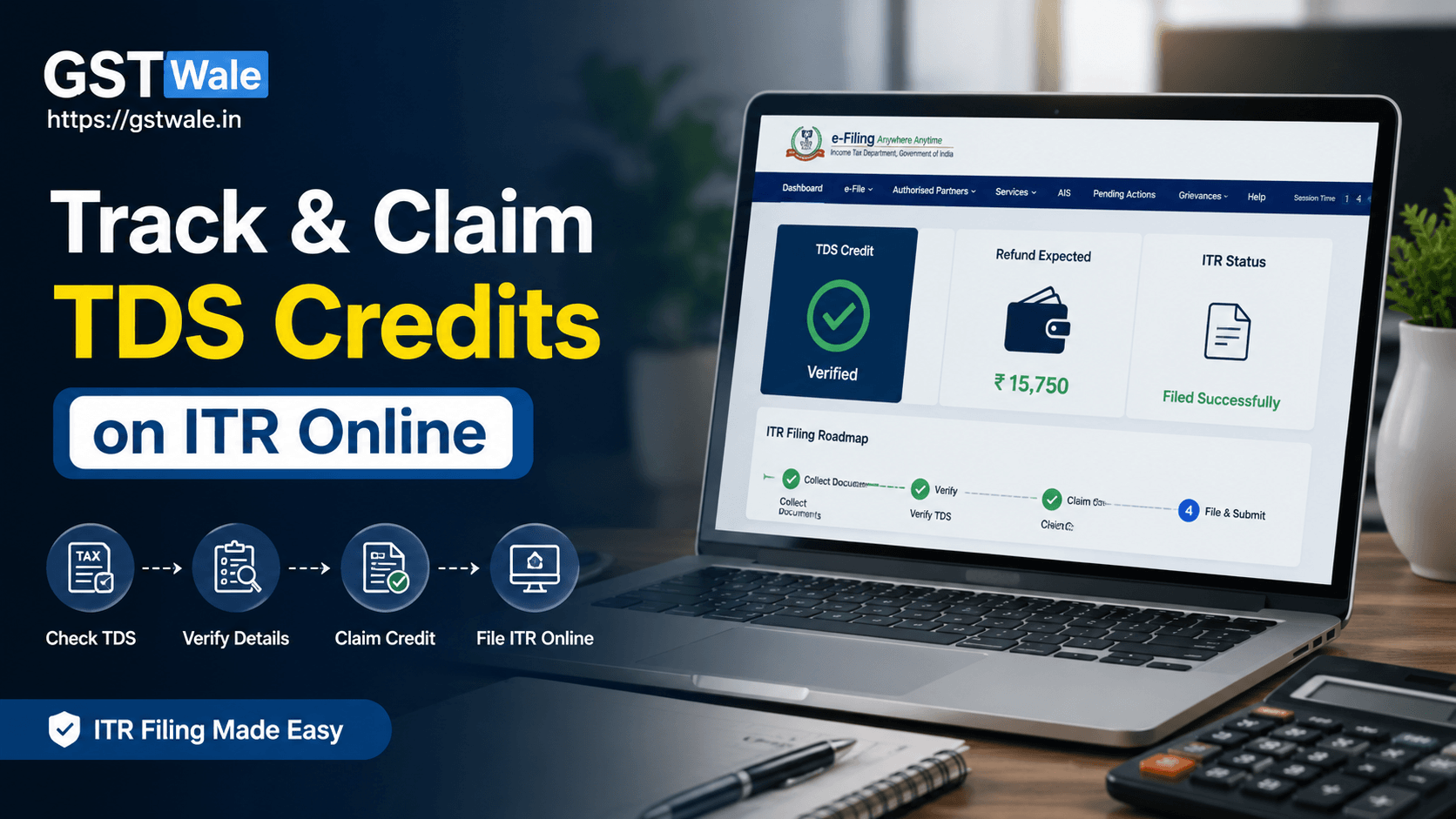
If you are planning to complete your itr online filing this year, tracking and claiming your Tax Deducted at Source (TDS) credits should be one of your top priorities. Many taxpayers end up paying extra tax or receiving delayed refunds simply because they fail to verify whether the TDS deducted by employers, banks, or clients has been correctly reflected in their tax records. As Chartered Accountants at GST Wale, we have seen numerous cases where a few minutes of verification saved taxpayers from unnecessary notices and financial losses.
Whether you are a salaried employee, freelancer, consultant, or business owner, understanding how TDS credits work makes the process of ITR Filing much smoother. This guide will help you understand how to track your TDS, claim the correct credit, avoid common mistakes, and successfully complete your itr online filing.
What is TDS and Why Does It Matter for ITR Online?
Tax Deducted at Source (TDS) is a system where tax is deducted before income reaches you. The deducted amount is deposited by the deductor directly with the Income Tax Department on your behalf.
TDS may be deducted on:
- Salary
- Bank interest
- Professional or consultancy income
- Rent payments
- Contract payments
- Commission or brokerage
When you complete your itr online, you receive credit for the tax already deducted. This reduces your overall tax liability and may even result in a refund if excess tax has been deducted.
Where Can You Check Your TDS Before Filing ITR Online?
Before you file income tax return online, always verify your TDS details using official records. Never rely only on salary slips or bank certificates.
Form 26AS
Form 26AS is one of the most reliable statements available to taxpayers. It contains:
- TDS deducted by employers
- TDS deducted by banks
- TDS deducted by clients
- Advance tax paid
- Self-assessment tax
Cross-check every deduction before proceeding with your itr online.
Annual Information Statement (AIS)
The AIS provides a broader view of your financial transactions. It includes:
- Interest income
- Dividend income
- Securities transactions
- TDS details
- Specified financial transactions
Reviewing AIS helps identify discrepancies before your return is submitted.
Salary Form 16
Salaried individuals should compare Form 16 with Form 26AS to ensure the employer has deposited the deducted tax correctly.
Step-by-Step Guide to Claim TDS Credits in ITR Online
Step 1: Collect All Income Documents
Gather:
- Form 16
- Interest certificates
- Professional receipts
- Bank statements
- TDS certificates (Form 16A where applicable)
Step 2: Verify Form 26AS
Ensure every TDS entry appears correctly. Even a small mismatch can delay your refund.
Step 3: Match Income with TDS
The income declared in your return should correspond with the TDS deducted. If your client deducted TDS on professional fees, the related income should also be reported.
Step 4: Select the Correct ITR Form
Choosing the right itr form is essential. Using the wrong form may result in defects or rejection of your return.
Step 5: Verify Auto-Populated Details
While preparing your itr online, many TDS details are auto-filled. Carefully compare them with your records before submission.
Step 6: Submit and Verify Your Return
Once everything matches, complete the verification process. Your return is treated as valid only after successful verification.
Common Reasons Why TDS Credit May Not Appear
Sometimes taxpayers notice missing TDS despite deductions from their income. Some common reasons include:
- Deductor has not filed the TDS return.
- Incorrect PAN quoted by the deductor.
- TDS return filed with errors.
- Mismatch between income reported and TDS claimed.
- Delay in TDS statement processing.
If any of these situations arise, contact the deductor immediately and request correction before completing your itr online.
Practical Example of Claiming TDS Credit
Suppose Rahul works for a private company and also earns interest from fixed deposits.
His employer deducted ₹55,000 as TDS, while his bank deducted ₹3,500 on interest income.
Before filing his return, Rahul checks Form 26AS and finds both deductions correctly reflected. During his itr online, he reports both salary and interest income. Since the TDS has already been deposited, it is automatically adjusted against his tax liability, resulting in a refund.
Had Rahul ignored the bank interest or failed to verify Form 26AS, he might have received a tax notice or lost part of his refund.
Tips to Avoid TDS Errors During IT Filing
- Always verify Form 26AS before filing.
- Review AIS for additional income entries.
- Keep Form 16 and Form 16A safely.
- Ensure your PAN is correctly linked everywhere.
- Do not claim TDS that is not reflected.
- Report all taxable income honestly.
- Complete verification immediately after submission.
These simple precautions make your it filing process smoother and reduce the chances of scrutiny.
Why Accurate TDS Reporting Matters in Incometax Return Online
Many taxpayers focus only on submitting their return before the due date. However, accuracy is equally important.
A properly filed incometax return online ensures:
- Faster refund processing.
- Reduced chances of tax notices.
- Accurate tax credit.
- Better financial documentation for loans and visas.
- Compliance with Income Tax regulations.
Whenever you file it returns online, remember that every TDS entry should match your reported income.
Frequently Asked Questions
1. Can I claim TDS if it is not showing in Form 26AS?
No. Ideally, TDS should first appear in Form 26AS. If it is missing, contact the deductor and request them to correct or file the TDS return before claiming the credit.
2. Which documents should I check before filing itr online?
You should review Form 26AS, AIS, Form 16, Form 16A, bank interest certificates, and other income-related documents to ensure all information matches.
3. What happens if I claim excess TDS?
If the claimed TDS does not match official records, your return may be processed with reduced credit, your refund may be delayed, or you could receive a notice seeking clarification.
4. Is selecting the correct itr form important?
Yes. Choosing the correct itr form is essential because the wrong form can result in a defective return and additional compliance requirements.
5. Can freelancers also claim TDS credits?
Absolutely. Freelancers, consultants, and professionals can claim TDS deducted by clients, provided the income is reported correctly and the deduction appears in Form 26AS.
Completing your itr online is much more than simply submitting a return. Verifying your TDS credits, matching your income, selecting the correct itr form, and reviewing official tax records can help you avoid unnecessary tax demands and receive your refund faster. A careful review before you file income tax return online ensures your compliance remains accurate and stress-free.
At GST Wale, we help individuals, professionals, freelancers, and businesses complete their tax filings with confidence. If you want expert guidance, accurate documentation, and hassle-free tax compliance, our experienced team is ready to assist you at every step of your income tax journey.
 Previous


