



Step-by-Step Instructions to Revoke or Change a Nominated Bank Account in Your ITR Online Account
Step-by-Step Instructions to Revoke or Change a Nominated Bank Account in Your ITR Online Account
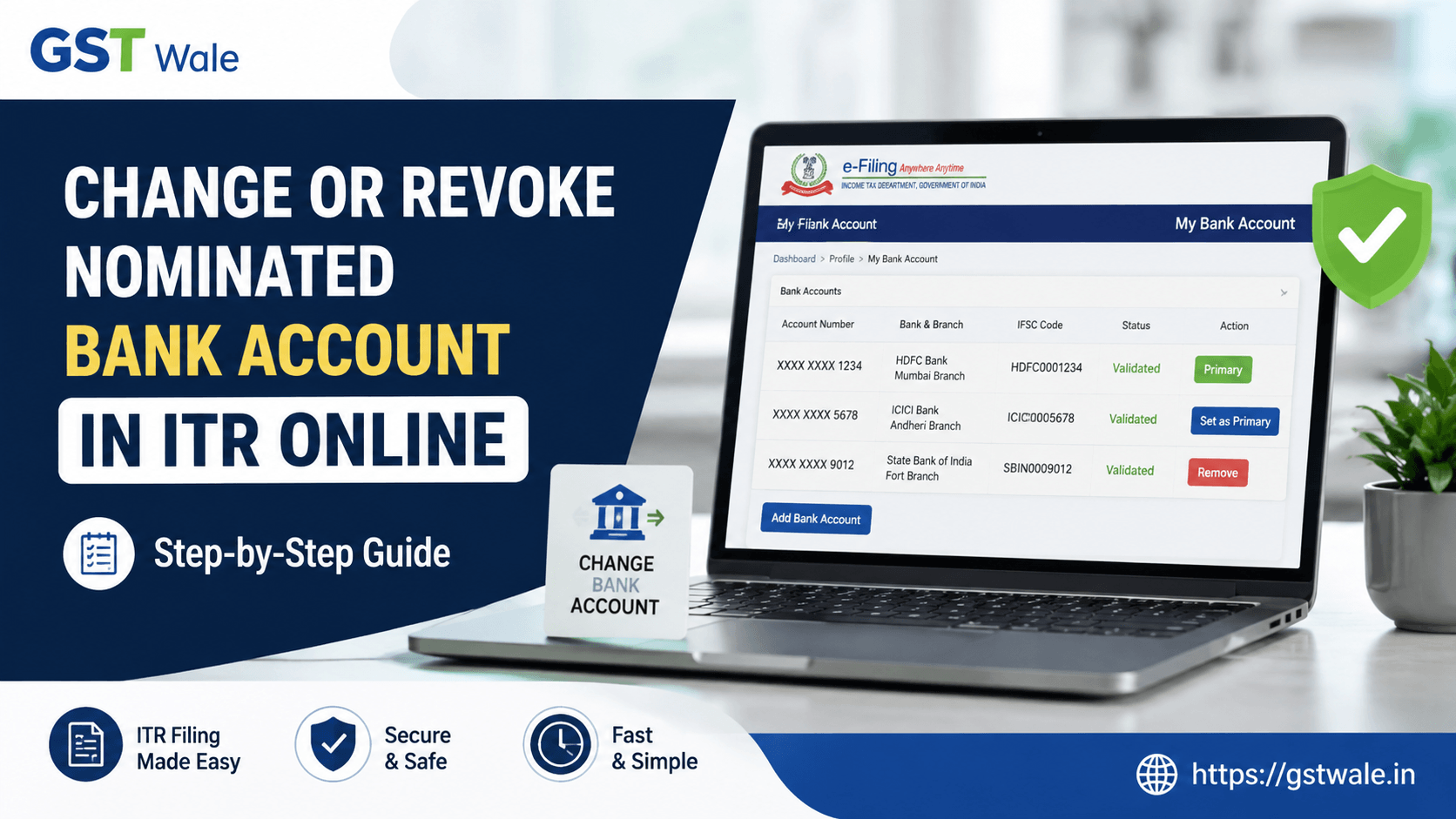
Managing your bank account details correctly in your itr online account is extremely important. The bank account linked with your Income Tax profile is used for refunds, verification, and communication related to your tax filings. Many taxpayers realise the need to update or revoke a nominated bank account after changing banks, closing an old account, or opening a new salary account.
At GST Wale, we regularly assist clients who want to update their banking details before they file income tax return online. An incorrect or inactive bank account can delay your refund and create unnecessary follow-up with the Income Tax Department. If you are planning your annual tax compliance, our professional ITR Filing service can help ensure that your bank account details and tax return are submitted accurately.
In this detailed guide, we explain how to revoke or change a nominated bank account in your itr online account using the official Income Tax e-filing portal. The process is simple and can usually be completed within a few minutes.
What Is a Nominated Bank Account in ITR Online?
A nominated bank account is the account selected by the taxpayer to receive income tax refunds. While multiple bank accounts can be added and validated in the e-filing portal, only one account is generally marked as the primary refund account.
Common reasons to change it include:
- Salary account changed after switching jobs
- Old bank account closed
- Joint account no longer used
- New account opened with better banking facilities
- Incorrect account number entered earlier
- Refunds getting delayed due to inactive account
Updating this information in your itr online profile before it filing is a good practice.
Documents and Information Required
Keep the following details ready before logging into your itr online account:
- PAN number
- Password for the Income Tax e-filing portal
- Mobile number linked with Aadhaar and bank account
- New bank account number
- IFSC code
- Bank name and branch
- Internet banking or debit card access if bank validation is required
Ensure the new bank account is active and in your name. Refunds are generally not issued to third-party accounts.
Step-by-Step Process to Change a Bank Account in ITR Online
Follow these steps carefully.
Step 1: Log in to the Income Tax e-Filing Portal
Visit the official Income Tax e-filing website and log in using your PAN/Aadhaar and password. This is the starting point for managing your itr online profile.
Step 2: Go to Profile Settings
After login, click on Profile from the top menu. Then select My Bank Account. Here you will see all bank accounts linked with your itr online account.
Step 3: Add a New Bank Account
Click Add Bank Account and enter:
- Account number
- Account type (Savings/Current)
- IFSC code
- Bank name
Double-check the account number before proceeding. A single digit error can result in refund failure.
Step 4: Validate the Bank Account
The portal will initiate bank validation. In many cases, validation happens automatically through the banking network. Some banks may require OTP authentication or net banking verification.
Wait until the status changes to Validated. Only validated accounts can be nominated for refunds in itr online.
Step 5: Set the New Account as Primary
Once validated, click Set as Primary or Nominate for Refund against the new account. This step ensures future refunds are credited to the new account.
Step 6: Save the Changes
Confirm and save the changes. You may receive an OTP on your registered mobile number. Enter the OTP to complete the update in your itr online account.
How to Revoke a Nominated Bank Account in ITR Online
If you no longer want a particular account to remain nominated for refunds, follow these steps:
- Log in to your itr online account.
- Go to Profile → My Bank Account.
- Locate the currently nominated account.
- Select another validated account as the primary refund account.
- Save the changes.
Important: The portal generally requires at least one validated bank account to remain active. Therefore, you should add and validate the new account before revoking the old one.
Real-World Example
Mr. Rajesh, a salaried employee in Pune, changed jobs in June and received a new salary account from his employer. During incometax return online filing, he noticed that his old salary account had already been closed. Had he filed the return without updating the account, his refund would likely have failed. By updating the new account in itr online before submitting the return, he received his refund within a few weeks without any issue.
This is a common situation we see at GST Wale, especially among salaried professionals and small business owners.
Important Points to Remember Before IT Filing
Before you file it returns online, check the following:
- The bank account is validated.
- The account holder name matches PAN records.
- The account is active and capable of receiving NEFT/RTGS credits.
- The IFSC code is correct.
- The primary refund account is selected properly.
- Mobile number and email ID are updated in the portal.
These small checks can prevent refund rejection and unnecessary rectification requests.
Common Errors While Updating Bank Account in ITR Online
Incorrect IFSC Code
Always copy the IFSC code from the bank passbook or official bank website.
Name Mismatch
If the bank account name differs significantly from PAN records, validation may fail.
Dormant Account
Inactive or dormant accounts may not receive refunds successfully.
Validation Pending
Do not proceed with it filing until validation is completed.
Joint Account Issues
Prefer an account where you are the primary holder.
Does Changing the Bank Account Affect the ITR Form?
The bank account details entered in the itr form should match the validated account available in your itr online profile. If you change the account after preparing the return but before submission, review the bank details once again before final filing.
For taxpayers who frequently file income tax return online, maintaining updated bank records reduces the chances of notices related to refund failures.
Frequently Asked Questions (FAQs)
1. Can I have multiple bank accounts in my itr online profile?
Yes. You can add multiple bank accounts, but only one can be nominated as the primary refund account.
2. How long does bank validation take?
In many cases, validation is completed within a few minutes, though some banks may take longer.
3. Can I change the bank account after filing my return?
Yes. You can update the nominated account even after filing, provided the refund has not yet been processed.
4. Is it mandatory to validate the bank account?
Yes. An unvalidated account cannot be selected for income tax refunds in itr online.
5. What happens if my refund is sent to a closed account?
The refund generally fails and is returned to the Income Tax Department. You must then update the correct account and raise a refund reissue request.
Expert Tips from GST Wale
As experienced tax professionals, we recommend the following best practices:
- Update bank details immediately after changing jobs or banks.
- Keep at least one personal savings account active for tax refunds.
- Verify bank details before every incometax return online filing.
- Download and save the confirmation screen after updating the account.
- Review your itr online profile once every financial year.
These simple habits can save significant time during refund season.
Updating or revoking a nominated bank account in your itr online account is a simple but extremely important task. Correct bank details ensure timely refunds, smooth communication with the Income Tax Department, and hassle-free it filing. Whether you are a salaried employee, freelancer, or business owner, reviewing your banking information before you file it returns online should be part of your annual tax checklist.
At GST Wale, we help taxpayers across India manage their itr online compliance accurately and efficiently. If you need assistance with bank account updates, selecting the correct itr form, or completing your return filing, our experts are ready to help. Contact GST Wale today and make your income tax filing process simple, secure, and stress-free.
 Previous


