


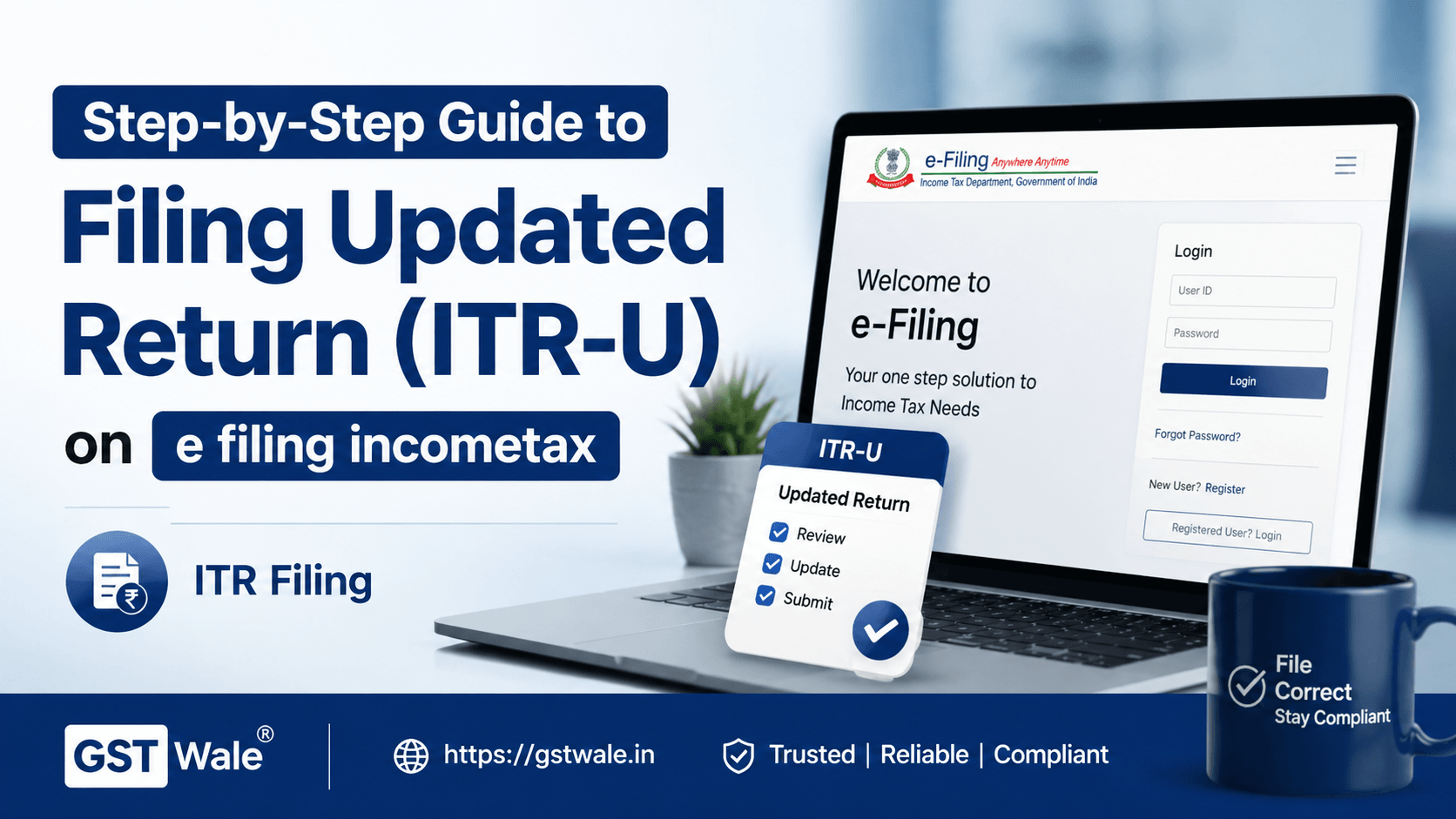
Step-by-Step Guide to Filing an Updated Return (ITR-U) on e filing incometax
Step-by-Step Guide to Filing an Updated Return (ITR-U) on e filing incometax
Mistakes happen—even to the best of us. Whether it was a missed dividend income or an overlooked deduction, realizing you filed an incorrect tax return can be stressful. However, thanks to the introduction of the Updated Return (ITR-U) in the ITR Filing process, taxpayers now have a stress-free mechanism to rectify their errors. If you are struggling with the complexities of e filing incometax, this guide will walk you through everything you need to know.
What is ITR-U and Why Does it Matter?
The Income Tax Department introduced ITR-U to allow taxpayers to update their returns within two years from the end of the relevant assessment year. This facility is a boon for correcting voluntary omissions late, ensuring that you don't face penalties or scrutiny later on. By choosing to update, you are essentially making a voluntary disclosure benefits-driven decision, which keeps you compliant without the fear of legal repercussions.
Eligibility for e filing incometax (ITR-U)
Not everyone is eligible for every situation, but generally, if you have missed reporting income or misstated deductions, you can opt for e filing incometax via ITR-U. Remember, you cannot file an updated return if it results in a lower tax liability, a refund, or increases a refund already claimed.
Step-by-Step Guide to Filing Your Updated Return
Follow these steps carefully to ensure your e filing incometax submission is accurate:
Step 1: Log in to the official Income Tax e-filing portal.
Step 2: Navigate to the 'e-File' menu and select 'Income Tax Return' > 'File Income Tax Return'.
Step 3: Select the Assessment Year and choose the option 'Updated Return (ITR-U)'.
Step 4: Select the specific ITR form applicable to your income category.
Step 5: Provide the reason for updating your return from the dropdown menu.
Step 6: Calculate your additional tax penalty payments as required by law (25% or 50% depending on the timeline).
Step 7: Verify your return using Aadhaar OTP or EVC to complete the process.
Understanding Updated Return Deadlines and Penalties
Timing is everything. Understanding updated return deadlines is crucial to minimize the additional tax burden. The sooner you file, the lower the additional tax payment will be. Waiting until the end of the two-year window increases your financial liability.
Frequently Asked Questions
Can I file ITR-U if my original return is under scrutiny?
No, you cannot use the e filing incometax updated return facility if proceedings are already pending for that assessment year.
What is the penalty for filing an updated return?
You are required to pay an additional tax of 25% if filed within 12 months, or 50% if filed after 12 months but before 24 months from the end of the relevant Assessment Year.
Is e filing incometax (ITR-U) mandatory?
It is optional, but highly recommended if you discover an error, as it protects you from further penalty notices from the IT department.
Navigating tax compliance can be daunting, but with the ITR-U facility, you have a clear path to correct your past returns. Mastering e filing incometax ensures peace of mind and financial security. At GST Wale, we simplify tax compliance for you. If you are feeling overwhelmed or need professional assistance with your taxes, our team of expert CAs is just a message away. Contact GST Wale today!
 Previous