


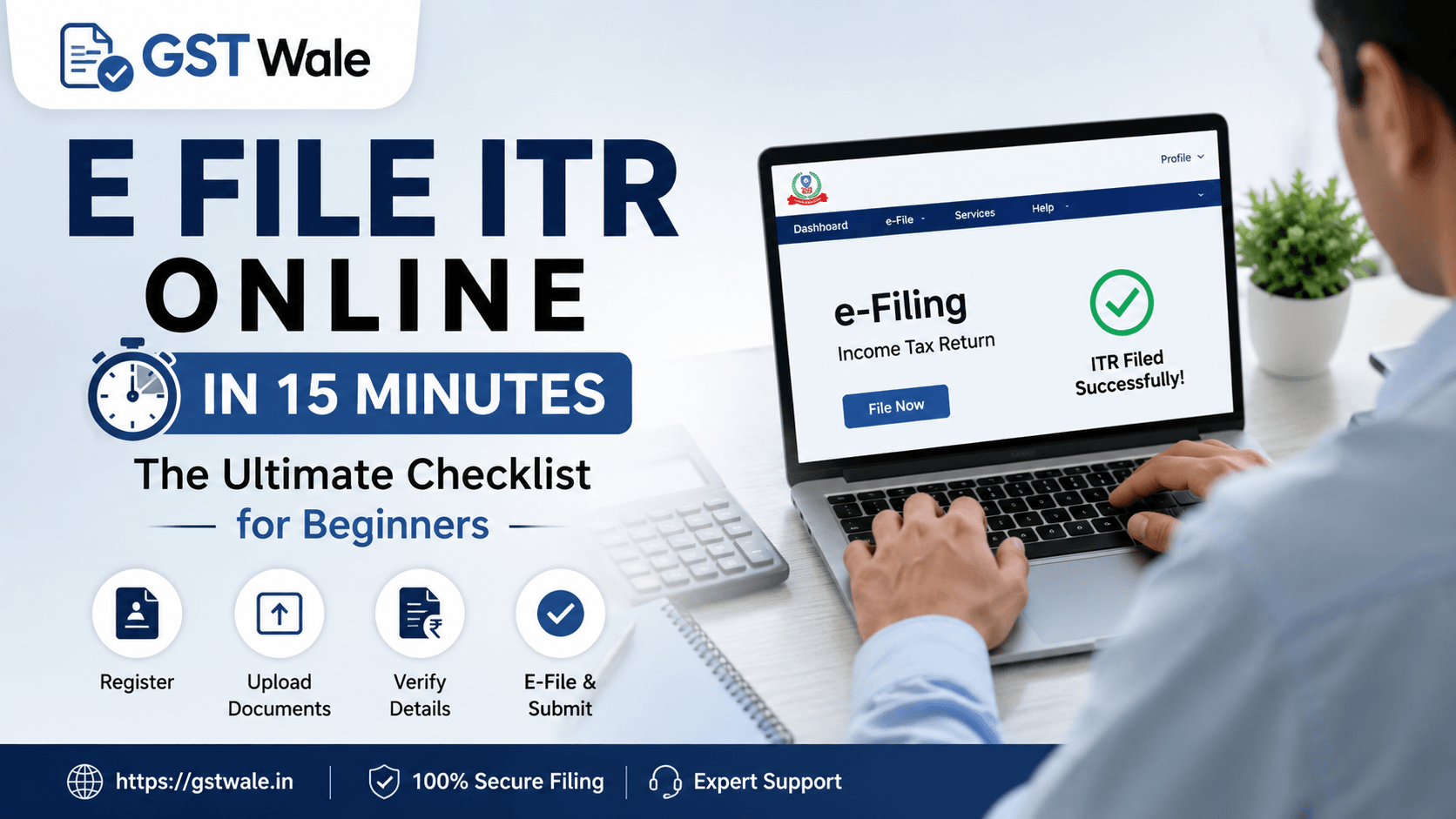
How to E File ITR Online in 15 Minutes: The Ultimate Checklist for Beginners
How to E File ITR Online in 15 Minutes: The Ultimate Checklist for Beginners
Tax season can feel like a daunting marathon, but it doesn't have to be. As someone who has spent years in the trenches of taxation, I have seen countless individuals stress over deadlines, only to realize that the process is far more streamlined today than it was a decade ago. If you are looking to e file itr without the typical panic, you have come to the right place. At GST Wale, we believe that staying compliant should be an easy part of your financial routine. Whether you are a first-time taxpayer or someone looking for a more efficient way to manage your ITR Filing, getting your documents in order is half the battle.
The goal of this guide is to demystify the e-filing process so you can navigate the Income Tax Department portal like a pro. With a little preparation, you can file tax return online in roughly 15 minutes. Let’s dive into the essential checklist that will make your tax journey a breeze.
The Ultimate Income Tax Checklist
Before you log into the portal to e file itr, take 10 minutes to gather your documents. Trying to find a missing Form 16 while in the middle of the portal session is the fastest way to lose momentum.
PAN and Aadhaar: These are non-negotiable. Ensure your Aadhaar is linked to your PAN.
Form 26AS and AIS: Download these from the portal. They contain your tax credit statement and Annual Information Statement—the "source of truth" for your income.
Form 16/16A: If you are a salaried employee, your employer will provide this.
Bank Statements: You need these to calculate interest income from savings accounts and FDs.
Investment Proofs: Receipts for LIC, PPF, ELSS, or medical insurance premiums for Section 80C and 80D deductions.
A Step-by-Step Guide to Quick ITR Filing
Once you have your documents ready, the actual task of self tax filing becomes straightforward. Follow these steps to ensure you e file itr correctly on the first attempt.
1. Log in to the Official Portal
Visit the official Income Tax Department website. Use your PAN as your user ID. If you haven't registered yet, do so using your mobile number linked to your Aadhaar.
2. Verify Your Details
Always check that your personal information, address, and bank account details are pre-filled correctly. You must "pre-validate" your bank account for tax refunds, or the Income Tax Department won't be able to credit your money.
3. Choose the Correct Form
For most salaried individuals or those with simple income sources (salary, one house property, and interest), ITR-1 or ITR-2 is sufficient. Selecting the wrong form is a common mistake; if you have capital gains, ensure you choose the appropriate ITR form.
4. Validate Pre-filled Data
The portal now pre-fills a lot of information. Compare this with your Form 26AS. If the figures match, you are already halfway there. If there is a discrepancy, you must reconcile it before submitting.
5. Review and Confirm
Before you hit the final submit button, verify the tax computation. Ensure all your deductions are claimed correctly. A final check saves you from getting a "defective return" notice later.
Expert Tips for a Smooth Filing Experience
When you decide to e file itr, speed is important, but accuracy is paramount. Here are a few "CA-approved" tips:
Don't wait for the last date: Traffic on the portal increases significantly in July. File early to avoid server glitches.
E-Verify is mandatory: Simply submitting the form isn't enough. You must e-verify your return using an Aadhaar OTP to complete the e-filing process.
Keep a copy: Always download the ITR-V (acknowledgment) for your records. It is your proof of filing.
Frequently Asked Questions
Is it really possible to e file itr in 15 minutes?
Yes! If you have all your documents organized beforehand, the actual data entry on the portal takes very little time.
What happens if I make a mistake while filing?
Don't worry. You can file a "Revised Return" under Section 139(5) to correct any unintentional errors or omissions in your original return.
Do I need a digital signature to file?
For most individual taxpayers, no. You can verify your return using an Aadhaar-based OTP, which is the most convenient method for quick ITR filing.
Is self tax filing safe?
The government portal is highly secure. However, always ensure you are using the official website and not a third-party phishing site.
Let GST Wale Handle Your Taxes
While the process is designed to be user-friendly, tax laws in India are constantly evolving. If your income sources are complex—involving business income, foreign assets, or multiple house properties—it is often better to have an expert by your side to ensure maximum tax efficiency.
At GST Wale, we specialize in taking the stress out of taxation. Whether you need help with your annual returns or strategic tax planning to save more, we are here for you. Stop worrying about deadlines and start focusing on your business growth.
 Previous