



How to Rectify an Online Processing Error via the Incometax E-Portal
How to Rectify an Online Processing Error via the Incometax E-Portal
How Incometax Processing Errors Happen
Receiving an incometax intimation after filing your return can sometimes be confusing, especially when the processed result shows a tax demand or lower refund than expected. In many cases, the issue is not a deliberate mistake by the taxpayer but a processing error, mismatch in tax credits, or a mistake apparent from the records available with the department. If your return has already been processed, the incometax e-Filing portal provides a rectification facility to address eligible errors.
For taxpayers who want to avoid such problems in the first place, accurate ITR Filing and careful verification of Form 26AS, AIS and tax details are extremely important. Once an intimation under Section 143(1) has been issued, however, an eligible mistake can generally be addressed through the online rectification process. The Income Tax Department specifically allows rectification where there is a mistake apparent from the record.
What Is Rectification Under Section 154?
Section 154 is a mechanism for correcting a mistake that is apparent from the existing record. It is not intended to reopen an entire assessment or introduce a completely new claim.
For example, suppose you correctly reported your salary income and claimed TDS of ₹60,000, but the processing of your return considered only ₹45,000. If the correct credit is already supported by the available records, a rectification request may be appropriate.
Similarly, a mathematical or clerical error, incorrect tax calculation, or eligible tax credit that was not considered during processing may sometimes be corrected through rectification.
The key point is that rectification is meant for an identifiable mistake. It should not be used simply because a taxpayer wants to change information after filing.
When Should You Use the Incometax Rectification Facility?
Before submitting a request, carefully read the intimation received from the Centralized Processing Centre (CPC). Compare the processed figures with your original ITR and supporting tax records.
Common situations where rectification may be relevant include:
- Correct TDS or TCS reported in the return but not properly considered during processing.
- Self-assessment tax or advance tax credit not reflected correctly.
- A deduction already claimed correctly but not considered during processing.
- A tax calculation or other apparent processing error.
- A tax credit mismatch that can be corrected using the information available on record.
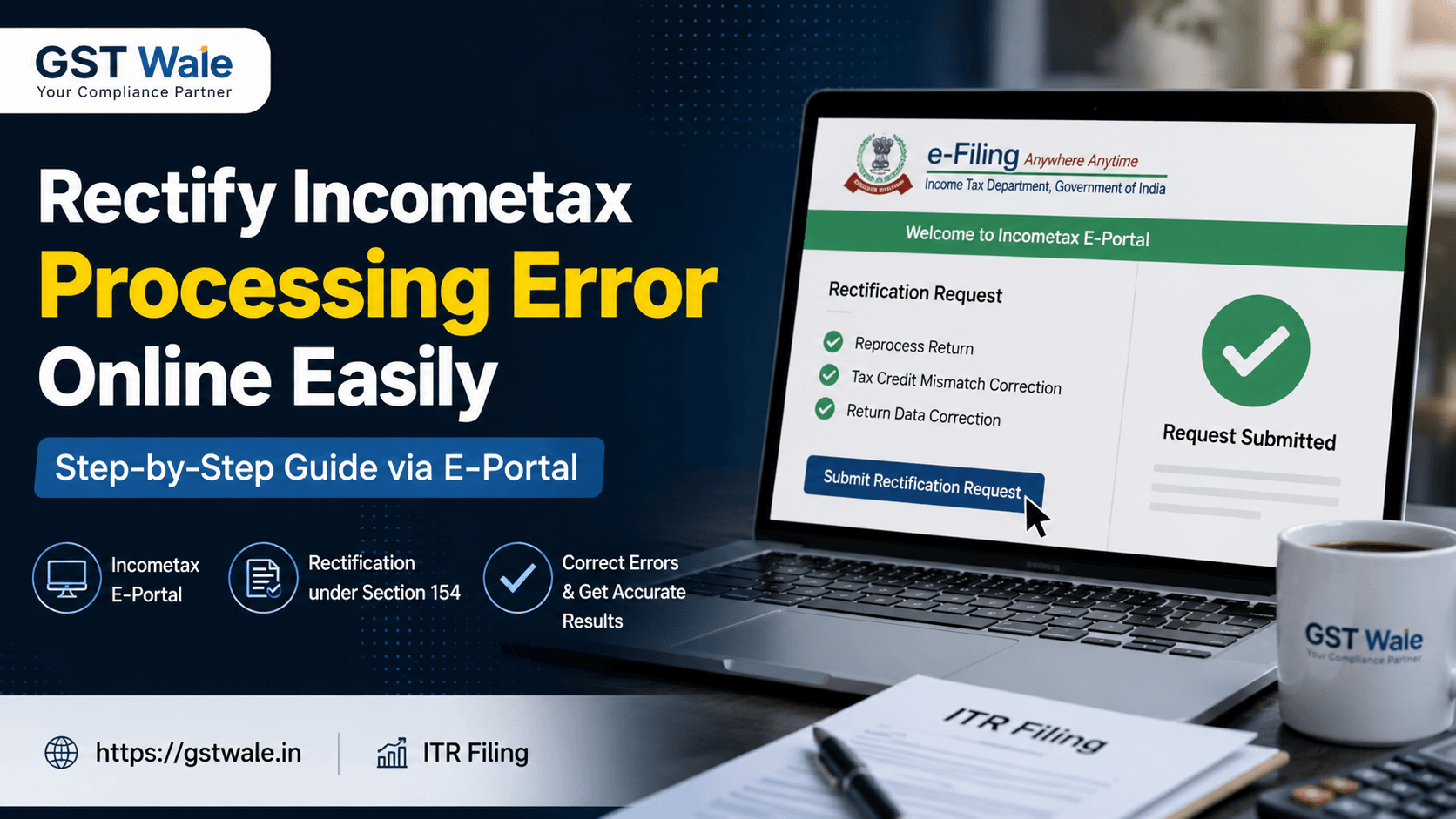
The official incometax portal currently provides rectification options including reprocessing the return, tax credit mismatch correction and return data correction.
How to File an Incometax Rectification Request Online
The process is largely online and can be completed from your incometax e-Filing account.
Step 1: Log in to the Incometax E-Filing Portal
Visit the official Income Tax e-Filing portal and log in using your credentials.
After successful login, go to the Services section and select the Rectification option. The portal provides different routes depending on the type of order or processing issue involved.
Step 2: Select the Relevant Assessment Year
Choose the Assessment Year for which you received the processing intimation.
Before proceeding, keep your ITR acknowledgement, latest intimation under Section 143(1), Form 26AS, AIS and relevant tax payment information available. This makes it easier to identify exactly where the discrepancy occurred.
Step 3: Select the Correct Rectification Type
This is one of the most important parts of the process. Selecting the wrong option can delay resolution.
Depending on the issue, the portal may provide options such as:
Reprocess the Return: This can be relevant where the taxpayer furnished correct information but CPC did not consider it properly while processing the return.
Tax Credit Mismatch Correction: This is generally relevant where TDS, TCS, self-assessment tax or advance tax details require correction based on eligible records.
Return Data Correction: This option can be used for eligible corrections in the return data. When making such a correction, taxpayers should carefully re-enter the required schedules and ensure that they do not introduce a new source of income or an additional deduction through rectification.
How to Handle a Tax Credit Mismatch
A tax credit mismatch is one of the most common reasons taxpayers consider rectification.
Imagine that a company deducted ₹35,000 as TDS from your salary, but the processed return reflects only ₹25,000. Before filing a rectification request, compare the amount with your Form 26AS and other relevant records.
Do not claim a credit simply because you believe it should be available. The credit should be supported by the applicable records. The Income Tax Department advises taxpayers using the tax credit mismatch correction facility not to claim credits that are not reflected in the relevant tax-credit statement.
This simple verification can prevent another mismatch and reduce unnecessary correspondence with the department.
Correction of Clerical Error Versus Revised Return
One common mistake is treating every ITR mistake as a Section 154 issue.
Suppose you accidentally entered the wrong bank account number, omitted income, or made an incorrect disclosure in the return. If the return has not yet been processed and the applicable revised-return facility is available, a revised return may be the appropriate route.
Rectification is different. It is generally meant for a mistake apparent from the record in an already processed return or order. The Income Tax Department specifically states that rectification should not be used for mistakes that can be corrected through a revised return.
In simple terms, do not use rectification as a substitute for correcting a fundamentally incorrect ITR.
What Happens After Submitting Rectification Data?
After submitting the request, save the acknowledgement and rectification reference number. The department states that a 15-digit rectification reference number is provided after submission and can also be viewed through the Rectification Status facility.
You can check the status by logging into your incometax account and navigating to Services > Rectification Request > Rectification Status. The status may show whether the request is submitted, under process, completed or rejected.
An important practical point is that you generally cannot withdraw a submitted rectification request. Also, another request of the same type for the same Assessment Year may not be available until the earlier request has been acted upon.
What If the Online Rectification Request Is Rejected?
Do not panic if the portal does not accept your rectification request.
In certain situations, the portal provides an option to submit the rectification request to the Jurisdictional Assessing Officer (JAO). The taxpayer may be required to explain the issue and, where permitted, attach supporting documentation. The current portal guidance also provides for submission of a PDF attachment in applicable cases.
This is where professional review can be valuable. Before approaching the AO, check the intimation, ITR, tax-credit records and previous correspondence together rather than submitting the same information repeatedly.
Important Mistakes to Avoid
Do Not File Rectification Without Checking the Intimation
First understand why CPC changed your tax calculation. A demand may arise because of TDS mismatch, deduction differences, tax-payment issues or other processing adjustments.
Do Not Add a New Deduction
Rectification is not a general opportunity to introduce a fresh exemption or deduction. The department specifically states that new exemptions or deductions cannot be claimed through rectification.
Do Not Ignore the Time Limit
For CPC rectification, time limitations can apply. The Income Tax Department states that CPC rectification is generally not permitted after four years from the end of the relevant financial year in which the intimation was passed, although the portal may provide an AO route in applicable cases.
Expert Advice From GST Wale
The best way to handle an incometax processing error is to work backwards from the intimation. First identify the exact difference, then locate the supporting record, and only after that select the appropriate rectification category.
Keep copies of your ITR, acknowledgement, computation, intimation, Form 26AS, AIS, TDS certificates, challans and rectification acknowledgement. Proper documentation makes it much easier to explain a genuine mistake.
Also remember that the tax department's online procedures can change as the e-Filing system and tax laws evolve. For Assessment Years governed by the Income Tax Act, 1961, Section 154 continues to be relevant for eligible rectification matters even after the commencement of the new tax law framework.
Frequently Asked Questions
Can I file rectification if my ITR has not been processed?
Generally, no. If your submitted ITR has not yet been processed and you identify a mistake that can be corrected through a revised return, the revised-return route should be considered instead of rectification.
Is e-verification required for a rectification request?
According to the current Income Tax Department guidance, a rectification request does not require separate e-verification.
Can I correct a tax credit mismatch through rectification?
Yes, an eligible tax credit mismatch can be addressed through the tax credit mismatch correction facility. However, the credit should be supported by the applicable tax records.
Can I make a new deduction claim through Section 154?
No. Rectification should not be used to introduce a new exemption or deduction. It is intended to correct an eligible mistake apparent from the existing record.
Can I check my rectification status online?
Yes. Log in to the incometax e-Filing portal and use Services > Rectification Request > Rectification Status to view the request and its current status.
Resolve Your Incometax Error Carefully
An incometax processing error can look complicated when you first receive a demand or reduced refund, but many genuine record-based mistakes can be addressed through the online rectification facility. The key is to understand the intimation, verify the supporting records, choose the correct rectification option and submit accurate rectification data.
Whether the issue involves Section 154, a tax credit mismatch, a correction of clerical error or an online dispute requiring further attention, careful documentation is essential.
At GST Wale, we help taxpayers understand their tax compliance requirements and handle income-tax-related processes with practical, professional guidance. If you are unsure whether your issue requires rectification, a revised return or further action, getting the right advice before submitting anything online can save considerable time and unnecessary complications.
 Previous


