



How to Change or Reset Your Password on the Incometax Portal in Under 5 Minutes
How to Change or Reset Your Password on the Incometax Portal in Under 5 Minutes
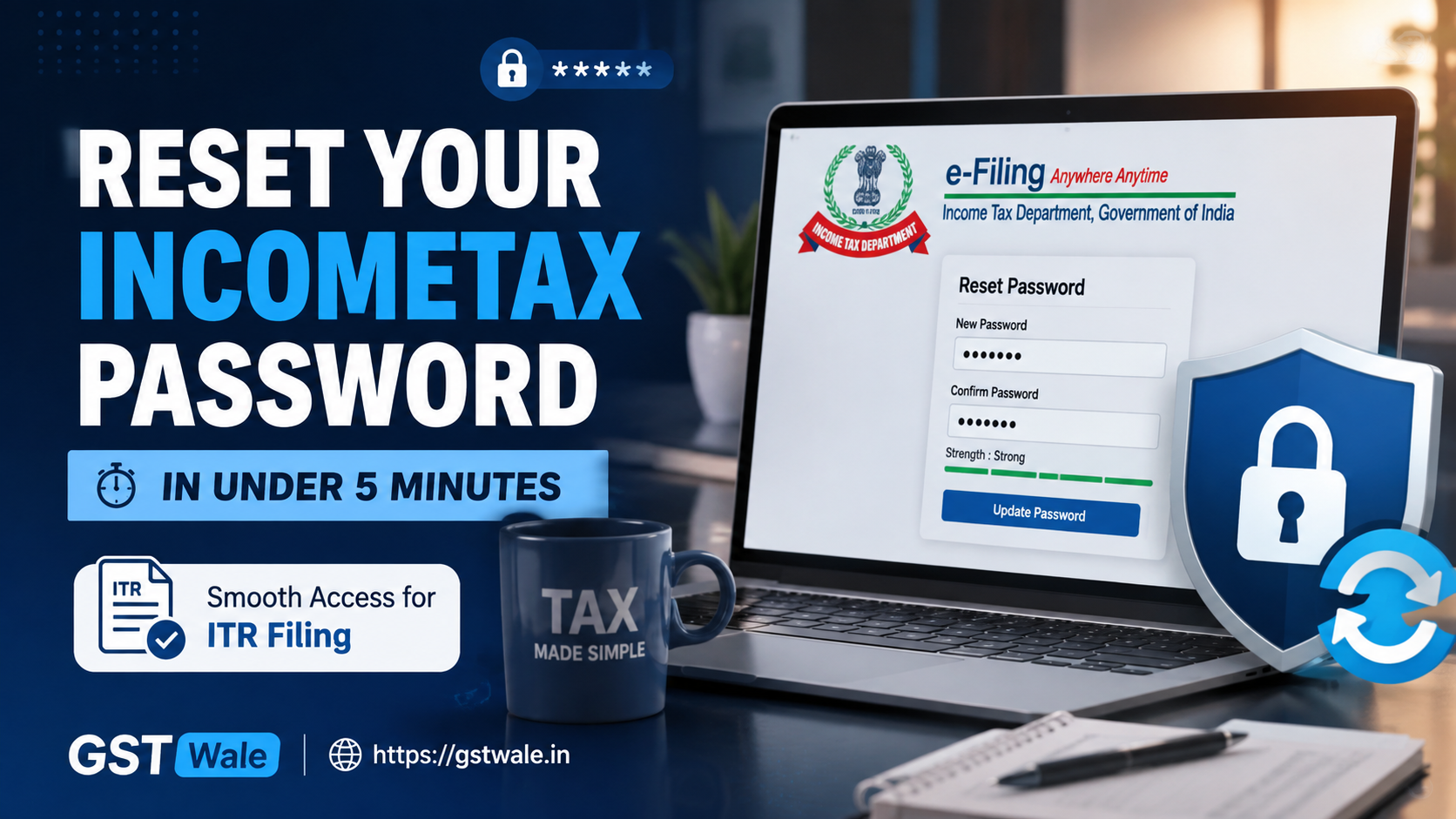
If you've ever been locked out of the incometax portal because you forgot your password, you're not alone. Thousands of taxpayers in India face this issue every year, especially during the tax filing season. The good news is that recovering access to your account is quick and straightforward when you know the right steps. If you're also planning your ITR Filing, keeping your login credentials updated will save you valuable time and prevent unnecessary delays.
Your incometax e-filing account contains important financial information, tax returns, notices, refunds, and compliance records. Losing access can be stressful, but the portal offers multiple secure ways to reset your password. In this guide, GST Wale explains the complete process in simple language so you can regain access to your account in under five minutes.
Why Keeping Your incometax Portal Password Updated Is Important
Your incometax portal account is much more than a place to file tax returns. It acts as your personal tax dashboard where you can: File Income Tax Returns Check refund status Respond to tax notices Download filed returns Update your profile Manage your profile access View tax payment history An outdated or forgotten password can prevent timely compliance and delay important tax-related work.
When Should You Reset Your incometax Password?
You should consider changing or resetting your incometax password in situations such as: You entered the wrong password multiple times. You selected the "forgot password" option. Your account was inactive for a long period. You suspect someone else knows your password. You received suspicious login alerts. You simply want better account security. Regular password updates are considered a good cybersecurity practice.
Methods Available to Reset Your incometax Password
The incometax portal provides several secure recovery methods depending on your account settings.
1. OTP Verification
The quickest and most commonly used method is OTP verification. You receive a One-Time Password on your registered mobile number, email address, or both. Once verified, you can immediately create a new password. This method is ideal if your registered contact details are active.
2. Secret Questions
If you had previously configured secret questions, you can answer them to verify your identity. After answering correctly, the portal allows you to create a new password. This option is helpful when mobile connectivity is unavailable.
3. Digital Signature Certificate
Professionals and businesses that have registered a digital signature certificate can also use it for password recovery. This method provides an additional layer of authentication and is commonly used by companies, LLPs, and tax professionals.
Step-by-Step Process to Reset Your incometax Password
Follow these simple steps.
Step 1: Visit the incometax e-Filing Portal
Open the official Income Tax e-Filing portal. Click on Login and then select Forgot Password.
Step 2: Enter Your Details
Provide: PAN Aadhaar (if requested) Captcha code Click Continue.
Step 3: Choose Your Recovery Method
Select any available verification option such as: OTP verification Secret questions Digital signature certificate Choose the one that is most convenient.
Step 4: Complete Verification
If using OTP verification: Enter the OTP received. Verify successfully. If using secret questions: Answer all questions correctly. If using Digital Signature Certificate: Complete DSC authentication.
Step 5: Create a New Password
Enter your new password. Choose a password that: Contains uppercase letters Contains lowercase letters Includes numbers Includes special characters Meets the portal's security requirements Confirm the password. Your incometax password has now been reset successfully.
Tips to Create a Strong incometax Password
A secure password protects your financial information. Some useful tips include: Never use your PAN or Aadhaar number. Avoid birthdays or mobile numbers. Use at least 8–12 characters. Mix letters, numbers, and symbols. Do not reuse passwords from other websites. Update passwords periodically. A strong password greatly reduces the chances of unauthorized access.
Common Problems While Resetting incometax Password
Sometimes users experience difficulties during password recovery.
OTP Not Received
Possible reasons include: Mobile network issues Email spam folder Registered mobile number changed Incorrect contact details Wait a few minutes before requesting another OTP.
Incorrect Secret Questions
Many taxpayers forget the exact answers entered years ago. In such cases, try another available verification option.
Digital Signature Certificate Not Working
Ensure: DSC is valid. Drivers are installed. Browser supports DSC authentication. Updating the utility often resolves the issue.
How to Change Password After Login
If you still remember your current password, you don't need to use the forgot password option. Instead: Login to your incometax account. Open Profile Settings. Select Change Password. Enter current password. Enter new password. Confirm the changes. This process takes less than two minutes.
Best Practices to Protect Your incometax e-Filing Account
Maintaining the security of your incometax e-filing account is equally important after resetting the password. Follow these best practices: Never share your password with anyone. Keep your registered mobile number updated. Update your email address regularly. Enable all available security features. Keep your profile access information accurate. Logout after using public computers. Monitor your account for unusual activity. These habits help keep your tax information safe.
Frequently Asked Questions
1. How long does it take to reset the incometax password?
Most taxpayers can reset their incometax password within five minutes using OTP verification, provided their registered mobile number and email are active.
2. What should I do if I forgot password and my registered mobile number has changed?
If you forgot password and no longer have access to your registered mobile number, use another available recovery option such as secret questions or a digital signature certificate. If none of these work, update your contact details through the prescribed verification process.
3. Can I use Digital Signature Certificate to reset my password?
Yes. Taxpayers who have registered a digital signature certificate with their e-filing account can use it as an authentication method during password recovery.
4. Is OTP verification mandatory?
No. OTP verification is the most common option, but the incometax portal also provides recovery through secret questions and Digital Signature Certificate where applicable.
5. How often should I change my incometax password?
It is advisable to update your incometax password every few months or immediately if you suspect unauthorized access to your account.
Resetting your incometax portal password is a simple process that usually takes less than five minutes. Whether you use OTP verification, secret questions, or a digital signature certificate, the portal offers secure options to regain access to your e-filing account. Keeping your password updated and maintaining accurate profile access details will help you avoid login issues and protect your confidential tax information. If you need professional assistance with Income Tax Return filing, account-related queries, tax notices, refunds, or any other taxation matter, the experts at GST Wale are here to help. Our experienced tax professionals ensure a smooth, compliant, and hassle-free tax filing experience so you can focus on your business and financial goals with complete peace of mind.
 Previous


