



Zero Mistakes Guide: Uploading E-Invoices Directly into GST R 1
Zero Mistakes Guide: Uploading E-Invoices Directly into GST R 1
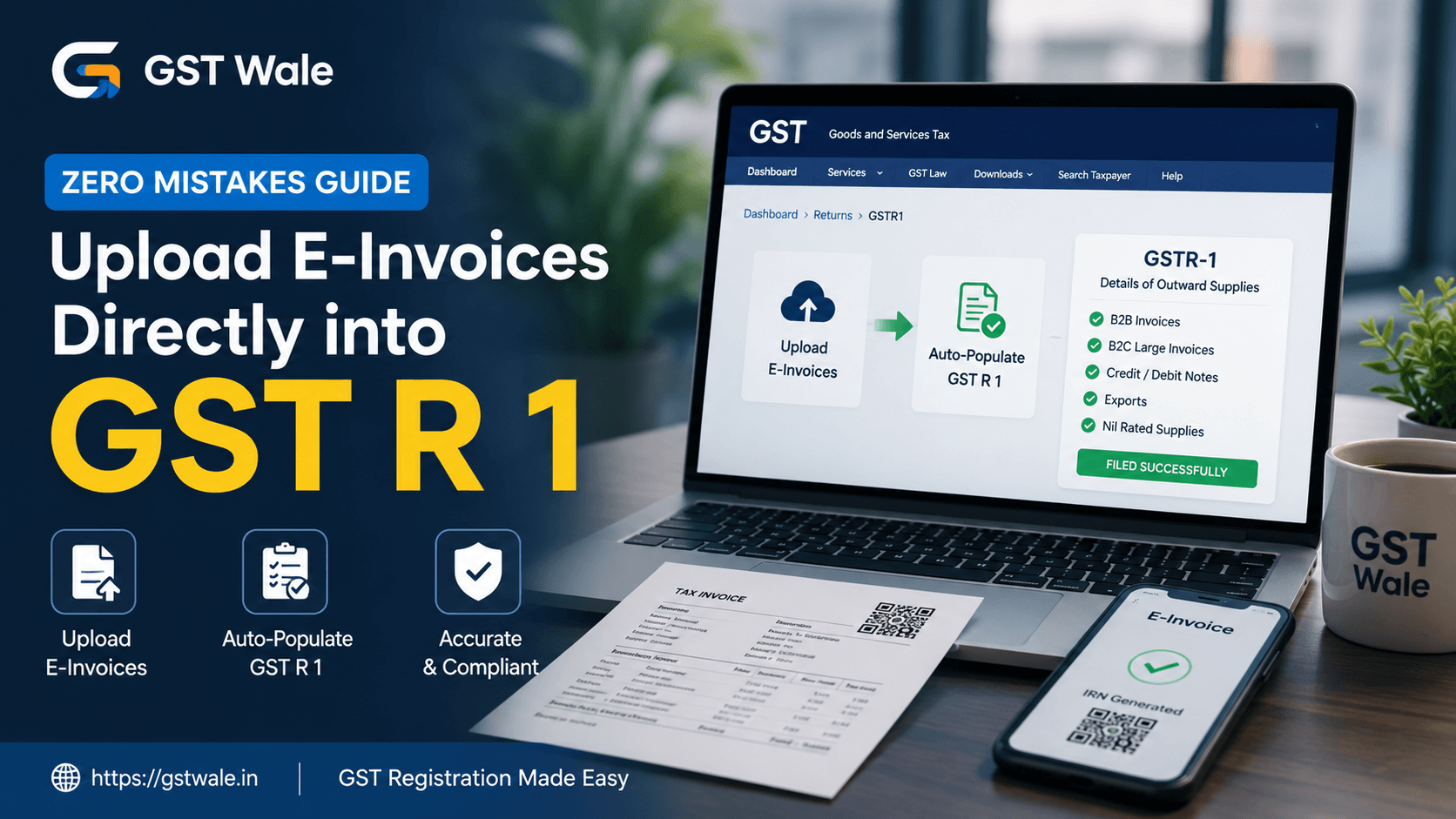
Filing gst r 1 correctly is one of the most important responsibilities for every GST-registered business. Even a small mistake while reporting invoices can result in mismatches, notices, delayed Input Tax Credit (ITC), and unnecessary compliance issues. With the government's e-invoicing system becoming more streamlined, businesses now have the convenience of uploading e-invoices directly into gst r 1, reducing manual work and improving accuracy.
If you are a new business or planning your GST Registration , understanding the relationship between e-invoicing and gst r 1 from the beginning can save you from future compliance challenges.
At GST Wale, we regularly help businesses avoid common filing mistakes and simplify GST compliance. In this guide, we'll explain how to upload e-invoices directly into gst r 1, the precautions to take, common mistakes to avoid, and practical tips that can make your return filing hassle-free.
Understanding gst r 1 and E-Invoicing
gst r 1 is the return where registered taxpayers report details of all outward supplies made during a tax period. It includes B2B invoices, B2C sales, exports, debit notes, credit notes, and other taxable supplies.
Under the e-invoicing system, eligible businesses generate invoices through the irn generation portal, where every invoice receives:
- A unique Invoice Reference Number (IRN)
- A digitally signed invoice
- A qr code on invoices
- Validation from the Invoice Registration Portal (IRP)
Once the invoice is successfully registered, most invoice details are automatically pushed into gst r 1, reducing manual data entry.
Who Needs to Upload E-Invoices?
The requirement depends on the applicable e-invoicing mandate turnover notified by the GST authorities from time to time. Businesses whose aggregate turnover crosses the prescribed limit must generate e-invoices for applicable B2B transactions before reporting them in gst r 1.
Even if your business is not currently covered under the mandate, understanding this process prepares you for future compliance.
How E-Invoices Flow into gst r 1
The integration between the Invoice Registration Portal and the GST portal follows a simple process.
Step 1: Generate the Invoice
Create the tax invoice in your accounting or billing software.
Step 2: Upload to the IRP
The invoice is uploaded to the irn generation portal.
The portal validates:
- GSTIN
- Invoice number
- Invoice date
- Tax amounts
- HSN details
Step 3: Receive IRN and QR Code
Once validated, the system generates:
- IRN
- Digital signature
- qr code on invoices
Step 4: Auto Population into gst r 1
The invoice data is automatically transferred to gst r 1, where it appears in the relevant tables.
Step 5: Review Before Filing
Although invoice details are auto-populated, taxpayers should always verify every entry before submitting gst r 1.
Step-by-Step Guide to Uploading E-Invoices Directly into gst r 1
Verify Your Invoice Details
Before generating the IRN, confirm that:
- Customer GSTIN is correct.
- Invoice number is unique.
- Invoice date is accurate.
- Taxable value is correct.
- GST rates are properly applied.
- HSN codes are updated.
Correct data at this stage helps avoid corrections later.
Generate the IRN
Upload the invoice through the approved irn generation portal.
After successful validation, download the authenticated invoice containing the QR code.
Wait for Auto Population
Usually, invoice details are reflected automatically in gst r 1 after processing by the system.
Depending on system traffic, synchronization may take some time.
Reconcile Data
Before filing gst r 1, compare:
- Sales register
- E-invoice records
- Auto-populated GST data
This reconciliation helps identify missing invoices or duplicate entries.
File gst r 1
Once everything matches, proceed with filing gst r 1 on the GST portal.
Never assume that every invoice has been uploaded correctly without verification.
Common Mistakes While Filing gst r 1
Even though automation has reduced manual errors, businesses still make avoidable mistakes.
Duplicate Invoice Reporting
Some taxpayers manually upload invoices that have already been auto-populated.
This results in duplicate reporting.
Always verify auto-populated entries before adding invoices manually.
Incorrect GSTIN
An incorrect recipient GSTIN cannot be corrected after IRN generation.
Double-check customer details before creating the invoice.
Auto Population Errors
Occasionally, auto population errors may occur due to:
- Technical delays
- Incorrect invoice data
- System synchronization issues
Always reconcile your books before filing gst r 1 instead of relying solely on auto-populated data.
Wrong Tax Values
Incorrect tax calculations may lead to:
- Mismatched returns
- Customer ITC issues
- Departmental notices
Verify taxable values and GST rates before IRN generation.
Missing Invoice Review
Many businesses simply assume the uploaded invoices are correct.
A quick review before filing gst r 1 can prevent expensive corrections later.
What If You Need to Cancel an E-Invoice?
Sometimes invoices are generated with incorrect information.
In such cases, businesses may need cancelling e-invoices.
Keep these points in mind:
- Cancellation is allowed only within the prescribed time limit under GST rules.
- Once cancelled, a fresh invoice should be generated if required.
- Ensure cancelled invoices are not incorrectly reported in gst r 1.
- Update your accounting records immediately after cancellation.
Proper handling of cancelled invoices avoids reconciliation issues.
Best Practices for Error-Free gst r 1 Filing
To maintain accurate GST compliance, follow these practical tips:
- Generate e-invoices immediately after preparing invoices.
- Verify GSTIN before IRN generation.
- Check tax calculations carefully.
- Review auto-populated invoice data.
- Reconcile books every month.
- Maintain proper invoice numbering.
- Keep supporting documents safely.
- File gst r 1 before the due date.
- Regularly update accounting software.
- Monitor system notifications for rejected invoices.
These small practices significantly reduce filing errors.
Real-Life Example
Suppose ABC Traders issues 500 B2B invoices every month.
Earlier, the accounting team manually entered every invoice into gst r 1, often leading to typing mistakes and duplicate reporting.
After adopting e-invoicing:
- Every invoice receives an IRN.
- Invoice details are automatically reflected in gst r 1.
- Manual effort reduces considerably.
- Reconciliation becomes easier.
- Customers receive accurate invoices with the required QR code.
The business saves time while improving compliance.
FAQs
Is every invoice automatically reflected in gst r 1?
Most eligible e-invoices are auto-populated after successful IRN generation. However, businesses should always verify the entries before filing.
Can I edit an auto-populated invoice in gst r 1?
If the invoice itself contains incorrect information, appropriate corrective action must be taken as per GST provisions instead of directly modifying authenticated e-invoice data.
What happens if an invoice does not appear in gst r 1?
Check whether the IRN was successfully generated, verify synchronization status, and reconcile your records before filing.
Are QR codes mandatory on all invoices?
The qr code on invoices is mandatory only for businesses covered under the applicable e-invoicing provisions.
Can cancelled e-invoices remain in gst r 1?
No. While cancelling e-invoices, businesses should ensure that cancelled documents are properly reflected and reconciled so that incorrect reporting is avoided.
Uploading e-invoices directly into gst r 1 has made GST compliance faster, more accurate, and less dependent on manual data entry. However, automation does not eliminate the need for careful verification. Reviewing invoice details, reconciling records, checking for auto population errors, and following the correct procedures for cancelling e-invoices are essential steps for error-free filing.
At GST Wale, we help businesses stay compliant with changing GST regulations, reduce filing mistakes, and simplify return management. Whether you need assistance with e-invoicing, gst r 1 filing, or complete GST compliance, our experienced professionals are ready to provide reliable and practical support. Get in touch with GST Wale today and ensure your GST returns are filed accurately and on time.
 Previous


