


How to Legally Modify Details on Your Goods and Services Tax Registration Certificate
How to Legally Modify Details on Your Goods and Services Tax Registration Certificate
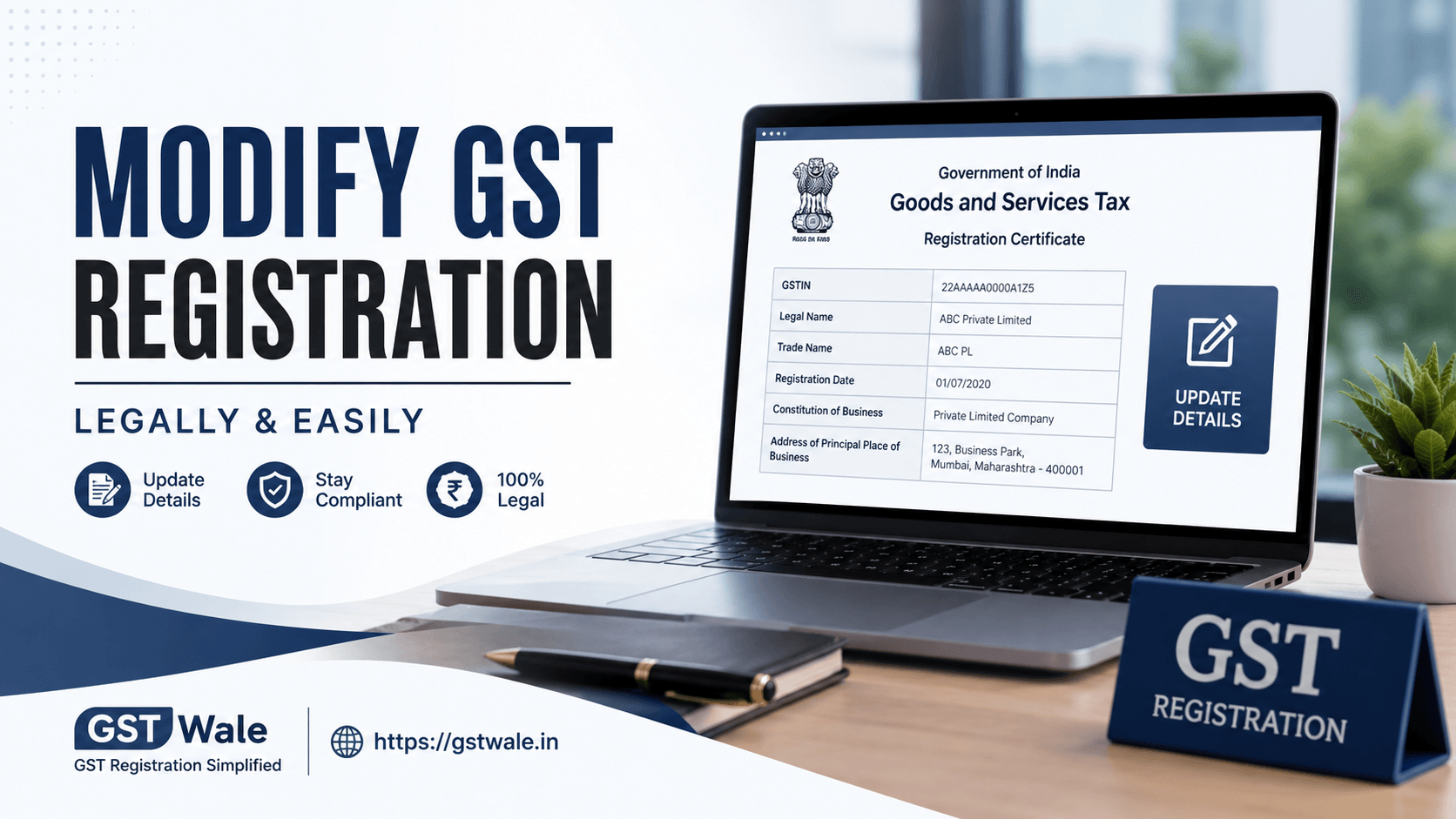
Starting a business is an exhilarating journey, but as any seasoned entrepreneur in India will tell you, compliance keeps the wheels turning. Once you obtain your certificate, it isn't set in stone. Businesses grow, partners change, and offices move. When these changes happen, keeping your goods and services tax registration details updated with the government is a legal necessity, not a choice. Incorrect details on your certificate can lead to missed communications, compliance notices, or even a suspended registration.
At GST Wale, we interact daily with business owners who find the amendment process daunting. Many worry that a simple change might trigger an audit or disrupt their input tax credit. Relax—the law provides a structured, straightforward path to modify your details. Whether you need to update a phone number or log a complete change of business address, handling your GST Registration updates properly ensures your business stays fully compliant and operational. Let’s walk through exactly how to do this like a pro.
Understanding the Two Types of Amendments
The GST portal divides any change you want to make into two distinct categories: Core Fields and Non-Core Fields. Knowing the difference is crucial because it determines whether your changes go live instantly or require an officer's approval.
1. Core Field Amendment
Core fields contain the foundational pillars of your goods and services tax registration. Because these details alter the legal or geographical identity of your business, they cannot be changed overnight. Any core field amendment requires you to upload valid documentary proof, which is then reviewed and approved by a jurisdictional tax officer.
The primary core fields include:
The legal name of the business (provided there is no change in the PAN).
The principal place of business or any additional place of business (e.g., a change business address gst amendment).
The addition, deletion, or retirement of stakeholders, such as directors, partners, board of trustees, or the managing committee.
2. Non-Core Amendment GST
Non-core fields are operational details that do not impact the core legal structure of your business. When you file a non-core amendment gst application, the system updates the details almost instantly through an automated validation process, without requiring manual approval from a tax officer.
Examples of non-core fields include:
Changing or adding a bank account detail.
Updating the mobile number or email ID of the primary authorized signatory.
Modifying the business description or HSN/SAC codes for goods and services.
Step-by-Step Guide to Modifying Your Certificate
Let’s look at the actual process of filing these changes on the GST common portal. Before you begin, ensure you have your login credentials and the necessary supporting documents saved on your system.
Step 1: Log In and Navigate to Amendments
Visit the official GST Portal and log in using your credentials. Go to the Services tab on the main dashboard, click on Registration, and choose your path:
For core fields: Click on Amendment of Registration Core Fields.
For non-core fields: Click on Amendment of Registration Non-Core Fields.
Step 2: Edit the Relevant Tabs
The portal will display your existing registration details across multiple tabs (Business Details, Principal Place of Business, Partners/Directors, etc.). Select the tab you need to modify.
For instance, if a director has resigned and a new one has joined, navigate to the Promoters/Partners tab. To update authorized signatory profiles, go to the Authorized Signatory tab, fill in the new individual’s details, and check the box to make them the primary contact.
Step 3: Upload Supporting Documents
If you are modifying a core field, you must provide proof. The portal is strict about documentation.
For Address Changes: Upload a registered rent agreement, a recent electricity bill, or a No Objection Certificate (NOC) from the property owner.
For Stakeholder Changes: Upload proof of resignation for the outgoing member and an appointment letter or partnership deed amendment for the incoming member.
Step 4: Verification and Submission
Once all details are edited and verified, proceed to the Verification tab. Tick the declaration check-box, select the authorized signatory from the drop-down list, and enter the place. You can submit the application using either an Electronic Verification Code (EVC) sent to the registered mobile number or a Digital Signature Certificate (DSC), which is mandatory for companies and LLPs.
Critical Timelines and What Happens Next
The GST law outlines strict timelines for making these changes. You must file an amendment application within 15 days of the actual event that caused the change (e.g., within 15 days of signing a new lease agreement or passing a board resolution to change the business name).
Once you submit a core field amendment, the Application Reference Number (ARN) is generated. The tax officer has 15 working days to review your request.
If they find everything in order, they approve it, and a revised goods and services tax registration certificate (Form GST REG-06) becomes available for download.
If they require clarification, they will issue a notice in Form GST REG-03. You will then have 7 working days to respond with the requested information.
Expert Insights: Avoiding Common Mistakes
Over the years, the team at GST Wale has fixed numerous rejected amendment applications. To save yourself time and unnecessary stress, keep these practical tips in mind:
Watch Your PAN: You cannot change the PAN associated with your registration. If your business structure shifts from a Proprietorship to a Partnership or a Private Limited Company, your PAN changes. In this scenario, a core amendment will not work; you must cancel the old registration and apply for a brand-new goods and services tax registration.
Legible Documents: When uploading property bills or rent agreements for a change business address gst request, ensure the text, address, and signatures are completely legible. Blurred scans are the number one reason officers reject applications.
Frequently Asked Questions
Q1: Can I change my business address to a different state via an amendment?
No. Your GSTIN is state-specific because the first two digits represent the state code. If you shift your operations to an entirely different state, you must apply for a new goods and services tax registration in that target state and cancel your existing state registration.
Q2: How long does it take for a non-core amendment to reflect on my certificate?
Changes to non-core fields are processed automatically by the portal. Usually, the system updates these details within a few minutes to a couple of hours after successful EVC/DSC submission.
Q3: What should I do if the tax officer rejects my core amendment application?
If your application is rejected, the officer will issue an order stating the reasons. You can rectify the errors or missing documentation and file a fresh amendment application, or you can choose to appeal the decision if you believe the rejection was unjustified.
Q4: Is there any government fee for modifying GST registration details?
No, the Government of India does not charge any official portal fee for filing core or non-core amendment applications.
Need Help? Let GST Wale Handle the Paperwork!
While the portal is designed for self-service, navigating government documentation, ensuring exact legal wording, and responding to sudden officer clarifications can steal valuable time away from running your business.
Don't let compliance bottlenecks slow down your growth. Whether you need to switch an office space, add an additional warehouse, or update your authorized team members, GST Wale is here to take the load off your shoulders. Our team of experienced professionals ensures your amendments are filed perfectly, cleanly, and swiftly.
 Previous