



Your Quick 10-Minute Guide to Pre-Validating Your Bank Account for ITR Online
Your Quick 10-Minute Guide to Pre-Validating Your Bank Account for ITR Online
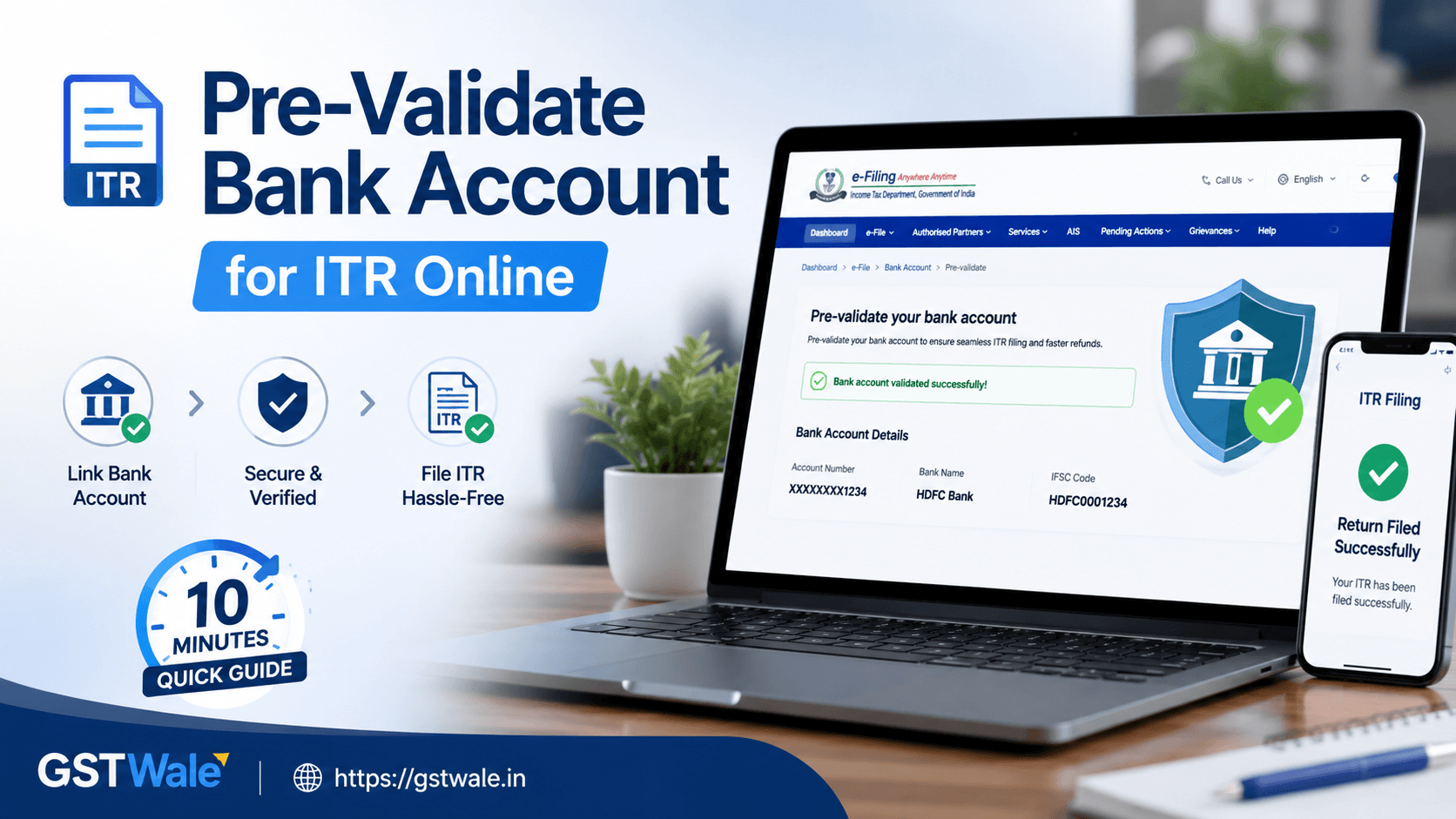
Every year around tax season, the scramble to file income tax return online begins. You gather your Form 16, crunch the numbers, choose the right itr form, and finally hit submit. But what happens after your return is processed? If you are expecting a tax refund, the Income Tax Department doesn’t send physical cheques anymore. The money is transferred directly to your bank account via ECS (Electronic Clearing Service). However, there is a major catch that catches thousands of taxpayers off guard every single year: if your bank account isn’t pre-validated on the e-filing portal, your hard-earned refund will get stuck in limbo.
Here at GST Wale, we see this happen all the time. Clients come to us worried sick because their tax portal shows "Refund Issued" but their bank balance says otherwise. In 9 out of 10 cases, the culprit is an unvalidated or poorly validated bank account. Pre-validating your bank account is a non-negotiable step if you want a seamless experience when managing your itr online. Luckily, it only takes about 10 minutes if you know exactly what to do. Let’s break down how you can get this sorted quickly so your next ITR Filing goes off without a single hitch.
Why Pre-Validation is Mandatory for Your ITR Online
Think of pre-validation as a security handshake between the Income Tax Department and your bank. The government wants to ensure that the refund money is going to the exact same person who filed the tax return.
If you plan to complete your itr online smoothly, pre-validation serves two massive purposes:
Direct Benefit Transfer: It is the only way to receive your income tax refund directly into your bank account.
Electronic Verification (EVC): You can use a pre-validated bank account to generate an Electronic Verification Code (EVC). This allows you to e-verify your tax return via bank net banking or ATM without needing an Aadhaar-linked OTP.
If you don't validate your account, the department will simply restrict your refund issuance. Even worse, if there is a name mismatch, the transaction will fail, and you will have to go through the tedious process of raising a "Refund Reissue Request."
Checklist Before You Begin the 10-Minute Process
Before turning on your computer to handle your incometax return online, you need to make sure your bank records match your tax records perfectly. The e-filing portal validates your account by cross-checking data with your bank using your PAN card.
Ensure the following three pillars match perfectly:
PAN Card: Your PAN must be actively linked with your bank account. If your bank doesn't have your PAN on file, the validation will fail instantly.
Name Match: The spelling of your name on your PAN card must match the spelling of your name in your bank passbook. Even a small typo (like "Kumar" vs "Km") can cause a validation failure.
Mobile Number & Email: The mobile number and email ID registered on the income tax e-filing portal should ideally match the ones registered with your bank account.
Step-by-Step Guide to Pre-Validate Your Bank Account
Let's get into the core operational steps. Follow this sequence carefully to get your account verified in no time before you wrap up your it filing for the year.
Step 1: Log in to the E-Filing Portal
Go to the official Income Tax e-filing website. Click on the 'Login' button at the top right corner. Enter your User ID (which is your PAN number) and your password to access your dashboard.
Step 2: Navigate to Your Profile
Once you are on the dashboard, look at the top menu bar. Click on your name/profile icon in the top right corner and select 'My Profile'. Alternatively, you can go to 'Service' and look for the bank account option, but accessing it through 'My Profile' is the most direct route.
Step 3: Access the Bank Account Page
On the left-hand sidebar of your profile page, you will see an option labeled 'My Bank Account'. Click on it. This screen will show you three tabs: Added Bank Accounts, Failed Bank Accounts, and Removed Bank Accounts.
Step 4: Add a New Bank Account
If your preferred refund account isn't listed under the 'Added' tab, click on the 'Add Bank Account' button. A form will appear asking for your banking credentials.
Step 5: Fill in Your Bank Details
Carefully enter the following details:
Account Number: Double-check every single digit.
Account Type: Select whether it is a Savings, Current, or Cash Credit account.
Account Holder Type: Choose 'Primary' if it is your individual account.
IFSC Code: Enter your branch's unique code. The portal will automatically populate the bank name and branch location based on this code.
Step 6: Validate and Submit
Review the details one last time. Once you are confident, click 'Validate'. The portal will send the request to your bank. If your bank is integrated with the e-filing system via CBS (Core Banking Solution), the status will change to "Validation in Progress" or "Validated" within a few hours to a couple of days.
Common Reasons Why Bank Validation Fails
Even when you follow the steps perfectly, things can go wrong. If your account shows up under the "Failed Bank Accounts" tab, don't panic. It usually happens due to one of these common discrepancies:
Name Mismatch Delays
If your PAN says "Rahul Sharma" but your bank account is registered as "Rahul Kumar Sharma", the automated system will reject it. You will need to either update your name at the bank branch or update your PAN card details to ensure absolute uniformity.
Incorrect IFSC or Account Numbers
With recent bank mergers in India, many old IFSC codes have become obsolete. Ensure you are using the latest IFSC code provided by your bank post-merger.
Inactive Net Banking or Mobile Number
If the mobile number linked to your bank account is different from the one on the e-filing portal, the system struggles to complete the instant verification loop. Always keep your contact information updated across both platforms.
Expert Tips from GST Wale for a Smooth Tax Experience
To ensure that you can file it returns online without hitches, our team at GST Wale recommends validating at least two bank accounts. Designate one as your primary account for receiving refunds and keep the other as a backup. This ensures that even if your primary bank faces a technical outage during the refund cycle, the department can route the funds to your secondary validated account.
Furthermore, remember to re-verify your bank status if you haven't logged in for a while. Bank accounts can sometimes drift into an "invalidation" status if the bank updates its backend systems or if your account remains dormant for too long.
Frequently Asked Questions (FAQs)
How long does it take for a bank account to get pre-validated?
For major public and private banks integrated with the tax department, validation happens within 2 hours to 48 hours. You will receive an email and SMS confirmation once it is successful.
Can I pre-validate a joint bank account?
Yes, you can pre-validate a joint bank account, provided your PAN is linked to that account and you are listed as one of the primary account holders. The name matching rules still apply strictly.
What should I do if my bank account validation fails?
Check the reason for failure under the "Failed Bank Accounts" tab. Correct the error (such as updating your PAN at the bank or correcting a name typo) and click on "Re-Validate" to submit the request again.
Is pre-validation required if I don't expect a tax refund?
Yes, it is highly recommended. Even if you do not have a refund this year, a pre-validated bank account allows you to securely e-verify your tax returns using EVC, making it much easier to manage your accounts long-term.
Streamline Your Taxes Today
Managing your taxes doesn't have to be a stressful ordeal full of technical errors and delayed refunds. Pre-validating your bank account ensures that the final step of your tax journey goes smoothly. By keeping your credentials updated and checking your portal status early, you save yourself weeks of follow-ups with the tax department later on.
If you find the process of handling your itr online confusing, or if you want to ensure your tax planning is completely optimized and error-free, let the experts step in. Reach out to GST Wale today, and our team of experienced professionals will handle your tax filings, validations, and compliance effortlessly while you focus on growing your business!
 Previous


