


A Beginner’s Guide to E-Verification in ITR Filing
A Beginner’s Guide to E-Verification in ITR Filing
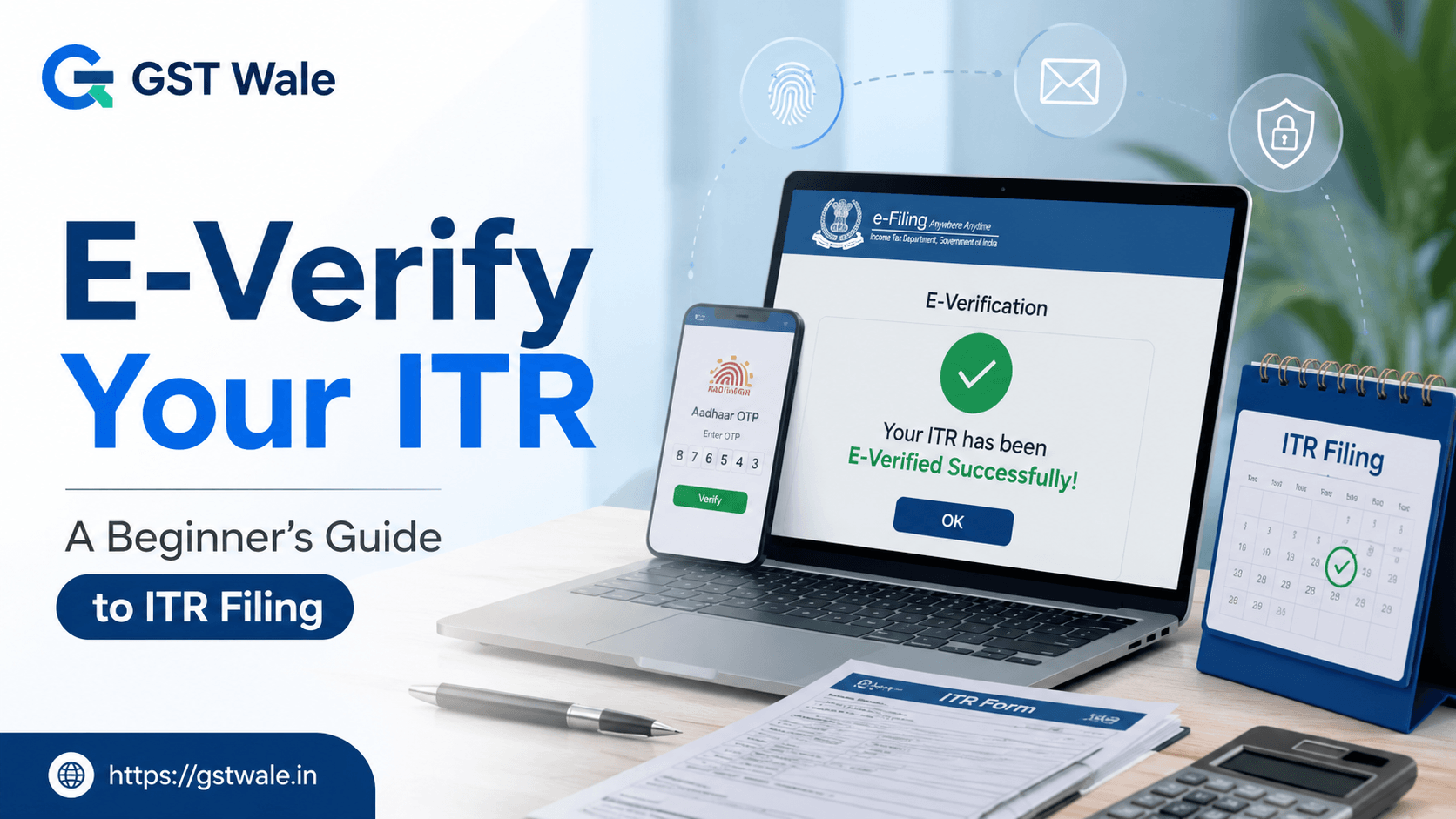
A Beginner’s Guide to E-Verification in ITR Filing
Namaste! I’m a Chartered Accountant here at GST Wale, and if there is one thing I’ve seen year after year, it’s the sigh of relief taxpayers let out the moment they click ‘Submit’ on the Income Tax portal. But here is the professional truth: your ITR Filing journey doesn’t actually end at submission. In fact, without the final step of verification, your return is as good as not filed at all.
Think of it like ordering a delicious meal online; if you don’t provide the delivery OTP, the transaction isn’t complete. In the world of taxes, this "OTP" is e-verification. If you are looking for professional assistance to ensure your taxes are handled with 100% accuracy, you can explore our specialized services for ITR Filing to make the process completely stress-free.
In this guide, we will break down the "what, why, and how" of e-verification so you can finish your tax season like a pro.
Why is E-Verification Mandatory for ITR Filing?
Under the current Income Tax rules, once you upload your return, you have a specific window (currently 30 days) to verify it. If you fail to do this, the Income Tax Department treats your return as ‘Invalid.’ This means you could face late fees, lose out on your hard-earned refunds, and even receive non-filing notices.
Gone are the days when you had to physically sign a paper document and mail it to Bengaluru. Now, e-verification has made ITR Filing a 100% paperless and digital experience.
The 5 Most Popular Ways to E-Verify Your Return
As a CA, I always recommend choosing the method that is most convenient for you. Here are the primary ways "GST Wale" helps clients finalize their returns:
1. Verification via Aadhaar OTP
This is by far the most popular and easiest method. If your mobile number is linked to your Aadhaar card, you are good to go.
The Process: Select the 'Aadhaar OTP' option on the e-verify page. You will receive a 6-digit code on your registered mobile. Enter it, and your ITR Filing is instantly verified.
Pro Tip: Ensure your name and Date of Birth on your PAN match your Aadhaar, or the OTP might fail.
2. Net Banking E-Verify
If your mobile isn't linked to Aadhaar, don't panic. Most major Indian banks (SBI, HDFC, ICICI, etc.) allow you to verify your taxes directly through your bank account.
The Process: Log in to your bank’s net banking portal, look for the 'Income Tax' or 'e-Verify' tab, and it will securely redirect you to the tax portal without needing a separate password. This creates a secure bridge for your ITR Filing.
3. Electronic Verification Code (EVC) via Bank Account
If you don't use net banking, you can "Pre-validate" your bank account on the Income Tax portal. Once validated, you can generate an EVC. This code is sent to your email and mobile, which you then enter to finish the process.
4. Digital Signature Certificate (DSC)
For many business owners and professionals whose accounts are audited, using a digital signature is not just an option—it’s mandatory.
The Process: You attach your DSC (usually a USB token) to your computer and use the ‘emSigner’ utility to sign the return. It is the most secure way to authenticate a digital document.
5. Demat Account
Much like the bank account method, if you have a pre-validated Demat account, you can generate an EVC through your depository (NSDL/CDSL) to verify your ITR Filing.
What if You Cannot E-Verify Digitally?
While we live in a digital age, some people still prefer the traditional route. If you cannot use Aadhaar OTP or DSC, you must download the ITR-V acknowledgment form.
This is a one-page verification document. You must sign it in blue ink and send it via speed post to the Centralized Processing Centre (CPC) in Bengaluru. Remember, this must reach them within the 30-day window from the date of your ITR Filing. At "GST Wale", we generally discourage this because of the risk of the letter getting lost in transit. Digital is always safer!
Common Mistakes to Avoid During ITR Filing
As experts, we often see taxpayers making small errors that lead to big headaches. Here is how to stay safe:
Ignoring the Timer: Many people file the return but forget to e-verify. Set a reminder!
Mobile Number Mismatch: If your Aadhaar is linked to an old, inactive phone number, you won't receive the OTP. Update your Aadhaar records before starting your ITR Filing.
Browser Issues: Sometimes the 'emSigner' for DSC doesn't work on certain browsers. We recommend using the latest version of Google Chrome or Edge.
Frequently Asked Questions (FAQs)
Q1. How many days do I have to e-verify my ITR? Currently, the Income Tax Department allows 30 days from the date of submission. If you exceed this, you may have to file a condonation request for the delay.
Q2. Is EVC the same as Aadhaar OTP? Not exactly. While both serve the same purpose, EVC (Electronic Verification Code) is generated via bank accounts or Demat accounts, whereas Aadhaar OTP is generated specifically using your Aadhaar-linked mobile number.
Q3. Can I e-verify after the deadline? You can file a late return, but the verification must still happen within the 30-day window of that late filing. However, late filing usually attracts a penalty under Section 234F.
Q4. Do I need a Digital Signature (DSC) for individual filing? No, for most salaried individuals, Aadhaar OTP or net banking e-verify is sufficient. DSC is mostly required for companies and individuals subject to Tax Audit.
Q5. How do I know if my e-verification was successful? Once done, the portal will show a success message, and you will receive a confirmation email. Your status will change from "Successfully Uploaded" to "Successfully Verified."
Let the Experts Handle It
E-verification is the final seal on your tax compliance. While it might seem like a simple OTP, it represents the legal confirmation of the data you've shared with the government. Navigating the complexities of ITR Filing, choosing the right forms, and ensuring seamless EVC generation can be overwhelming for busy business owners and professionals.
At GST Wale, we specialize in making tax compliance effortless. From selecting the correct ITR form to ensuring your digital signature is correctly mapped and your return is verified on time, we handle it all. Don't leave your taxes to chance or risk getting a notice for an unverified return.
 Previous