



Step-by-Step Tutorial: How to File GSTR 3B Without Making Mistakes
Step-by-Step Tutorial: How to File GSTR 3B Without Making Mistakes
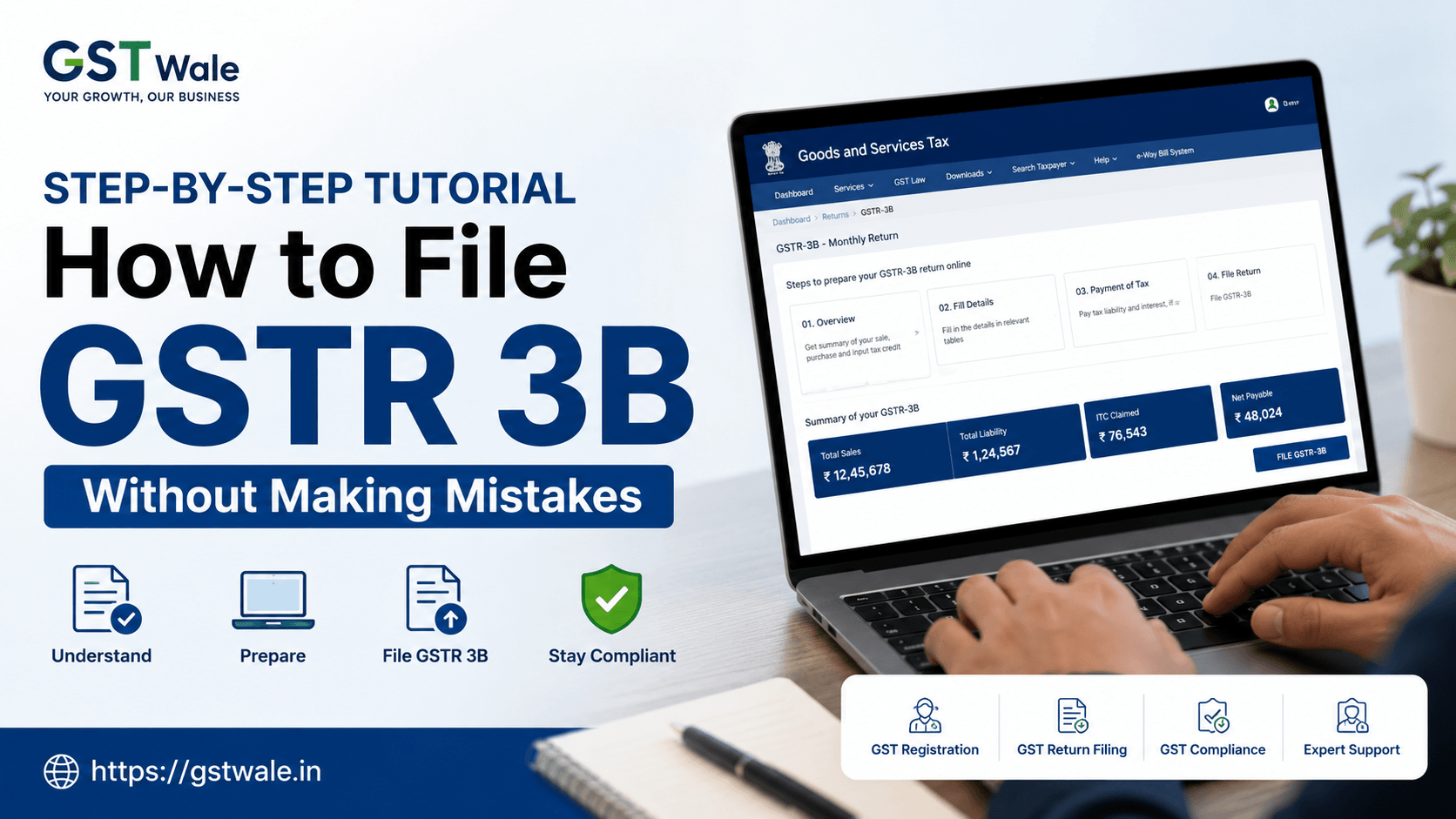
Filing taxes can often feel like navigating a complex maze, especially when you are busy running your business. At GST Wale, we understand that for many entrepreneurs, keeping up with the GST Registration requirements and subsequent monthly compliances is a daunting task. However, mastering the process of gstr 3b filing is non-negotiable if you want to keep your business in the clear. The gstr 3b is essentially your self-declaration of tax liability for a particular month, and even a small clerical error can lead to unnecessary scrutiny from the tax authorities.
In this guide, we are going to break down the entire process of gstr 3b filing online, ensuring you can manage your obligations with confidence and precision.
Understanding the Importance of GSTR 3B
Before we jump into the technical steps, let’s clear the air on what gstr 3b actually is. Unlike the GSTR-1, which provides the details of your outward supplies (sales), gstr 3b is a monthly summary return where you declare your consolidated sales, purchases, and the tax you owe to the government after claiming your Input Tax Credit (ITC).
Missing your gstr 3b due date is a common pain point for many taxpayers. When you miss the deadline, you not only face a late fee for gstr 3b but also lose out on interest benefits, making your working capital management much harder.
Pre-requisites Before You Start Filing
To avoid mistakes, preparation is key. Before you log into the GST portal, keep these points ready:
Reconcile your sales: Ensure your outward supply data in GSTR-1 matches your internal records.
Input Tax Credit matching: Always ensure your ITC is reflected in your GSTR-2B. Claiming credit that doesn't appear in GSTR-2B is a recipe for a future tax notice.
Financial records: Have your purchase registers ready to verify the ITC you are claiming.
Step-by-Step Process for GSTR 3B Filing
Follow these steps systematically to ensure accuracy every single time:
Step 1: Login to the GST Portal
Navigate to the official GST portal and log in using your credentials. Once you are on the dashboard, click on 'Services' -> 'Returns' -> 'Returns Dashboard'. Select the relevant financial year and the return filing period.
Step 2: Providing Details of Outward Supplies
Under the gstr 3b tile, you will see a screen prompting you to fill in your tax details. First, enter the details of your outward taxable supplies (including zero-rated and non-GST supplies). Be extremely careful while bifurcating between IGST, CGST, and SGST.
Step 3: Input Tax Credit (ITC) Claims
This is where most businesses make mistakes. In this section, you will claim your ITC based on your GSTR-2B. Remember, you can only claim ITC for eligible supplies. If you have any ineligible ITC (like personal expenses), do not include it here.
Step 4: Calculate Net Tax Liability
Once you have filled in your sales and ITC, the portal will automatically calculate your net tax liability. Learning how to calculate net tax is crucial—it is essentially:
$Total Tax Liability - Total Input Tax Credit = Net Tax Payable$
If your tax liability exceeds your ITC, you must pay the balance via cash ledger.
Step 5: Save and File
After verifying all figures, click 'Save' and 'Preview' the draft. Cross-check every digit with your internal accounting software. If everything looks correct, proceed to file the return using your Digital Signature Certificate (DSC) or Electronic Verification Code (EVC).
Common Mistakes to Avoid in GSTR 3B
Even seasoned business owners stumble occasionally. Avoid these pitfalls:
Ignoring GSTR-2B: Never file your return without cross-verifying your ITC with the GSTR-2B statement.
Incorrect Tax Head: Putting the tax amount under IGST instead of CGST/SGST (or vice-versa) is a classic error that requires complex adjustments later.
Late Filing: A gstr 3b due date is strictly enforced. Set reminders at least three days before the date to avoid server congestion on the portal.
Frequently Asked Questions
What happens if I file GSTR 3B after the due date?
Filing after the gstr 3b due date attracts a late fee, which varies based on your turnover and the number of days delayed. Additionally, you will have to pay interest on the delayed tax payment.
Can I revise my GSTR 3B after filing?
No, the current GST framework does not allow for the revision of a filed gstr 3b. If you made a mistake, you must rectify it in the return filed for the subsequent month.
Is it mandatory to file GSTR 3B if there is no business transaction?
Yes, you are required to file a 'Nil' return if there were no transactions during the tax period.
How to calculate net tax if I have carried forward ITC?
You can use your opening balance of ITC (carried forward from the previous month) to set off your current month's liability. The GST portal usually provides this balance automatically.
Compliance is the backbone of any healthy business. While the gstr 3b process might seem repetitive, consistency is the key to avoiding audits and penalties. Remember, the goal is not just to file, but to file correctly.
If you find the monthly compliance burden overwhelming, you don’t have to do it alone. At GST Wale, we specialize in simplifying tax life for business owners. Whether you need help with your monthly returns or want expert advice on complex tax matters, our team is here to ensure you stay compliant effortlessly.
 Previous


