


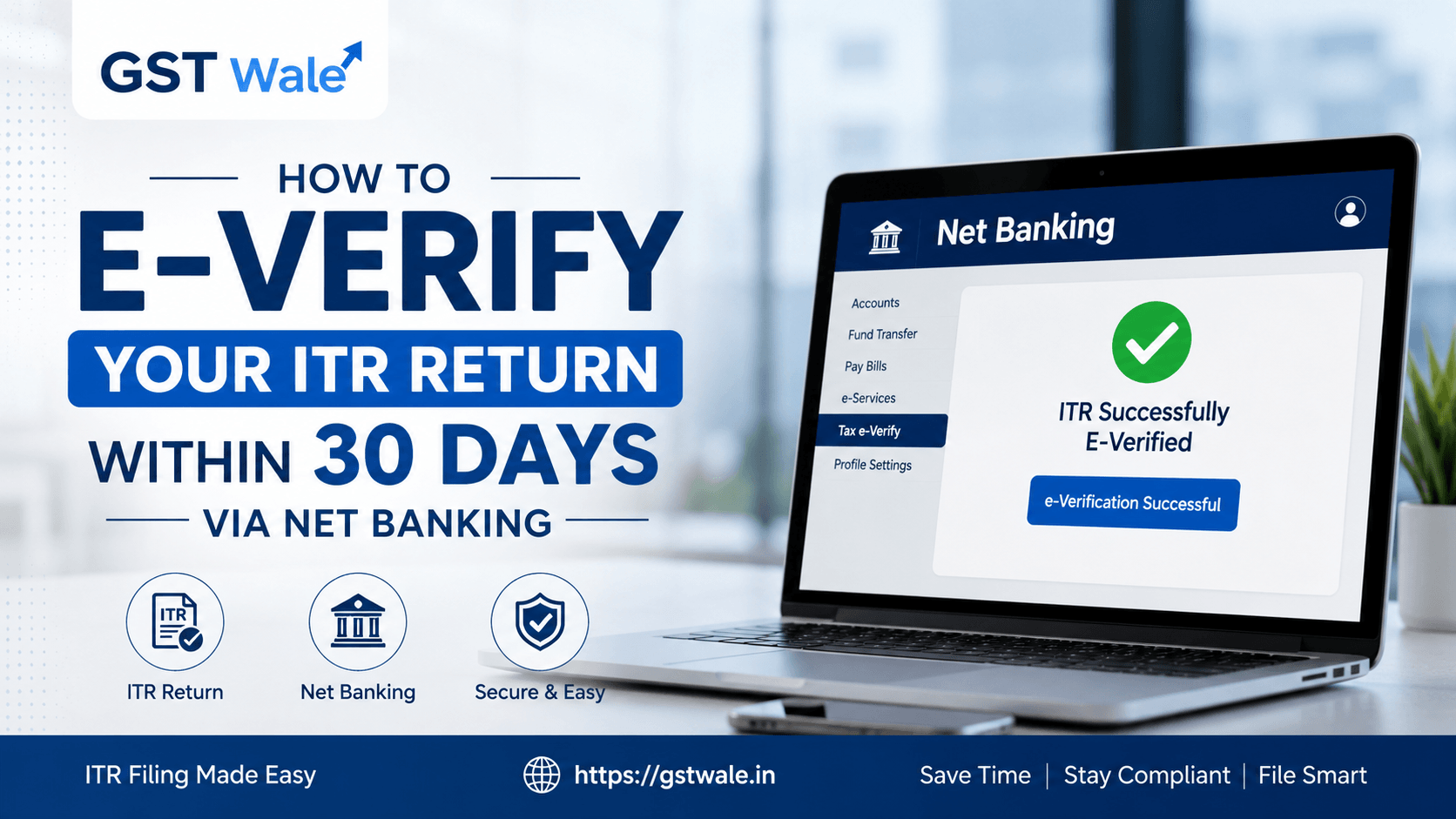
How to E-Verify Your ITR Return Within 30 Days via Net Banking
How to E-Verify Your ITR Return Within 30 Days via Net Banking
Every tax season, thousands of taxpayers heave a sigh of relief the moment they hit the 'Submit' button on the Income Tax portal. They think the job is done. But as CAs, we often have to break the news that filing is only half the battle won. Your ITR return is legally incomplete and completely invalid until it is verified. If you miss the verification window, the Income Tax Department treats your filing as if it never happened.
The good news is that the department has made this incredibly simple through online channels. At GST Wale, we always emphasize that the smoothest, most secure way to wrap up your annual tax compliance is through Net Banking ITR verification. This method doesn't rely on your Aadhaar-linked mobile number receiving an OTP, making it an absolute lifesaver if you've changed your phone number recently. If you haven't sorted your taxes yet, our team can help you easily handle your ITR Filing to ensure everything is accurate from the start. Let’s walk through how you can finish the job yourself in just a few clicks.
The 30-Day Clock: Why You Cannot Afford to Wait
The Income Tax Department used to give taxpayers a generous 120 days to verify their taxes. However, the rules have tightened significantly. You now have a strict window of 30 days from the date of transmitting your data to e-verify tax return data.
If you miss this 30-day deadline, your ITR return will be treated as 'Inbound/Invalid'. This means any tax refunds you are owed will be stuck, and you might face late filing fees or penalties under Section 234F, even if you uploaded the data on time. If you do happen to miss the timeline, your only resort is to file a condonation delay request, which involves a tedious approval process. Why go through that stress when Net Banking takes less than two minutes?
Prerequisite: Is Your Bank Account Ready?
Before jumping onto the tax portal, you need to ensure your bank account is primed for the complete ITR process.
PAN Mapping: Your Permanent Account Number (PAN) must be linked with your bank account. If your bank records show a different PAN or lack one entirely, this method will fail.
Net Banking Access: You must have active net banking credentials for a bank registered with the Income Tax Department (most major public and private sector banks like SBI, HDFC, ICICI, and Axis are integrated).
Matching Credentials: The name on your bank account should ideally match the name on your PAN card to avoid verification mismatches.
Step-by-Step Guide to E-Verify Your ITR Return via Net Banking
You don’t need to be a tech genius or a tax expert to do this. Just follow these steps sequentially to secure your electronic verification code (EVC) and validate your filing.
Step 1: Log In Through Your Bank, Not the IT Portal
While you can initiate this from the e-filing website, logging directly into your bank’s net banking portal is often faster and less prone to timeout errors.
Go to your bank's official net banking website and log in with your user ID and password.
Look for a tab or link labeled "Tax Services", "E-Verify ITR", or "Income Tax E-Filing". The exact wording varies by bank, but it is typically located under the 'Services' or 'Investments' tab.
Step 2: Redirect to the E-Filing Portal
Click on the relevant e-verify link within your bank portal.
A pop-up or disclaimer will ask for your permission to redirect you to the Government’s e-filing website. Click "Confirm" or "Proceed".
The bank securely authenticates your identity and logs you directly into your account on the Income Tax e-filing portal without requiring your IT portal password.
Step 3: Navigate to My Returns
Once inside the e-filing dashboard, look at the top menu bar.
Go to e-File > Income Tax Returns > e-Verify Return.
You will see a list of returns waiting for verification. Find the relevant Assessment Year for your recent ITR return and click on the "e-Verify" link next to it.
Step 4: Choose the Net Banking Option
The portal will present multiple methods to verify (Aadhaar OTP, Bank Account, Demat Account, Net Banking).
Select the radio button that says "Through Net Banking" and click continue.
The system will automatically generate a unique electronic verification code behind the scenes and apply it to your form.
Step 5: Download Your Confirmation
A success message will appear on your screen showing a Transaction ID and an EVC acknowledgement number.
You will also receive a confirmation email on your registered email ID. Your complete ITR process for the year is now officially closed!
What Happens to the Old ITR-V Submission Method?
We often get queries from traditional taxpayers asking, "Do I still need to send a physical copy to Bengaluru"
The answer is generally no. The physical ITR-V submission (the one-page acknowledgement slip signed in blue ink) is now a backup method. You only need to mail a physical copy to the Centralized Processing Centre (CPC) in Bengaluru if you cannot use online options like Aadhaar OTP or Net Banking. If you do choose the physical route, remember that the signed copy must reach Bengaluru within the same 30-day window. Given postal transit times, Net Banking is vastly superior, instantaneous, and entirely eco-friendly.
Common Pitfalls to Avoid During Verification
Even with a straightforward process, things can occasionally go sideways. Keep these points in mind:
Joint Accounts: If you hold a joint bank account, ensure you are logging in using the primary holder's credentials, provided the primary holder's PAN matches the ITR return being verified.
Pop-up Blockers: Many browsers block the redirection from the bank website to the tax website. If nothing happens when you click the link, check your browser’s address bar for a blocked pop-up icon and allow it.
Timing Out: Don't leave the tabs open for too long. Financial portals time out quickly for security reasons. Complete the steps in one continuous session.
Frequently Asked Questions (FAQs)
Q1. Can I e-verify my ITR return after 30 days?
Yes, but it is complicated. If you miss the 30-day timeline, you must submit a "Condonation of Delay" request on the e-filing portal, stating a valid, genuine reason for the delay. Your return will only be processed if the tax authorities accept your reason.
Q2. Is it safe to log into the income tax portal via my bank?
Absolutely. This process uses highly secure, government-approved protocols. Your bank does not share your financial balances or passwords with the tax department; it simply vouches for your identity based on your KYC-compliant bank account.
Q3. Do I get a confirmation after completing Net Banking ITR verification?
Yes. The tax portal will instantly display a success screen. You will also receive an SMS and an email confirmation from the Income Tax Department confirming that your return has been successfully e-verified.
Q4. Why is my bank not showing the e-verify option?
Ensure you are using a bank authorized by the RBI and integrated with the Income Tax Department. Additionally, some corporate or business accounts might have different layouts; check under "State Government/Central Government Taxes" or contact your bank's helpdesk.
Let GST Wale Take the Strain
Filing and validating an ITR return shouldn't feel like a tightrope walk. While Net Banking makes the final lap easier, ensuring the numbers inside the form are flawless is where the real work lies. Mismatched income details, incorrect deductions, or choosing the wrong ITR form can trigger notices faster than a missed verification deadline.
 Previous