


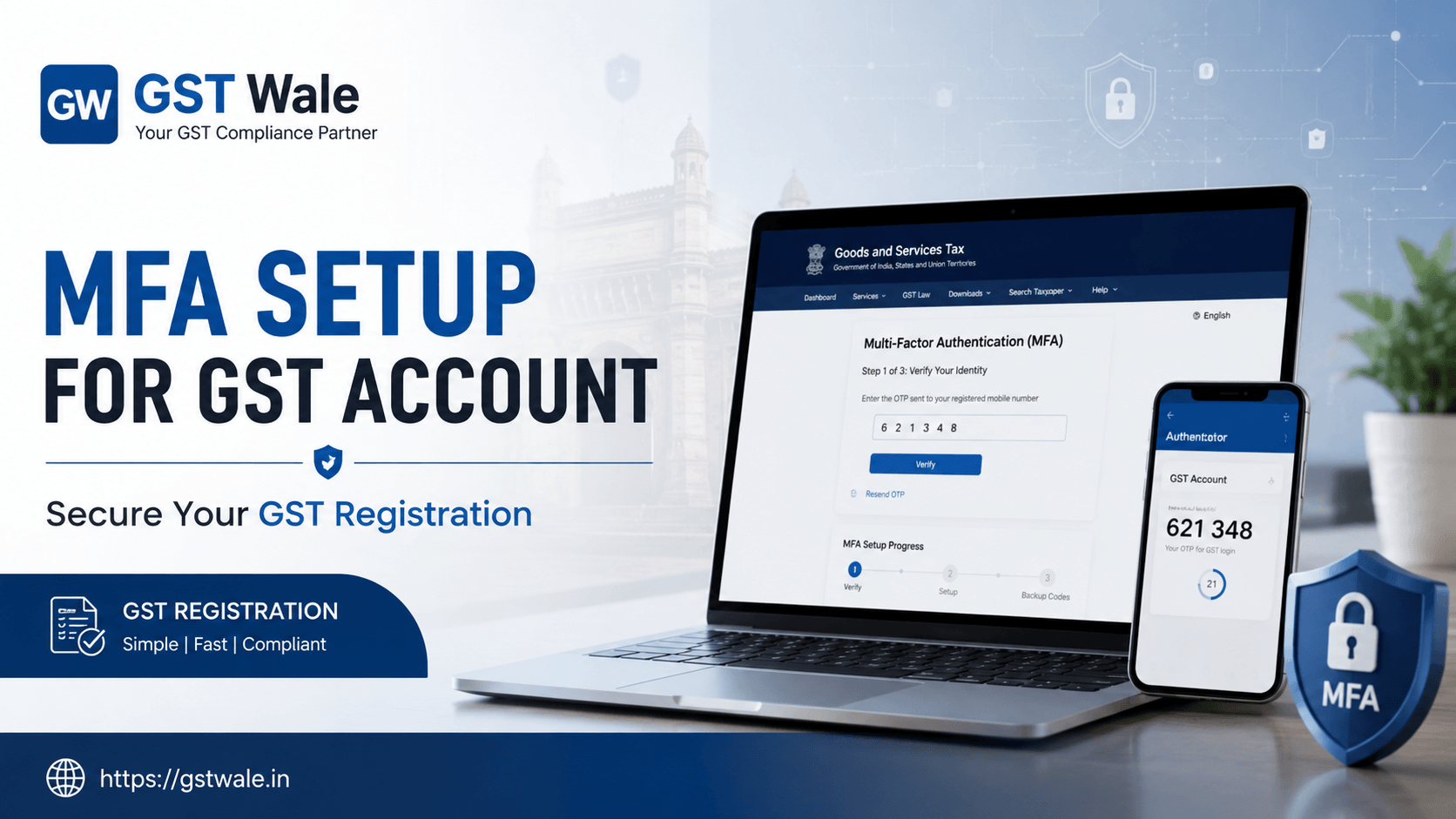
The Technical Guide to Multi-Factor Authentication (MFA) Setup for Your GST Account
The Technical Guide to Multi-Factor Authentication (MFA) Setup for Your GST Account
Greetings, business owners, founders, and fellow tax enthusiasts! If you are running a business in India, your Goods and Services Tax (GST) portal account is essentially the financial vault of your enterprise. It holds sensitive data about your sales, purchases, input tax credits, and financial health. Recognizing the growing threats of cyber fraud and unauthorized access, the Government of India has progressively made Multi-Factor Authentication (MFA) mandatory for all taxpayers.
As your trusted compliance partners at GST Wale, we cannot stress enough how vital this security layer is. Whether you are managing an existing business or preparing for a fresh GST Registration, understanding the technical architecture of the secure GST portal is non-negotiable. This step-by-step technical guide is designed to help you seamlessly configure your MFA settings, ensuring absolute compliance with the latest mfa mandatory rules.
Understanding the Shift to Mandatory MFA
For years, logging into the government portal required just a regular username and password combination. However, static passwords can be compromised easily through phishing or data leaks. To combat this, the National Informatics Centre (NIC) and the GST Network (GSTN) introduced a robust 2-Step verification system.
If you are a business owner starting your journey, the process begins with securing your unique gstin number. The absolute first milestone for your business compliance is obtaining a valid GST Registration to gain authorized entry into India's formal economy. Once your registration is approved, configuring your security credentials becomes your immediate next operational shield.
Currently, the mfa mandatory rules apply universally across the main GST portal, the e-Way Bill system, and the e-Invoice networks. This means relying solely on a password is no longer an option if you want to avoid compliance disruptions or system lockouts.
Preparing Your Business for the MFA Configuration
Before executing the technical steps on the secure GST portal, you must lay down some prerequisite groundwork. Lack of preparation often leads to session timeouts or locked profiles.
Audit Your Contact Records: Ensure that the primary authorized signatory’s mobile number and email ID are active and accessible.
Decide on Your Authentication Mode: The portal provides three primary channels to receive your time-sensitive One-Time Passwords (OTPs):
Standard SMS: OTP delivered directly via cellular network text message.
Sandes Application: The Government of India’s highly secure, encrypted official messaging app.
NIC-GST-Shield App: A specialized mobile tool that generates secure offline OTP tokens synced with the system clock—ideal for locations with poor cellular coverage.
Synchronize Employee Systems: If you use sub-users or have an internal accounting team, ensure every user completes their individual tax professional registration login sequence to assign distinct authentication nodes.
Step-by-Step Technical Setup of MFA on the GST Portal
Let us dive straight into the actual technical configuration. Follow these explicit instructions carefully to avoid common interface errors:
Step 1: Log in with Primary Credentials
Open an updated, trusted web browser and navigate to the official, secure GST portal. Input your primary admin username, password, and the alphanumeric captcha code.
Step 2: Accessing Security Profiles
Once you clear the initial login screen, locate the user dashboard. Click on your profile name at the top right corner and navigate to My Profile > Security Settings or look for the designated Multi-Factor Authentication (MFA) setup prompt.
Step 3: Verifying Alternate Credentials
If you are initiating the setup for the first time, the portal will display your primary login credential (e.g., your registered email). You will be required to insert your alternate credential (your registered mobile number) in the designated secondary field.
Step 4: Triggering and Validating Dual OTPs
Click on the "Send OTP" action button. The GST platform will dispatch two completely distinct codes: one to your email inbox and one to your mobile phone. Type the respective codes into their separate, dedicated validation fields and click "Validate".
Step 5: Finalizing the Security Layer
Upon successful validation of both tokens, the system will output an on-screen confirmation notice signaling that your account is now hard-locked behind the MFA protocol.
Pro-Tip from GST Wale: Log completely out of your account and log back in right away. If the system prompts you for an OTP immediately after entering your standard password, your setup is perfectly configured!
Advanced Protection: Biometric Authentication and Sub-User Security
The Indian digital tax landscape is rapidly integrating advanced defense mechanisms. Beyond standard OTP tokens, the government is piloting biometric authentication gst protocols for high-risk profiles or primary corporate promoters. This incorporates fingerprint or facial verification via designated GST Suvidha Kendras to completely eradicate identity theft during key amendments or fresh registration submissions.
Furthermore, if your corporate structure demands that multiple accounting staff manage your filings, do not share your primary admin credentials. Instead, navigate to the sub-user management portal. Create distinct sub-user profiles where each staff member registers their specific mobile number. Each individual will undergo their own localized tax professional registration login process, generating separate OTP pathways that preserve complete administrative accountability.
Common MFA Pitfalls and How to Resolve Them
Even with a flawless setup, technical glitches can occur. Keep these solutions in your operational playbook:
Delayed OTP Delivery: If cellular networks delay your text messages, download the government's Sandes app or the offline NIC-GST-Shield app. Since the shield app relies on internal time-sync algorithms, it generates operational codes without needing any cellular data network.
Persistent OTP Prompts Every Login: If the portal demands an OTP during every single session on the same computer, your web browser is likely wiping its cookie cache automatically upon closing. Adjust your browser privacy settings to permit cookie storage for the official GST domain.
Locked Profiles After Multi-System Access: Logging into a single gstin number credential simultaneously from diverse geographical locations or multiple devices within minutes triggers automated fraud-prevention locks. Stick to dedicated, authorized systems for regular filings.
Frequently Asked Questions (FAQs)
Q1. Is MFA mandatory for all taxpayers in India?
Yes. Following systematic rollout phases initiated by the government, Multi-Factor Authentication is completely mandatory for all registered taxpayers, regardless of their annual aggregate turnover thresholds.
Q2. Can I access the secure GST portal from outside India?
Generally, no. For stringent national security reasons, the core portal and its multi-factor validation frameworks are optimized strictly for localized Indian IP addresses and regional networks.
Q3. What should I do if the authorized signatory changes their phone number?
You must promptly log in and submit a non-core field amendment request on the portal to update the authorized signatory’s profile. Once the new data updates in the master directory, you can run through the MFA setup again to connect the new smartphone number.
Q4. Does the same MFA setup secure my e-Way Bills and e-Invoices?
Yes! Once you link your core authentication matrix under your active gstin number, the security framework covers linked utilities managed by the National Informatics Centre, ensuring cohesive platform security.
Secure Your Business Future with GST Wale
Navigating technical portal configurations while trying to scale a thriving enterprise can feel incredibly overwhelming. At GST Wale, we specialize in simplifying compliance headaches so you can focus entirely on your core business growth. From handling your initial documentation to managing intricate security parameters, our expert Chartered Accountants handle it all flawlessly.
 Previous