



Top 7 Technical Glitches Faced During ITR Online Filing and How to Solve Them
Top 7 Technical Glitches Faced During ITR Online Filing and How to Solve Them
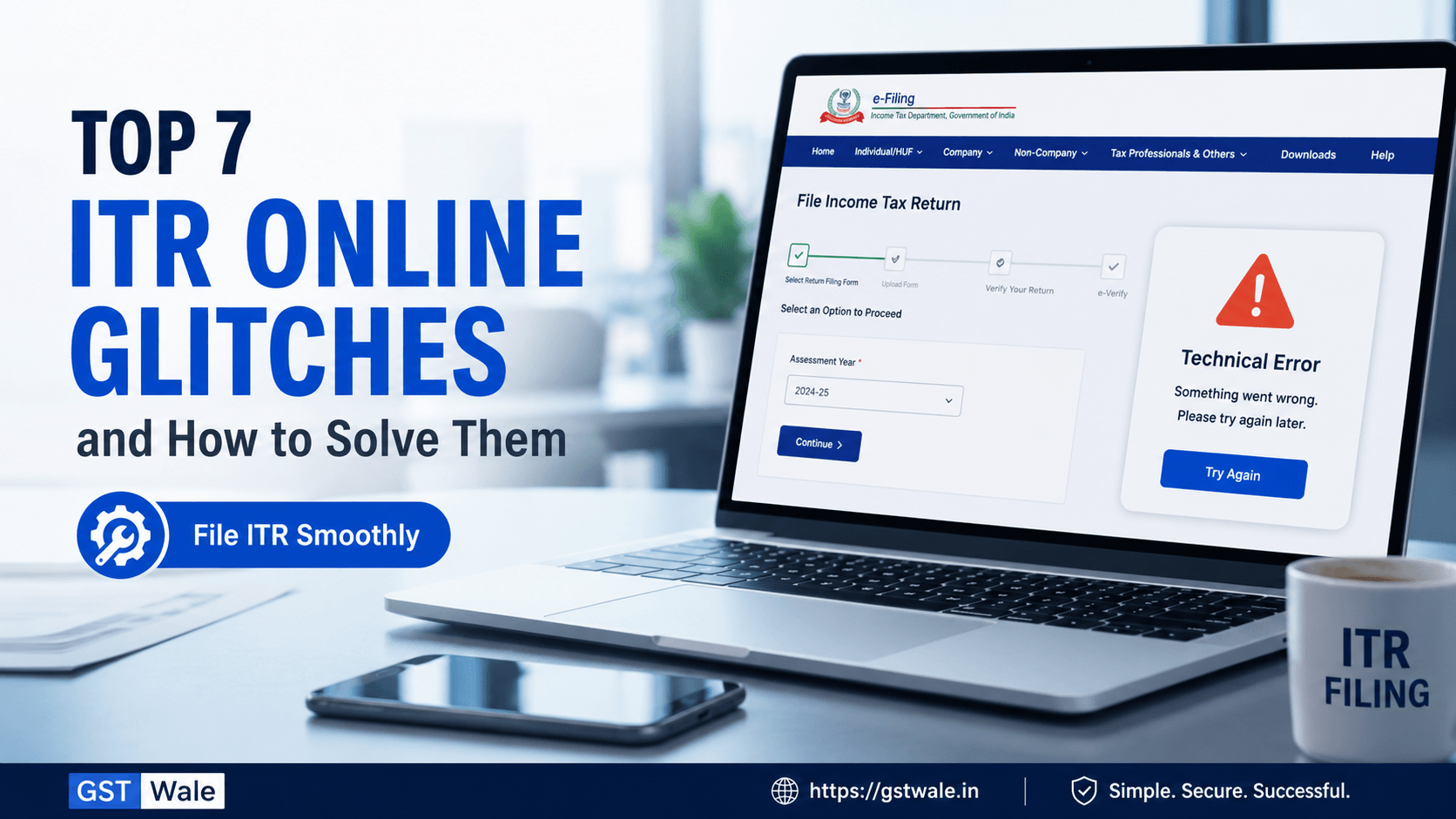
Dealing with the Income Tax Department’s portal can sometimes feel like a test of patience, especially when you are trying to complete your itr online ahead of the deadline. As a CA, I see many clients panic when they encounter unexpected error messages. However, most of these technical hurdles are minor and can be fixed with a few simple steps. If you find the entire process overwhelming and need professional support for your ITR Filing, we at GST Wale are always here to ensure your compliance is smooth and stress-free.
Filing your taxes is a critical annual responsibility. Whether you are a salaried individual or a business owner, ensuring accuracy is paramount. Let’s break down the most common technical glitches faced during the itr online process and how you can resolve them like a pro.
1. The Dreaded "Something Went Wrong" Error
This is perhaps the most common frustration. You are mid-way through your itr online submission, and suddenly, the page crashes with a generic "Something went wrong" message.
Why it happens: Often, this is due to server load or corrupted browser cache.
The Fix: Don’t panic. First, clear your browser’s cache and cookies. If that doesn’t work, try using an Incognito or Private window. If the issue persists, wait for an hour or two; it is often a temporary server-side glitch during peak filing days.
2. Issues with Aadhaar OTP Generation
E-verification is the final step for a successful itr online journey. If the Aadhaar OTP isn’t arriving on your registered mobile number, you cannot complete the process.
Why it happens: This is frequently a sync issue between the Income Tax portal and the UIDAI (Aadhaar) servers.
The Fix: Ensure your mobile number is correctly linked with your Aadhaar. If you’ve recently updated your mobile number, give it 24–48 hours for the systems to sync. Alternatively, try using Net-banking or a Bank Account EVC for verification instead of Aadhaar.
3. Mismatched Pre-filled Data
The portal now pre-fills a lot of your financial data, which is great—until it doesn’t match your records.
Why it happens: The Income Tax Department pulls data from the Annual Information Statement (AIS) and Form 26AS. Sometimes, these are not updated in real-time or contain clerical errors by the reporting entity.
The Fix: Never blindly accept pre-filled data. Always reconcile it with your bank statements and Form 16. If there is a discrepancy, you can manually edit the figures. However, keep your supporting documents ready in case of future inquiries.
4. Digital Signature Certificate (DSC) Errors
Many businesses and tax auditors encounter errors while attaching a DSC for itr online submissions.
Why it happens: This is usually due to an outdated "emSigner" utility or browser compatibility issues.
The Fix: Uninstall the old version of emSigner, download the latest version from the portal, and ensure you are running it as an "Administrator." Also, ensure your Java is updated.
5. Session Time-outs
Is the portal logging you out every few minutes? It’s incredibly annoying when you are typing out details.
Why it happens: For security, the portal has an auto-logout feature if there is no activity for a few minutes.
The Fix: Save your draft frequently. If you are preparing a complex return, use the offline utility (Excel/JSON) to fill in your data. Once ready, you can simply upload the final file, which saves you from losing data due to session time-outs.
6. Validation Failures
You click submit, and the system throws a long list of "Validation Errors."
Why it happens: This usually occurs when mandatory fields are left blank or the format of your input (like date or account number) is incorrect.
The Fix: The portal usually highlights the specific field in red. Check for formatting errors (e.g., ensuring your date is in DD/MM/YYYY format). Ensure that your bank account is "validated" on the portal before you start the filing.
7. Difficulty Downloading Acknowledgement (ITR-V)
You’ve successfully filed, but the acknowledgement receipt won’t download.
Why it happens: This is often a browser-related issue where pop-ups are blocked.
The Fix: Check your browser’s "Pop-up Blocker" settings. Allow pop-ups for the Income Tax portal, and try downloading again. Alternatively, you can always download it later from the "View Filed Returns" section in your dashboard.
Frequently Asked Questions (FAQs)
What should I do if my bank account is not validating on the portal?
Ensure that the bank account is linked to your PAN. If it still fails, visit your bank branch to ensure your PAN details are correctly updated in their system. Once updated, the portal will validate it automatically.
Is it mandatory to use the official website for ITR online filing?
Yes, you should only use the official government portal for filing your returns. Avoid third-party websites that claim to file your taxes, as they might put your sensitive financial data at risk.
Can I file a revised return if I find an error after ITR online submission?
Absolutely. If you realize you’ve made a mistake, you can file a "Revised Return" under Section 139(5) before the due date or the completion of the assessment, whichever is earlier.
How do I know if my ITR online submission was successful?
You will receive an ITR-V (Acknowledgement) and a confirmation SMS/email on your registered mobile number/email ID. You can also check the status under the "View Returns/Forms" tab on the dashboard.
Technical glitches are part and parcel of the itr online process, but they shouldn't stop you from staying compliant. Most errors can be resolved by simply being patient, using a stable internet connection, and keeping your documents reconciled.
Remember, timely filing avoids late fees and interest under Section 234A. If you find yourself stuck or want to ensure your taxes are optimized legally, don't hesitate to reach out. At GST Wale, we handle the complexities of your tax filings so you can focus on your business or career. Contact us today for professional itr online assistance and let us handle the technicalities for you!
 Previous


