



How to Download Your Previous 3 Years' ITR Acknowledgements from Efiling 2.0
How to Download Your Previous 3 Years' ITR Acknowledgements from Efiling 2.0
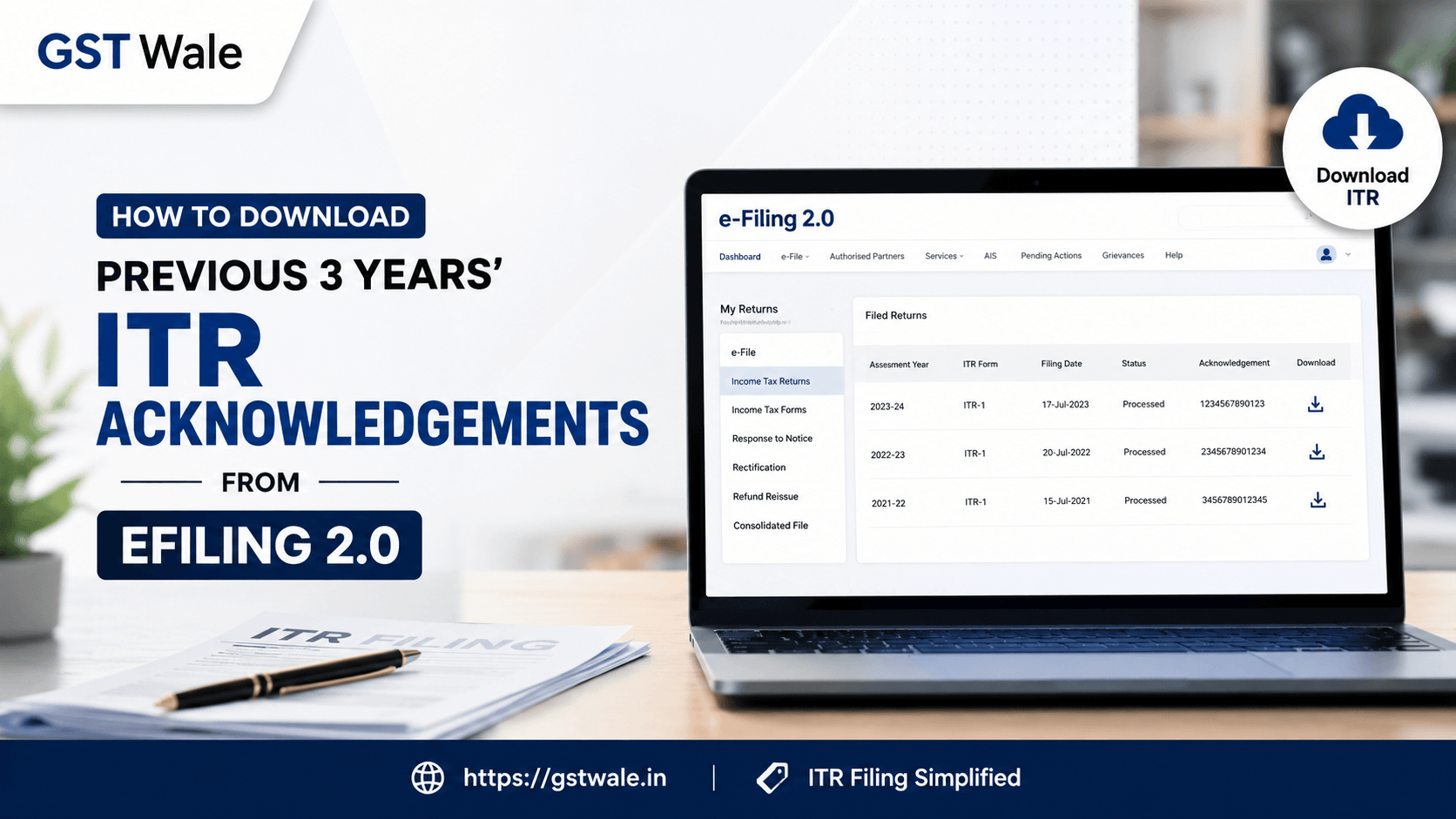
Whether you are applying for a bank loan, planning a foreign trip, or simply organizing your financial records, having access to your past tax documents is non-negotiable. Many of our clients at GST Wale often find themselves scrambling for these documents at the eleventh hour. If you are struggling to access your records, our guide on navigating the efiling 2.0 portal will make the process seamless. Managing your tax compliance is much easier when you stay organized, and for those who need professional assistance with their annual ITR Filing, our team is always ready to simplify the complexities of the tax department’s requirements.
Getting your hands on your previous years tax returns is a straightforward task once you know where to look. Let’s walk through the steps to secure your documents using the modern efiling 2.0 interface.
Why You Need Access to Your Income Tax History Portal
The income tax history portal is more than just a place to file your returns; it is a repository of your financial credibility in India. Most banking institutions and embassies require these documents as proof of income. Specifically, visa application tax proofs are mandatory for almost every country you intend to visit. Without the acknowledgement receipt, often referred to as the ITR-V, your application process could hit a significant roadblock.
By learning how to download old ITR-V forms, you save yourself the stress of contacting your previous accountant or searching through dusty physical files.
Step-by-Step Guide: Accessing Returns on Efiling 2.0
Follow these steps to successfully download tax receipt copies for the last three years directly from the efiling 2.0 platform:
1. Log In to the Portal
Visit the official Income Tax Department website. Use your PAN as your User ID and enter your password. Ensure you are using the efiling 2.0 portal, which is the current, streamlined version.
2. Navigate to the ‘View Filed Returns’ Section
Once logged in, look at the top navigation bar. Click on the tab labeled "e-File." From the dropdown menu, select "Income Tax Returns" and then click on "View Filed Returns."
3. Locate Your Previous Filings
You will see a list of all the returns you have filed. The portal is designed to show you your filing history chronologically. To find your previous years tax returns, simply scroll through the list. If you need a specific assessment year, use the filter options provided on the page.
4. Download the Acknowledgement
Once you find the relevant assessment year, you will see a button labeled "View Details." Clicking this will take you to the summary page of that specific return. From there, you will find the option to download the ITR-V (Acknowledgement). Click the link to save the PDF to your device.
Troubleshooting Common Issues in Efiling 2.0
Sometimes, users face minor technical hurdles. Here is how we at GST Wale suggest you handle them:
Browser Cache Issues: If the page won't load properly, try clearing your browser cache or using an Incognito window. The efiling 2.0 portal performs best on updated versions of Chrome or Edge.
Missing Records: If a year is missing, ensure you are checking the correct portal. Old records from before the transition might have different viewing requirements.
Password Retrieval: If you have forgotten your password, use the "Forgot Password" link on the login page to reset it via Aadhaar OTP, which is the fastest method.
Important Tips for Maintaining Your Tax Records
As professionals, we always advise keeping a "Tax Folder" on your computer or cloud storage. Every year, after you complete your filing, save the ITR-V and the computation sheet in a folder named by the Assessment Year. This proactive habit will save you time when you urgently need documents for a visa application tax proofs submission or a home loan audit.
Frequently Asked Questions
Can I download returns filed before the transition to efiling 2.0?
Yes, the portal generally retains history. If you cannot find a record from many years ago, you may need to check the archives or contact the CPC (Centralized Processing Centre) for assistance.
Is the downloaded ITR-V valid for bank loans?
Absolutely. The ITR-V downloaded from the efiling 2.0 portal is a digitally signed document and is legally valid for all financial purposes, including bank loans and visa processing.
Do I need to physically sign the downloaded ITR-V?
If you e-verified your return using Aadhaar OTP or EVC at the time of filing, your ITR-V is already verified. If you sent a physical copy to the CPC, the copy you download is for your reference only.
How far back can I access my returns?
Typically, you can view and download filings for the last 5-7 years on the income tax history portal.
Staying compliant and organized is the hallmark of a smart taxpayer. Whether you are a business owner or a salaried individual, knowing how to utilize the efiling 2.0 portal for your documentation needs is a valuable skill. Remember, your previous years tax returns are essential assets for your future financial endeavors.
At GST Wale, we believe that tax compliance shouldn't be a headache. If you find yourself needing expert guidance, document preparation, or help with your tax filings, we are just a call away. Let our team handle the technicalities while you focus on growing your business or planning your next big move. Reach out to GST Wale today, and let us simplify your tax journey!
 Previous


