


Step-by-Step Instructions to Download Your Income Tax E Filing Acknowledgement (ITR-V)
Step-by-Step Instructions to Download Your Income Tax E Filing Acknowledgement (ITR-V)
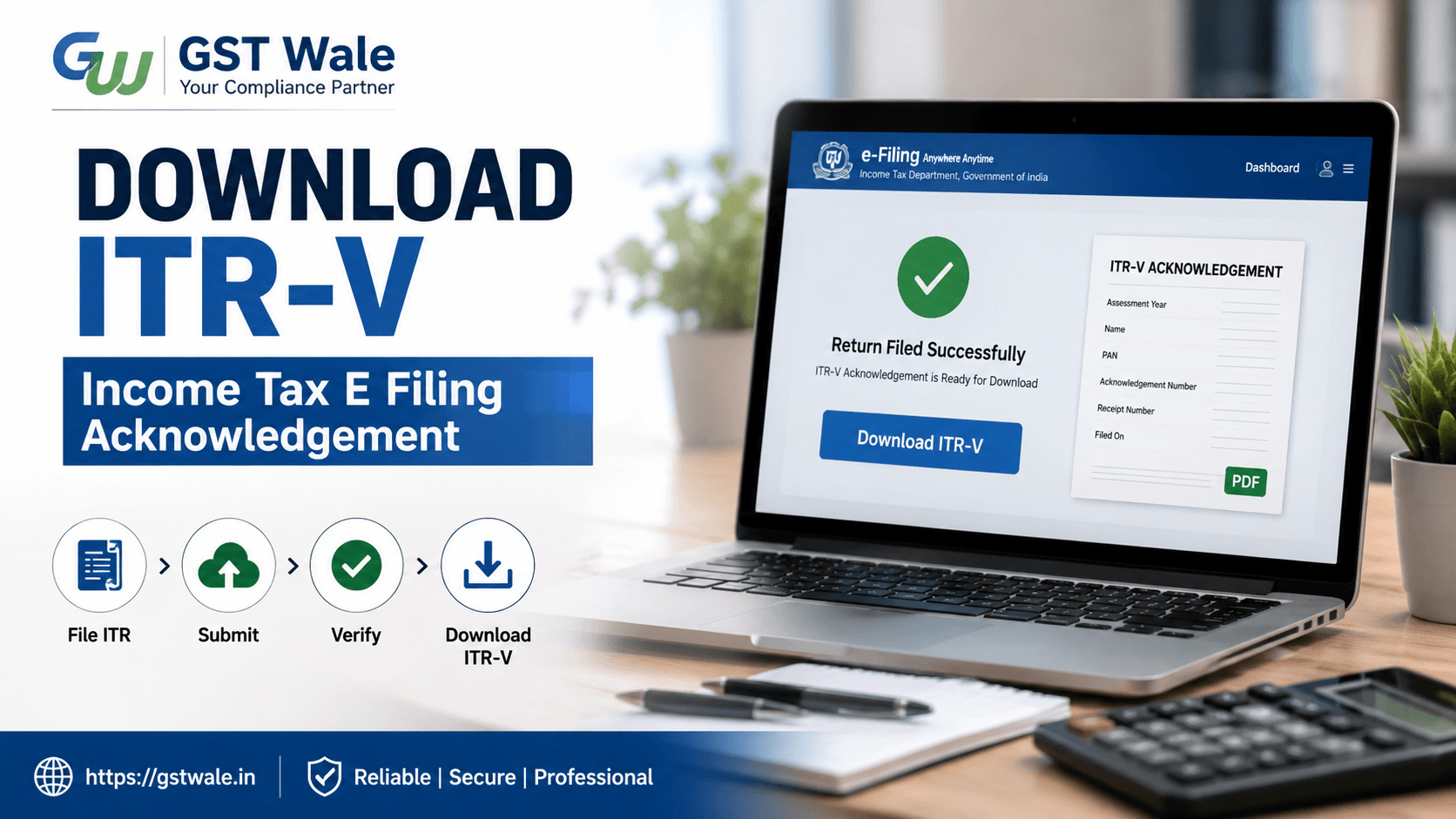
Filing your income tax return is an important financial responsibility, but many taxpayers forget one crucial step after income tax e filing — downloading the ITR-V acknowledgement. This document acts as your official tax filing proof and confirms that your return has been successfully submitted to the Income Tax Department.
At GST Wale, we often notice that salaried employees, freelancers, and business owners complete their return filing but struggle to locate or download the acknowledgement later. Whether you need it for loan applications, visa processing, or future tax references, the ITR-V is an essential document you should always keep safely.
If you are planning professional ITR Filing support, understanding the complete income tax e filing process can help you avoid unnecessary delays and mistakes.
In this detailed guide, GST Wale explains how to download your ITR-V acknowledgement step-by-step in a simple and practical manner.
What Is an ITR-V in Income Tax E Filing?
ITR-V stands for “Income Tax Return Verification.” It is generated once your income tax e filing is completed without using a Digital Signature Certificate (DSC).
The document contains:
- Your PAN details
- Assessment year
- Acknowledgement number
- Receipt number
- Filing date
- Verification details
Think of it as a receipt confirming your tax return submission.
If your return is not e-verified instantly, the ITR-V must be verified through Aadhaar OTP, net banking, bank account validation, or physical signature submission.
Why Is the ITR-V Acknowledgement Important?
Many taxpayers underestimate the importance of the ITR-V after income tax e filing. However, this document serves several important purposes.
Key Benefits of ITR-V
- Acts as official tax filing proof
- Required during income tax scrutiny
- Useful while applying for loans
- Helpful during visa applications
- Needed for future income verification
- Helps track your filing history
For example, if a business owner applies for a bank overdraft facility, banks may ask for the previous two years’ ITR acknowledgements as supporting proof.
Step-by-Step Process for Income Tax E Filing ITR-V Download
Below is the exact process GST Wale recommends for downloading your acknowledgement safely.
Step 1: Visit the Income Tax Portal
Go to the official Income Tax e-filing portal.
On the homepage, click on “Login.”
Step 2: Enter Login Credentials
Use the following details:
- PAN number or Aadhaar-linked User ID
- Password
- Captcha code
After entering the details, click “Continue.”
Step 3: Access the “e-File” Section
Once logged in:
- Navigate to “e-File”
- Click “Income Tax Returns”
- Select “View Filed Returns”
This section shows all returns filed under your PAN.
Step 4: Select the Relevant Assessment Year
Locate the correct assessment year for which you want the ITR-V download.
For example:
- Income earned during FY 2024-25 corresponds to AY 2025-26.
Many taxpayers accidentally choose the wrong assessment year, so always verify carefully before downloading.
Step 5: Click on “View Details”
After selecting the return:
- Click “View Details”
You will see:
- Filing status
- Acknowledgement number
- Receipt number
- Refund status
- Verification status
Step 6: Download the ITR-V PDF
Now click on:
- “Download Receipt”
or - “Download Form ITR-V”
The acknowledgement PDF will be downloaded to your device.
This completes your income tax e filing acknowledgement download process.
Understanding the PDF Password for ITR-V
One common issue taxpayers face after income tax e filing is opening the downloaded PDF.
The ITR-V file is password protected for security reasons.
What Is the PDF Password Format?
The PDF password is generally:
- Your PAN number in lowercase
- Followed by your date of birth in DDMMYYYY format
Example
If:
- PAN = ABCDE1234F
- Date of Birth = 15 August 1990
Then the PDF password will be:
abcde1234f15081990
Make sure there are no spaces while entering the password.
Common Problems During Income Tax E Filing ITR-V Download
Sometimes taxpayers face technical or procedural issues while downloading the acknowledgement.
ITR-V Not Available
Possible reasons:
- Return processing is incomplete
- Filing was unsuccessful
- Portal update delay
Wait for a few hours and check again.
Incorrect Login Credentials
If you forget your password:
- Use “Forgot Password”
- Reset using Aadhaar OTP or registered mobile/email
Verification Pending
If the return is not e-verified, the portal may display “Pending for Verification.”
In such cases, complete the verification process first.
Methods to Verify Your ITR After Income Tax E Filing
Downloading the ITR-V is only one part of the process. Verification is equally important.
Popular Verification Methods
Aadhaar OTP
- Fastest method
- OTP sent to Aadhaar-linked mobile number
Net Banking
- Login through authorized banks
- Direct verification facility available
Bank Account EVC
- Electronic Verification Code generated through bank account
Demat Account Verification
- Useful for investors with active Demat accounts
Physical Signature Submission
You can also physically sign the ITR-V and send it to CPC Bengaluru if e-verification is not completed online.
However, online verification is faster and more convenient.
Important Details Mentioned in the ITR-V
Your ITR acknowledgement contains critical information.
Information You Should Verify
- PAN details
- Name of taxpayer
- Assessment year
- Acknowledgement number
- Receipt number
- Filing date
- Tax computation details
- Verification status
If any information is incorrect, revise your return immediately.
Expert Tips from GST Wale for Safe Income Tax E Filing
At GST Wale, we advise taxpayers to follow these practical precautions.
Keep Multiple Copies
Save:
- Soft copy on cloud storage
- Email backup
- Printed copy for records
Verify Immediately
Do not delay e-verification after income tax e filing.
An unverified return may become invalid after the specified timeline.
Match Form 26AS and AIS
Before filing:
- Cross-check TDS details
- Verify salary and interest income
- Review Annual Information Statement (AIS)
This reduces future notices from the department.
Use Correct Contact Details
Ensure your:
- Mobile number
- Email ID
- Bank account details
are updated on the portal for smooth communication.
FAQs on Income Tax E Filing and ITR-V Download
Is ITR-V mandatory after income tax e filing?
Yes, the ITR-V is generated as proof of filing if the return is filed without DSC.
Can I download old ITR-V acknowledgements?
Yes, you can access previous acknowledgements through the “View Filed Returns” section.
What is the difference between acknowledgement number and receipt number?
The acknowledgement number is generated after filing, while the receipt number is linked to the processing and tracking of your return.
What if I forget the PDF password?
The password format remains the same — lowercase PAN plus date of birth in DDMMYYYY format.
Is physical signature submission still required?
Only if you do not complete online e-verification through Aadhaar OTP, bank EVC, or net banking.
Completing income tax e filing correctly is not just about submitting your return — downloading and verifying your ITR-V is equally important. This acknowledgement acts as your official tax filing proof and may be required for financial, legal, or compliance purposes in the future.
At GST Wale, we help individuals, professionals, startups, and businesses manage hassle-free income tax e filing with proper compliance and expert guidance. Whether you need assistance with return filing, verification, notices, or tax planning, our experienced CA team is ready to support you at every step.
Don’t wait until the last minute. Connect with GST Wale today and ensure your income tax e filing process is smooth, accurate, and stress-free.
 Previous