



Master Guide: Recovering a Blocked or Locked Efileitr User Profile
Master Guide: Recovering a Blocked or Locked Efileitr User Profile
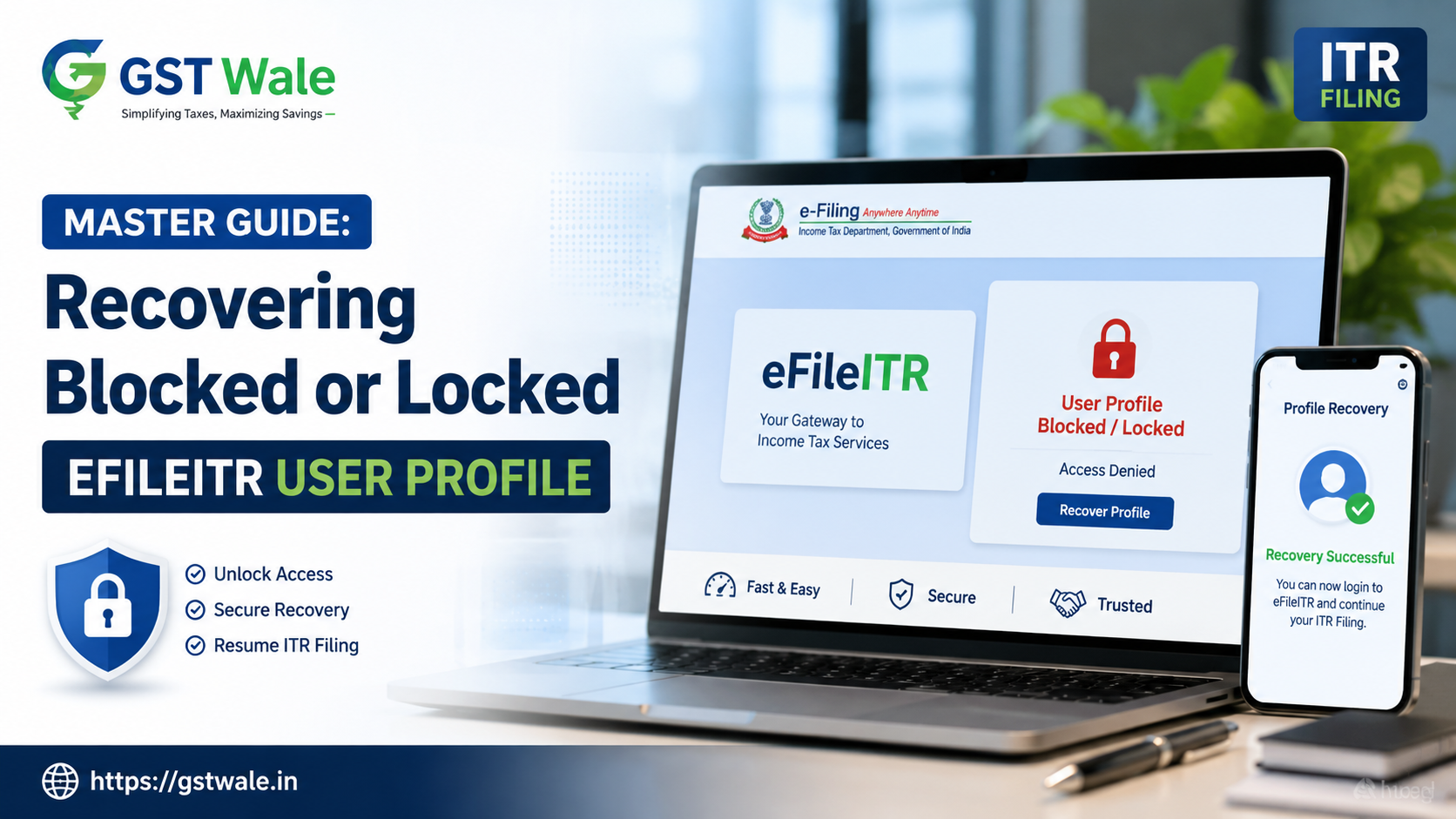
It is a sinking feeling that many taxpayers experience during the busy tax season: you sit down to finish your ITR Filing, enter your credentials, and see that dreaded message—your account is locked. Whether it is due to repeated failed login attempts or a security flagging by the department, losing access to your efileitr profile can be incredibly stressful. As professionals at GST Wale, we see this happen frequently, and we want to assure you that while it is an annoyance, it is entirely fixable.
The efileitr portal is designed with robust security protocols to protect your sensitive financial data. While these measures are essential, they can sometimes create hurdles for honest taxpayers. If you find yourself staring at an unlocked tax profile account error, do not panic. In this guide, we will walk you through the steps to reclaim your access and get back on track.
Why Does Your Efileitr Account Get Locked?
Before diving into the recovery steps, it is important to understand why this happens. Usually, the efileitr system flags an account for protection when it detects suspicious activity or persistent errors. Common reasons include:
Multiple Failed Logins: Entering the wrong password repeatedly is the most common culprit.
Suspicious Activity: Accessing the account from unrecognized devices or suspicious IP addresses.
Incomplete Profile Details: Failure to update your mobile number or email ID, which makes it harder for the system to verify your identity.
Security Flags: The department may lock accounts periodically for a mandatory re-verify tax identity process to prevent unauthorized access.
Step-by-Step Guide to Account Recovery
If you are currently locked out, follow this structured process to regain entry to your efileitr account.
Step 1: Use the 'Forgot Password' Utility
Before contacting anyone, try the automated recovery. Visit the portal and click on 'Forgot Password'. You will be asked to enter your User ID. Use your registered mobile number and email to receive the OTP (One-Time Password). Successfully verifying these is the fastest way to trigger an account security unlock without human intervention.
Step 2: Clearing Browser Cache and Cookies
Sometimes, the issue isn't with your account, but with your browser. If you keep getting an error on the efileitr login page, clear your browser’s cache, cookies, and history. We often recommend using 'Incognito' mode to see if the login page loads correctly.
Step 3: Engaging with the Income Tax Helpdesk
If the automated methods fail, it is time to contact income tax helpdesk. You can do this by:
Helpline Number: Call the official Income Tax Department toll-free number. Keep your PAN handy.
Email Support: Send a detailed email to the official helpdesk address, attaching a screenshot of the error message you see on your efileitr screen.
Grievance Redressal: If the issue persists for more than 48 hours, file a formal grievance on the portal.
Best Practices for Maintaining Your Efileitr Profile
To avoid the frustration of an e-filing account recovery process in the future, follow these expert tips from our desk at GST Wale:
Keep Contact Information Updated: Ensure your primary email address and mobile number are active and current. These are your lifelines for OTP verification.
Enable Two-Factor Authentication: While it adds a step, it significantly reduces the chances of your account being flagged for unauthorized access.
Secure Your Credentials: Never share your password with unauthorized third parties. Use a password manager if you find it hard to remember complex strings.
Monitor Periodic Notifications: The department often sends alerts about security updates. Pay attention to these to avoid sudden account freezes.
Frequently Asked Questions (FAQs)
How long does it take to unlock my efileitr profile?
Generally, if you use the 'Forgot Password' tool, it is instantaneous. If you need to contact the helpdesk, it may take 24 to 72 hours for a manual reset.
Is it safe to share my PAN with an expert for ITR Filing?
As long as you are working with a registered professional or a firm like GST Wale, it is safe. We use secure channels to assist you, ensuring your data remains confidential.
Can I re-verify tax identity offline?
Currently, most of the verification process for efileitr is done digitally via Aadhaar-linked mobile numbers or Net Banking. Offline options are very limited and usually involve the jurisdictional Assessing Officer.
What if my mobile number is not linked to my PAN?
This is a common issue. You must visit your nearest PAN service center or use the NSDL/UTI portal to update your contact details before you can successfully complete any account security unlock procedure.
Need Expert Assistance? Reach Out to GST Wale
We understand that navigating the digital tax landscape can be daunting. Whether you are dealing with a locked efileitr portal, complex tax slabs, or the necessity of professional tax planning, you don't have to go it alone.
At GST Wale, we specialize in simplifying taxation for individuals and businesses alike. Our team of experienced Chartered Accountants ensures that your compliance is seamless and your accounts remain secure. Don't let a technical glitch hold up your financial obligations.
 Previous


