


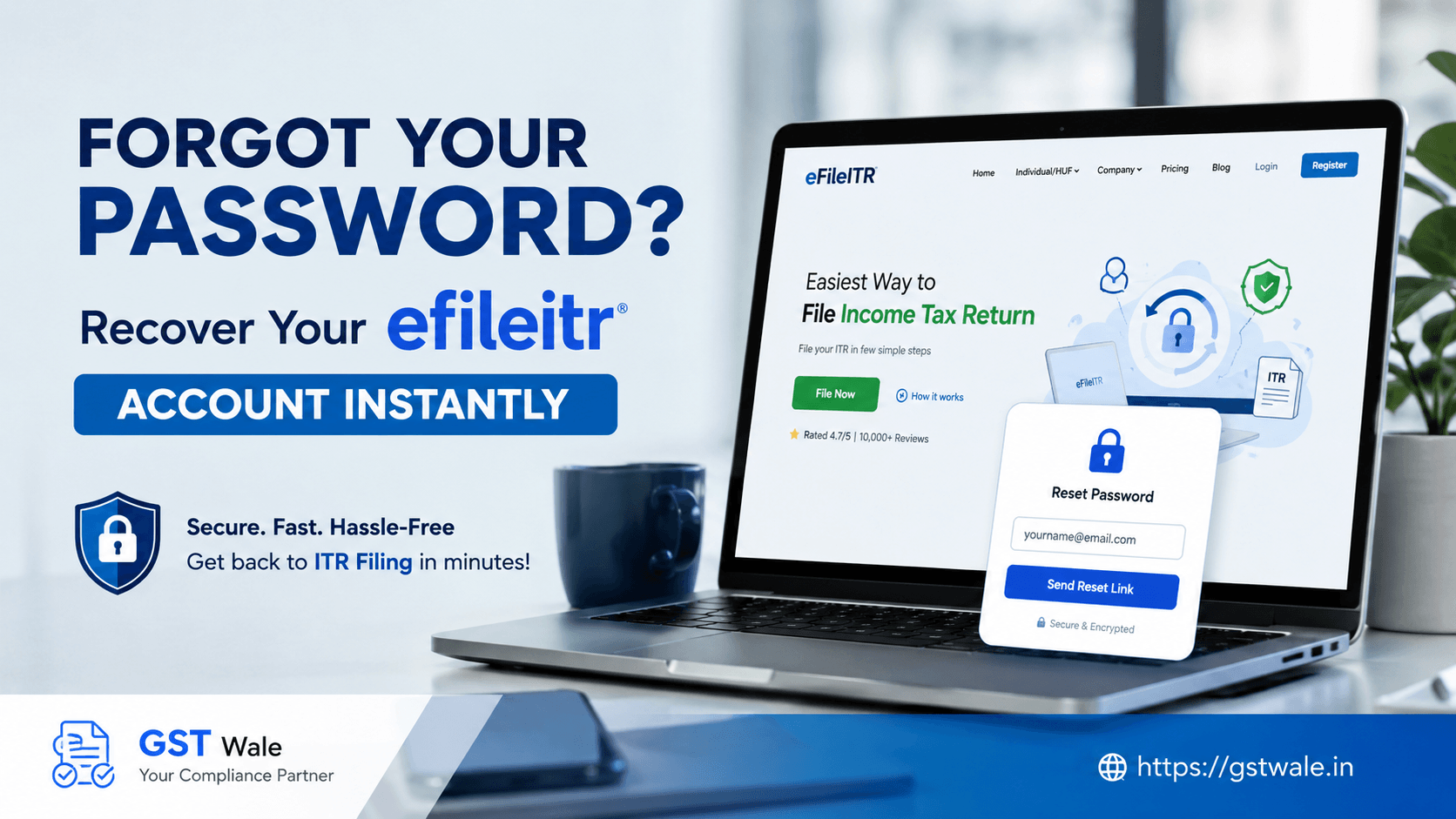
Forgot Your Password? How to Recover Your Efileitr Account Instantly
Forgot Your Password? How to Recover Your Efileitr Account Instantly
It’s July, the monsoon is knocking on the door, and the deadline to file your Income Tax Return is staring you right in the face. You sit down with your Form 16, your bank statements, and a cup of cutting chai. You open the official tax portal, enter your PAN, and then—blank. You cannot remember the password to your efileitr account. You try your old pet’s name, your birth year, and that complex combination you created last year, but the screen flashes "Invalid Credentials."
We see this happen every single tax season at GST Wale. Hundreds of taxpayers accidentally lock themselves out of their profiles right when they need them most. Getting locked out of your efileitr account can feel incredibly stressful, especially when deadlines are tight. But here is the good news: the Income Tax Department has made the e-filing password recovery process remarkably smooth and digitized. You do not need to visit a tax office or send physical letters anymore. If you need professional assistance with your annual tax submission or want an expert to handle the entire process from scratch, you can easily opt for our comprehensive ITR Filing service to save time and avoid compliance errors.
Let’s walk through how you can regain your tax portal access instantly and securely.
Why Getting Your Efileitr Access Back Matters
Your efileitr profile is the central dashboard for your entire financial relationship with the Indian government. It contains your historical tax returns, outstanding demands, refund statuses, and sensitive data like your Form 26AS and Annual Information Statement (AIS).
Losing access right before the filing deadline can result in late fees under Section 234F, delayed tax refunds, and unnecessary mental anxiety. Fortunately, you can reset your credentials within five minutes if you have the right documents handy.
3 Easy Ways to Recover Your Efileitr Password Instantly
The e-filing portal offers multiple secure pathways to trigger an income tax login reset. Depending on which verification tools you have active, you can choose any of the methods detailed below to recover your efileitr account.
Method 1: The Quickest Way – Aadhaar OTP Login
For 90% of Indian taxpayers, this is the absolute fastest way to regain access. If your mobile number is actively linked to your Aadhaar card, you can use the Aadhaar OTP login ecosystem to overwrite your old password instantly.
Step 1: Go to the official Income Tax e-filing homepage and click on the 'Login' button in the top right corner.
Step 2: Enter your User ID (which is always your PAN card number for individual taxpayers) and click 'Continue'.
Step 3: On the password entry page, look right below the input box and click on the 'Forgot Password?' link.
Step 4: Re-enter your User ID to confirm the account you want to recover and press 'Continue'.
Step 5: On the 'Select an Option to Reset Password' screen, choose 'Generate Aadhaar OTP'.
Step 6: Select 'I agree to validate my Aadhaar details' and click 'Generate OTP'.
Step 7: You will receive a 6-digit one-time password on the mobile number registered with UIDAI. Enter this OTP on the screen.
Step 8: Set your new secure password, confirm it, and log back into your efileitr dashboard immediately.
Method 2: Using Digital Signature Certificate (DSC)
If you are a business owner, a corporate director, or a professional who has mandatory DSC requirements, this method is highly secure and bypasses the need for mobile OTPs entirely.
Follow the initial steps to reach the 'Reset Password' screen for your efileitr username.
Select the 'Upload Digital Signature Certificate (DSC)' option.
Ensure that the emBridge application is running on your computer and your physical USB crypto-token is plugged in.
Select 'Sign using DSC' and choose your cryptographic provider and certificate.
Enter your DSC token password/PIN.
Once validated, the system will prompt you to type and save a brand-new password for your efile account.
Method 3: Using Net Banking Credentials
Did you change your mobile number recently without updating it in your Aadhaar records? Don't worry. You can use your commercial bank account secure login to verify your identity.
On the efileitr forgot password page, choose the 'Log in via Net Banking' route.
You will see a list of authorized banks. Select your primary bank where you have net banking activated.
The portal will securely redirect you to your bank's retail internet banking login page.
Log into your bank account as you normally would to pay bills or check balances.
Look for the specific tab labeled 'Income Tax e-Filing Link' or 'Tax Services' inside your bank portal.
Click it, and the bank will securely verify your identity and redirect you straight back into your open efile account, skipping the old password check entirely. From there, you can update your profile password instantly.
Pro-Tips from GST Wale Experts to Avoid Getting Locked Out Again
Once you are successfully back inside your efileitr profile, take two minutes to execute these basic digital hygiene steps to ensure you never face this roadblock again:
Update your Primary Profile Details: Ensure your current active mobile number and email address are listed under your profile settings. If they are outdated, you won't receive critical tax notices or OTPs.
Enable Secure Access Messages: You can set up a personalized secure access message that appears every time you log in, confirming you are on the authentic government portal and protecting you from phishing sites.
Clear Browser Cache regularly: Sometimes, old login credentials cached in your Google Chrome or Microsoft Edge browser can trigger automatic "wrong password" errors even if you are typing the correct one.
Frequently Asked Questions (FAQs)
What should I do if my Aadhaar is not linked to my current mobile number?
If your Aadhaar is linked to an old, inactive phone number, you will not receive the OTP. In this scenario, you should use the Net Banking route to reset your password or log in via your registered email ID and mobile number combination if both are still active.
My account is locked out after multiple incorrect attempts. How long must I wait?
If you enter the wrong credentials too many times, the portal locks the efileitr account temporarily for security reasons to prevent brute-force attacks. The lock usually automatically lifts after 120 minutes (2 hours). Avoid attempting logins during this cooling period.
Can I change my e-filing password if I don't remember my old password?
Yes, absolutely. The entire purpose of the 'Forgot Password' workflow using Aadhaar OTP, Net Banking, or DSC is to allow you to overwrite your forgotten password entirely without ever needing to input the previous one.
Is the User ID for individuals always the PAN?
Yes, for individual taxpayers, your 10-character Permanent Account Number (PAN) acts as your unique User ID for your efile account. Ensure you type it in capital letters without any accidental spaces.
Let GST Wale Handle Your Taxes Seamlessly
Recovering your password is just the first step; completing your actual filing accurately without attracting tax notices from the department is where the real work lies. Tax laws change every year, and minor oversights in reporting income from capital gains, multiple employers, or foreign assets can complicate your compliance profile.
At GST Wale, we clear away the technical jargon and handle your compliance end-to-end. Our team of experienced tax consultants and Chartered Accountants ensures your returns are submitted error-free, optimizing your deductions under both the old and new tax regimes. Let us handle the portal stress while you focus on growing your business. Reach out to GST Wale today, and let's get your filings sorted effortlessly!
 Previous