



A Complete Guide to Downloading and Saving Your ITR-V Acknowledgment from efilingincometax
A Complete Guide to Downloading and Saving Your ITR-V Acknowledgment from efilingincometax
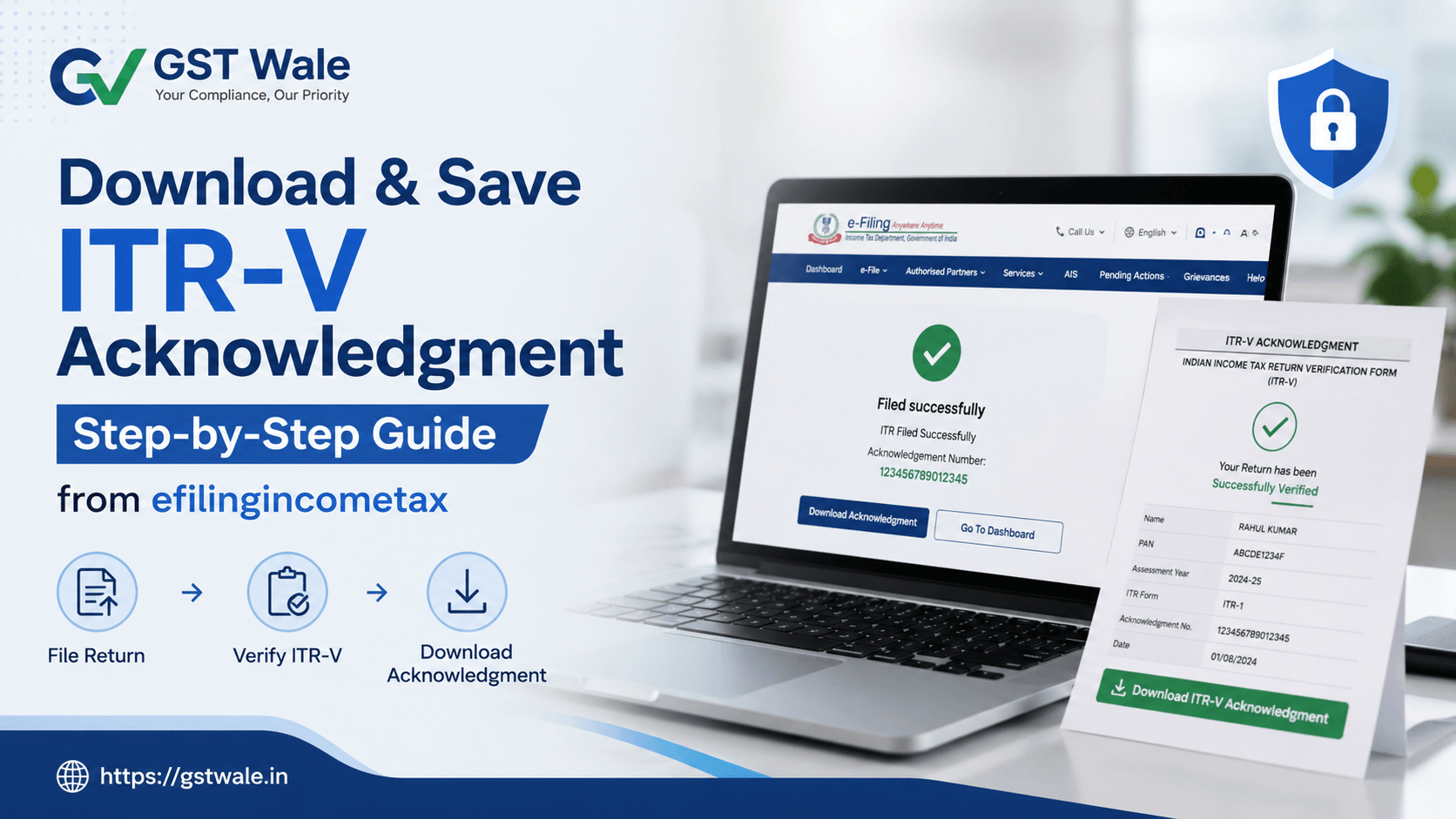
If you have recently filed your Income Tax Return through the efilingincometax portal, downloading and safely storing your ITR-V acknowledgment is extremely important. Many taxpayers complete the filing process but later struggle to find their acknowledgment copy during loan applications, audits, or income verification.
At GST Wale, we regularly assist salaried individuals, freelancers, startups, and business owners who need help retrieving old ITR documents from the efilingincometax portal. Whether you are filing taxes for the first time or managing multiple years of returns, understanding how to access and preserve your ITR-V can save you from unnecessary stress later.
If you are planning professional ITR Filing assistance, it is equally important to maintain proper tax documentation for future reference.
In this guide, we will explain everything step-by-step, including downloading the acknowledgment, unzipping encrypted tax files, understanding password combination pan dob formats, and storing physical tax copies safely.
What is an ITR-V Acknowledgment?
The ITR-V stands for “Income Tax Return Verification.” It is an acknowledgment document generated after successfully filing your return through the efilingincometax portal without digital signature verification.
The document serves as proof that:
- Your return has been successfully submitted
- Your filing details are recorded by the Income Tax Department
- Your return awaits verification (if not e-verified instantly)
The ITR-V contains important details such as:
- PAN number
- Assessment Year
- Filing date
- Total income
- Tax paid
- Verification status
Why is Downloading ITR-V Important?
Many taxpayers underestimate the importance of keeping their ITR-V acknowledgment safe. However, this document is often required for:
- Bank loan approvals
- Visa applications
- Income proof submissions
- Audit preparation records
- Financial due diligence
- Business compliance checks
At GST Wale, we advise clients to maintain both digital and physical copies for long-term safety.
Step-by-Step Guide to Download ITR-V from efilingincometax
Step 1: Visit the efilingincometax Portal
Go to the official efilingincometax website and log in using:
- PAN/Aadhaar/User ID
- Password
- Captcha code
Always ensure you are accessing the genuine portal to avoid fraud or phishing attempts.
Step 2: Navigate to “e-File”
After login:
- Click on “e-File”
- Select “Income Tax Returns”
- Choose “View Filed Returns”
This section contains all previously filed returns available on the efilingincometax portal.
Step 3: Select Relevant Assessment Year
Locate the assessment year for which you want the ITR-V acknowledgment.
For example:
- FY 2024-25 → AY 2025-26
- FY 2023-24 → AY 2024-25
Click “View Details.”
Step 4: Download ITR-V Acknowledgment
Once you open the filing details:
- Click “Download Form”
- Select “ITR-V Acknowledgment”
The file usually downloads in PDF or ZIP format from the efilingincometax system.
Understanding Password Protection in Downloaded Tax Files
Many taxpayers get confused when downloaded files ask for passwords.
This security feature protects sensitive financial information.
Password Combination PAN DOB Format
Usually, the password combination pan dob format is:
- PAN in lowercase letters
- Date of birth in DDMMYYYY format
Example:
- PAN: ABCDE1234F
- DOB: 15 August 1990
- Password: abcde1234f15081990
This format is commonly used while unzipping encrypted tax files downloaded from the efilingincometax portal.
Tips for Unzipping Encrypted Tax Files
Sometimes your downloaded acknowledgment comes in a ZIP archive.
For safely unzipping encrypted tax files:
- Use trusted software like WinRAR or 7-Zip
- Avoid unknown third-party extraction tools
- Enter the correct password carefully
- Ensure no extra spaces are added
If the file still does not open, re-download it from the efilingincometax portal because corrupted downloads are common during heavy traffic periods.
Best Practices for Saving Your ITR-V Securely
Maintain Digital Copies
Create separate folders such as:
- AY 2025-26
- AY 2024-25
- Business Tax Returns
- Salary Returns
Store files on:
- Personal laptop
- External hard drive
- Cloud storage like Google Drive
Keep Backup Copies
At GST Wale, we recommend maintaining at least:
- One local backup
- One cloud backup
This helps avoid accidental data loss.
Storing Physical Tax Copies Safely
Even in the digital era, storing physical tax copies safely remains important.
Print your ITR-V and store it in:
- Waterproof folders
- Locked cabinets
- Fire-resistant document organizers
This becomes especially useful during:
- Home loan processing
- Income scrutiny notices
- Partnership disputes
- Audit preparation records
Common Problems While Downloading ITR-V
Incorrect Login Credentials
Always verify:
- PAN/User ID
- Password
- Registered mobile OTP
File Not Downloading
Possible reasons include:
- Browser cache issues
- Slow internet connection
- Server downtime on efilingincometax
Try:
- Clearing browser cache
- Using another browser
- Downloading during non-peak hours
Password Not Working
Most password issues occur because:
- PAN letters are entered in uppercase
- Incorrect DOB format is used
- Spaces are accidentally added
Carefully follow the password combination pan dob structure.
How Long Should You Keep ITR-V Copies?
As experienced tax professionals, we recommend preserving tax documents for at least 6-8 years.
Business owners and professionals may need longer retention due to:
- GST audits
- Income tax scrutiny
- Financial investigations
- Audit preparation records
Proper documentation can protect you during compliance disputes.
Expert Advice from GST Wale
At GST Wale, we often notice taxpayers focusing only on filing returns while ignoring documentation management.
A properly saved ITR-V can help you:
- Avoid last-minute panic
- Respond to notices quickly
- Simplify future filings
- Strengthen financial credibility
The efilingincometax portal offers excellent accessibility, but taxpayers must also adopt disciplined record-keeping habits.
FAQs on efilingincometax ITR-V Download
Is ITR-V mandatory after filing returns?
Yes. If your return is not instantly e-verified, the ITR-V acknowledgment acts as official proof of filing.
Can I download old ITR-V files from efilingincometax?
Yes. The efilingincometax portal allows users to access previously filed returns for multiple assessment years.
What if I forget the PDF password?
Use the standard password combination pan dob format. If it still fails, verify your PAN and date of birth carefully.
Is it necessary to keep printed copies?
Yes. Storing physical tax copies safely is highly recommended for legal, banking, and audit purposes.
Why are tax files encrypted?
Encryption protects sensitive taxpayer information from unauthorized access during downloads and sharing.
Downloading and preserving your ITR-V acknowledgment from the efilingincometax portal is not just a routine task—it is an essential part of responsible financial management.
From unzipping encrypted tax files to maintaining audit preparation records, every step matters when handling tax documentation professionally.
At GST Wale, we help individuals and businesses simplify tax compliance with expert guidance, accurate filing support, and complete documentation assistance. If you want stress-free tax filing and proper compliance management, connect with GST Wale today and let our experts handle your Income Tax and GST requirements efficiently.
 Previous


