


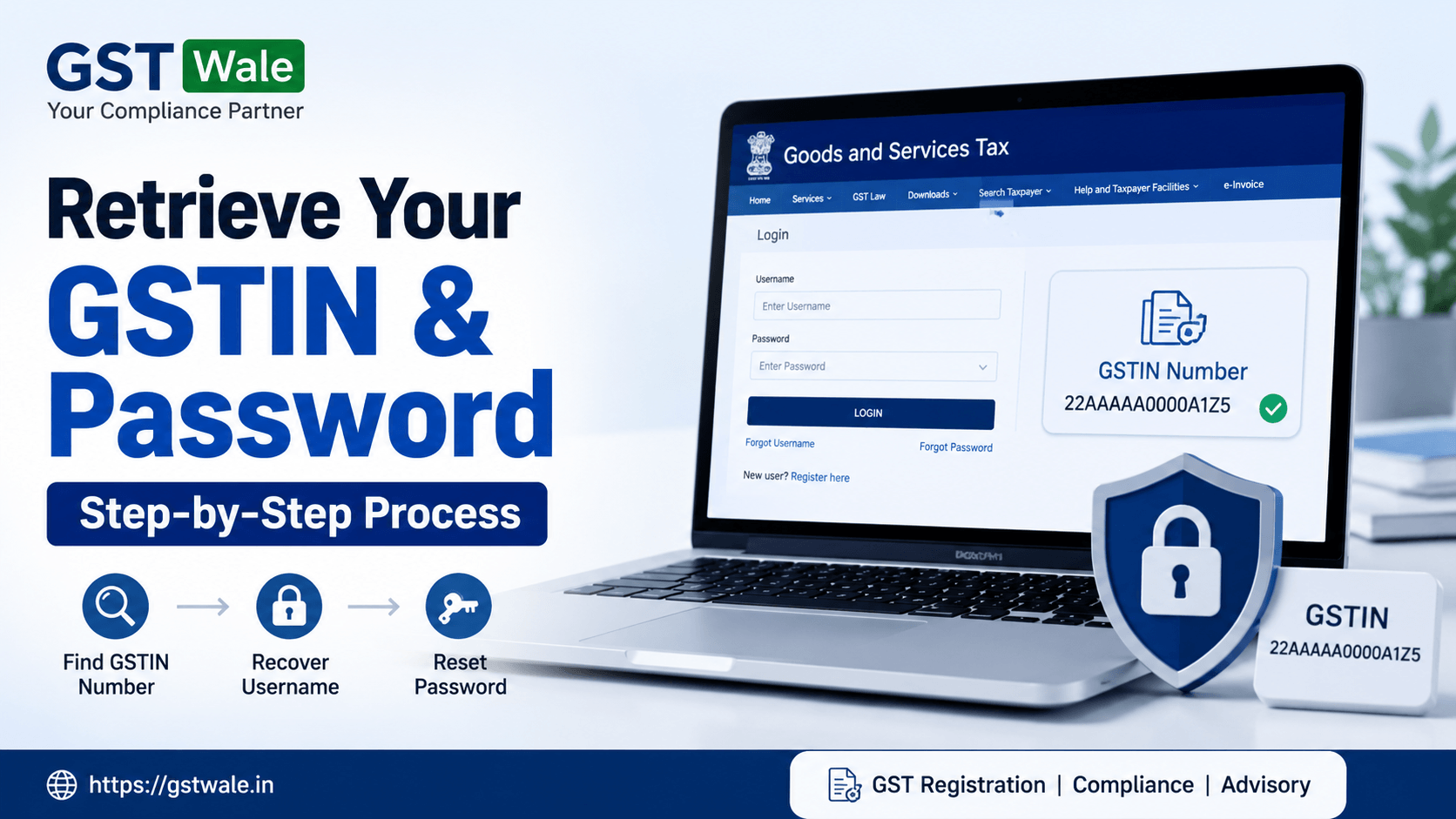
Step-by-Step Process to Retrieve Your Lost GSTIN Number and Password
Step-by-Step Process to Retrieve Your Lost GSTIN Number and Password
Losing access to your GST account can create unnecessary stress, especially when filing returns, checking notices, or managing compliance deadlines. Many taxpayers forget their gstin number, username, or password after completing gst registration, particularly if they don’t log in regularly. At GST Wale, we regularly assist businesses, freelancers, traders, and startups facing this exact issue.
If you recently completed GST Registration or have an old account that you cannot access anymore, don’t worry. The GST portal provides multiple ways to recover your gstin number, username, and password safely. In this guide, we will explain the entire process step-by-step in simple language.
What Is a GSTIN Number?
A gstin number refers to the Goods and Services Tax Identification Number issued by the GST department after successful goods and services tax registration. It is a 15-digit unique number assigned to every registered taxpayer.
Your gstin number is essential for:
- Filing GST returns
- Generating e-invoices
- Claiming input tax credit
- Checking notices from the department
- Verifying business registration
- Maintaining an active tax profile
Without access to your gstin number and GST login credentials, managing compliance becomes difficult.
Common Reasons for Losing GST Login Details
Many taxpayers lose access to their GST account because of:
- Forgot GST username
- Forgot password
- Lost registered mobile number
- Inactive email address
- Accountant changed or resigned
- Business owner never saved credentials
- Long gap after gst registration
The good news is that most GST login issues can be resolved online within a few minutes.
How to Retrieve Your Lost GSTIN Number
If you have forgotten your gstin number, follow these steps carefully.
Method 1: Find GSTIN Using PAN Number
The easiest way to retrieve your gstin number is through your PAN.
Steps to Find GSTIN Profile
- Visit the official GST portal.
- Go to “Search Taxpayer.”
- Select “Search by PAN.”
- Enter your PAN number.
- Complete the captcha verification.
- Click on “Search.”
You will see all GST registrations linked to your PAN, including your gstin number and business details.
This method works well for proprietorships, partnerships, LLPs, and companies.
Method 2: Check GST Certificates
Your gstin number is usually mentioned on:
- GST registration certificate
- Previous GST returns
- Tax invoices
- E-way bills
- Email from GST department
- Accounting software records
Many businesses also print the gstin number on letterheads and invoices.
Method 3: Find GSTIN Through Mobile or Email
During goods and services tax registration, OTP verification is completed through mobile number and email ID. Search your inbox using terms like:
- GST Registration
- ARN number
- GSTIN
- GST certificate
You may locate your gstin number in old GST confirmation emails.
How to Recover GST Username
Sometimes taxpayers remember the gstin number but forget the username used for login.
Steps to Recover GST Username
- Open the GST portal login page.
- Click “Forgot Username.”
- Enter your gstin number.
- Provide the registered mobile number.
- Enter captcha code.
- Verify OTP received on mobile.
The GST portal will send your username to the registered email address and mobile number.
This process is useful if your accountant created the account and you never noted the login details.
Step-by-Step Process to Reset GST Password
If you know your gstin number but cannot remember the password, you can easily reset GST password online.
Steps to Reset GST Password
Step 1: Visit GST Portal
Open the official GST portal and click on “Login.”
Step 2: Select “Forgot Password”
Click the “Forgot Password” option below the login section.
Step 3: Enter GSTIN Number
Provide your gstin number or username.
Step 4: Verify Captcha
Enter the captcha code displayed on screen.
Step 5: OTP Verification
You will receive an OTP on your registered mobile number and email ID.
Step 6: Create New Password
After verification, create a strong password.
Your new password should include:
- Uppercase letters
- Lowercase letters
- Numbers
- Special characters
Avoid using simple passwords like business name or birth date.
What If Registered Mobile Number Is Lost?
This is a common issue faced by taxpayers after changing phone numbers.
Solution for Mobile Number Change
If your registered mobile number is inactive:
- Contact GST helpdesk
- Visit GST Suvidha Centre if required
- File amendment request after login recovery
- Use DSC or EVC options if available
In some cases, taxpayers may need professional assistance to restore account access.
At GST Wale, we help businesses recover GST accounts smoothly without unnecessary delays.
Tips to Keep Your GST Account Safe
Once you recover your gstin number and login details, follow these best practices:
Maintain Proper Records
Keep a secure copy of:
- GST username
- Password
- GST certificate
- Registered email ID
- Mobile number
Update Contact Details Regularly
Always update:
- Mobile number
- Email address
- Authorized signatory details
This helps avoid future login problems.
Use Professional Compliance Support
Many businesses lose GST access because compliance is handled informally. Working with professionals ensures your active tax profile remains secure and updated.
How Tracking GST Application Helps
If your gst registration was recently filed and you forgot details during the process, you can still recover information using ARN tracking.
Steps for Tracking GST Application
- Visit GST portal
- Select “Track Application Status”
- Enter ARN number
- Verify captcha
- View registration status
This method is useful if your gstin number has already been generated but you have not received the final confirmation.
Mistakes to Avoid During GST Recovery
Many taxpayers make avoidable mistakes while trying to recover GST login access.
Avoid These Errors
- Entering incorrect PAN
- Using wrong mobile number
- Sharing OTP with unknown persons
- Ignoring registered email inbox
- Using weak passwords
- Attempting repeated failed logins
Too many failed login attempts can temporarily lock your account.
When Should You Seek Professional Help?
You should consult experts if:
- Mobile and email both are inaccessible
- GST account is blocked
- ARN details are missing
- Password reset is failing repeatedly
- Multiple gstin number registrations exist
- Business ownership changed
Professional guidance can save time and reduce compliance risks.
FAQs About GSTIN Number Recovery
Can I recover my gstin number using PAN?
Yes. The GST portal allows taxpayers to search GST registrations linked to their PAN.
Is it possible to recover GST username online?
Yes. You can recover GST username through the “Forgot Username” option on the GST portal.
How can I reset GST password if I forgot it?
Use the “Forgot Password” option on the GST portal and complete OTP verification.
Can I access GST account without registered mobile number?
It may be difficult, but alternative verification methods or professional support can help recover access.
Is ARN useful for finding gstin number?
Yes. Tracking gst application using ARN can help identify registration status and GST details.
Losing access to your gstin number, username, or password can disrupt your business compliance activities, but the recovery process is usually simple if you follow the correct steps. Whether you need to recover GST username, reset GST password, or find gstin profile details, the GST portal offers multiple recovery options for taxpayers.
At GST Wale, we understand that GST compliance can sometimes feel confusing for business owners. Our experienced team helps businesses recover GST access, manage registrations, maintain an active tax profile, and stay fully compliant without stress.
If you are facing issues with your gstin number, GST login, or any gst registration matter, connect with GST Wale today for reliable professional assistance.
 Previous