



How to Address a Negative Balance Validation Error in Your Electronic Credit Ledger
How to Address a Negative Balance Validation Error in Your Electronic Credit Ledger
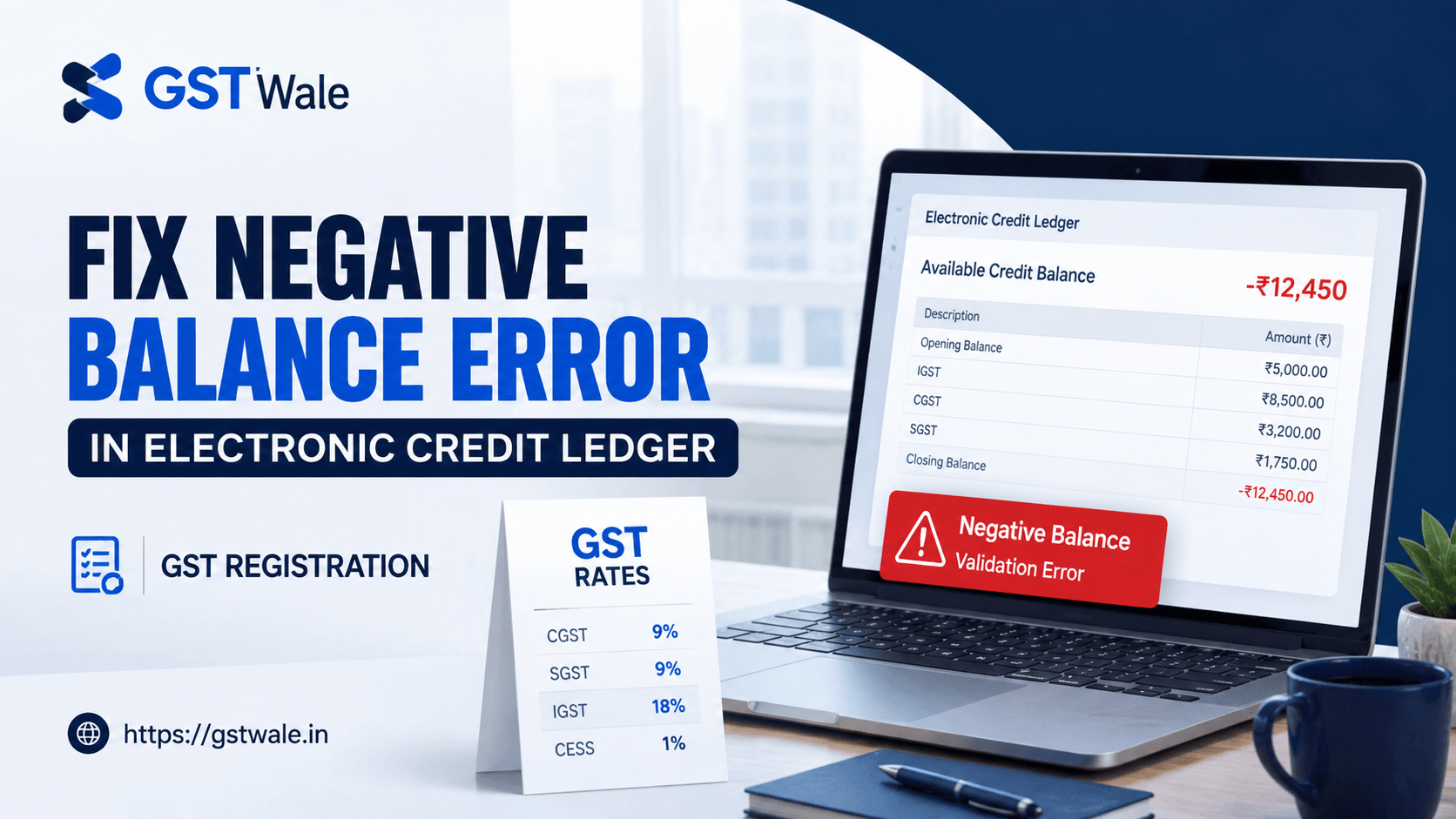
If you have ever been staring at your screen while filing your GSTR-3B and suddenly hit a wall with a "Negative Balance" error, you know exactly how stressful that can be. At "GST Wale," we see this frequently. Business owners often panic, thinking they have committed a major compliance blunder. While it is important to take it seriously, it is usually a systematic issue that we can resolve together. Before we dive into the technical fixes, remember that ensuring your business is set up correctly from the start is half the battle; if you haven't yet streamlined your tax identity, we highly recommend looking into our GST Registration services to ensure your records are solid.
This error essentially tells the portal that your credit utilization is exceeding what is legally available, often due to changes in gst rates or adjustments that haven't been reconciled. It is a classic case of the system's "hard validation rules portal" kicking in to prevent incorrect filings. Let’s break down how you can fix this.
Understanding the "Hard Validation Rules Portal"
The GST portal is designed with strict algorithms to prevent revenue leakage. When you attempt to set off liabilities, the system checks your Electronic Credit Ledger in real-time. If the system detects that you are trying to utilize input tax credit (ITC) that isn't actually available—perhaps due to a reversal that wasn't updated or an "excess ITC reclaim block"—the portal will throw a negative balance error.
This often happens when there is a mismatch between the gst rates you applied during invoicing and what the system expects. If you have updated your business model, you must ensure your accounting software is synced with the latest gst new rate changes to avoid these discrepancies.
Common Reasons for the Negative Balance Error
Before you can fix the error, you need to identify the root cause. Here are the most frequent culprits we see at GST Wale:
Excess ITC Reclaim Block: If you previously claimed ITC that you were ineligible for, and the system blocked your ability to reclaim it, you might be trying to use "phantom" credit.
Table 4D Return Filing Discrepancies: Often, the error originates in Table 4D of your GSTR-3B. If the figures here do not match your ledger, the system will flag a discrepancy.
Electronic Cash Balance Mismatches: Sometimes the error isn't with credit, but with how the portal interprets your cash balance versus your credit ledger.
Clearing RCM Liability: If you have Reverse Charge Mechanism (RCM) liabilities, these must be paid in cash. Trying to pay them using credit will trigger a validation error.
Step-by-Step Fix: How to Resolve the Error
When you encounter this during filing, don’t just hit "Submit" repeatedly. Follow this systematic approach:
1. Reconcile Your Ledger
Log in to the GST portal and view your Electronic Credit Ledger. Compare the closing balance shown on the portal with your internal books of accounts. If there is a difference, check if there were any manual reversals in previous months.
2. Verify RCM Payments
Ensure that you are not using ITC to clear RCM liabilities. RCM is a cash-only transaction. If you have mistakenly selected the credit ledger for an RCM payment, the system will reject the transaction.
3. Check for Recent Changes in GST Rates
Sometimes, a change in the gst rates for your specific products can lead to a calculation error in your accounting software. If your software calculated ITC based on an old rate, but the GSTR-3B table requires the current rate, the math won't add up. Ensure your software is updated with the gst new rate notifications.
4. Review Your Table 4D Data
Double-check the entries in Table 4D of your GSTR-3B. Are there any reversals that were manually entered? Sometimes, a simple typo in these fields can lead to a negative balance.
Frequently Asked Questions (FAQs)
Can I ignore a negative balance error?
No, you cannot. The GST portal will not allow you to file your return until the balance is corrected. Attempting to bypass it is not possible as it is a hard validation.
Does the negative balance affect my interest liability?
Yes, if the error forces you to delay filing your return, you may be liable for interest on the delayed payment of tax.
How do changes in gst rates cause this error?
If your invoices are generated at different rates than what is reflected in your GSTR-1, the system may mismatch your output tax, leading to issues when you attempt to set off against credit.
Is this a permanent system error?
Usually, no. It is typically a data entry or reconciliation error on the user's end. Once the figures match the portal’s records, the error disappears.
A "Negative Balance" error is just the GST portal's way of asking you to be more precise. By keeping a close eye on your reconciliations, understanding the implications of gst rates, and ensuring your RCM and ITC entries are distinct, you can resolve these issues efficiently.
If you find yourself stuck or if the reconciliation process feels overwhelming, remember that you don’t have to do it alone. At GST Wale, we specialize in helping businesses navigate the complexities of Indian taxation. Reach out to us today to ensure your compliance is seamless and your ledger stays green. We are here to help you stay ahead of every compliance challenge!
 Previous


