



Hard Locking of GSTR-3B: Why Manual Edits Are No Longer Allowed on the GST Portal
Hard Locking of GSTR-3B: Why Manual Edits Are No Longer Allowed on the GST Portal
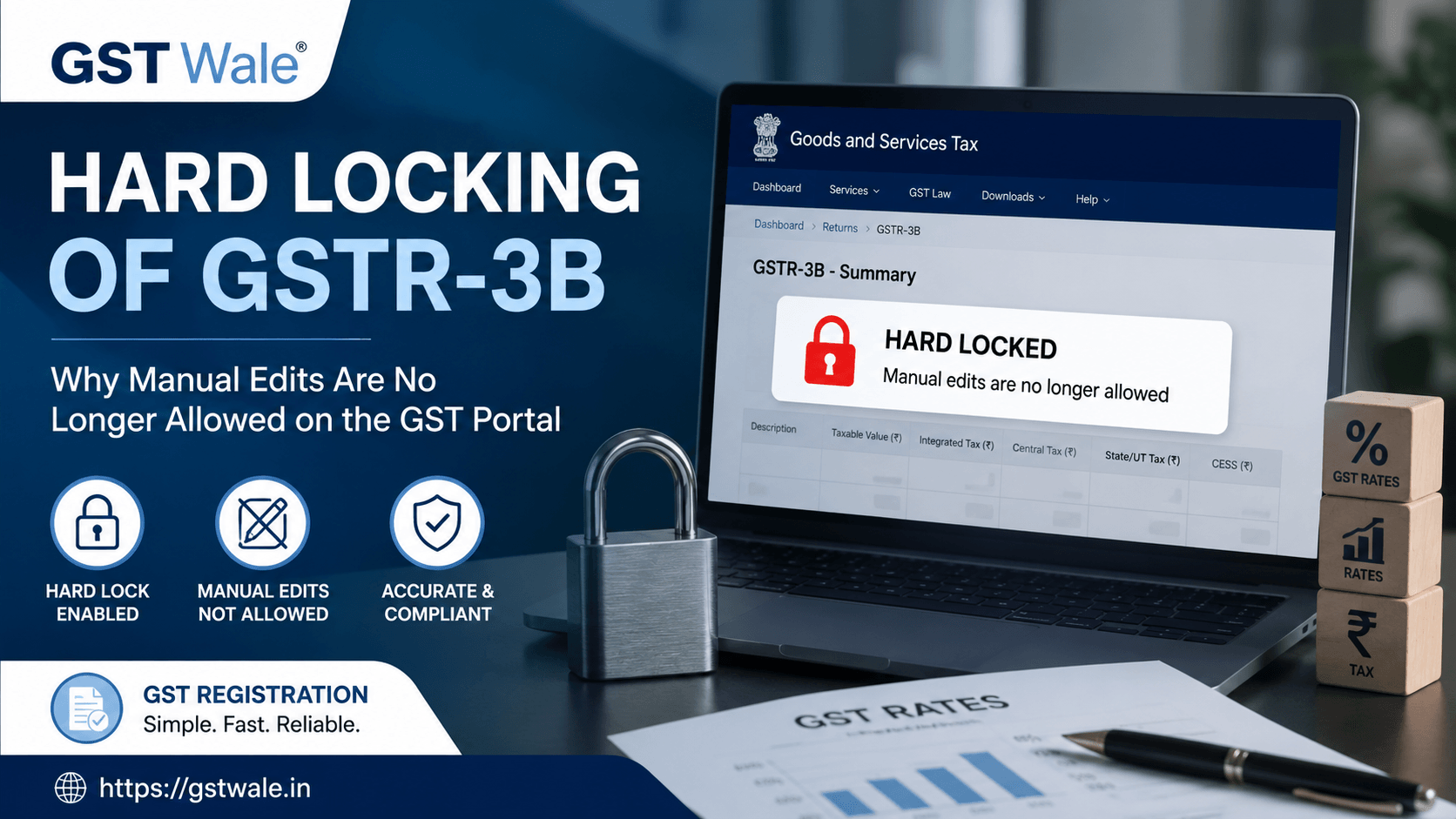
If you have been filing your taxes lately, you have probably noticed that the GST portal is becoming increasingly rigid. As an experienced CA, I have seen many business owners panic when they find they can no longer tweak figures in their GSTR-3B as they used to. Gone are the days of manual adjustments. Today, the system is designed to ensure that your gst rates are applied correctly and that your data is airtight.
If you are just starting your business journey or are confused about your compliance obligations, our team at GST Registration is here to help you get started on the right foot. Understanding the mechanics of the portal is the first step in avoiding penalties. The transition to a fully automated environment means that the government is closing the window for errors, forcing taxpayers to ensure that their underlying records are perfect from the start.
The Shift Toward Auto-Populated GSTR-3B
The era of manual data entry in GSTR-3B is effectively over. The Goods and Services Tax Network (GSTN) has shifted toward an auto-populated GSTR-3B model, where the figures are pulled directly from your GSTR-1 (sales) and GSTR-2B (purchase details).
This integration is aimed at linking GSTR-1 and 3B so that there is zero scope for manipulation. When you log in to file your returns, you will notice that the system calculates your liability and input tax credit (ITC) based on the data you previously uploaded. If you realize later that your input invoices do not match the expected gst rates, you cannot simply change the credit amount in the return form. The portal now mandates that you rectify the source data first.
Understanding System-Level Blocking Rules
The "hard locking" of fields is not just a glitch; it is a feature of system-level blocking rules. These rules prevent taxpayers from entering data that contradicts the information available in the central database.
Consistency Checks: The system cross-references your sales figures with the tax liability computed by the portal.
ITC Validation: You can only claim ITC that appears in your GSTR-2B. If the supplier has not filed their return, the system will not allow you to "force-claim" that credit in your GSTR-3B.
Tax Discrepancy Alert: If there is a mismatch, you will see a tax discrepancy alert. This is the system telling you that your input does not align with the statutory requirements or the prevailing gst rates.
Why Manual Edits Are No Longer Allowed
You might ask, "Why take away my control" From a regulatory perspective, manual edits were often the root cause of tax evasion and clerical errors. By enforcing strict data validation, the GST department is trying to achieve a few key objectives:
Uniformity: It ensures that every taxpayer reports their liability based on the same gst rates for specific commodities.
Fraud Prevention: It stops the practice of inflating ITC or underreporting sales at the last minute.
Audit Readiness: When the system is locked, the audit trail becomes much clearer, reducing the frequency of arbitrary notices.
How to Manage Compliance in the Locked Environment
Since you can no longer "fix it" in the return form, you must focus on the source. Here is my expert advice:
Verify Your HSN Codes: Ensure the gst new rate is correctly mapped to your product HSN codes in your accounting software.
Reconcile Weekly: Do not wait until the 20th of the month. Perform monthly or weekly reconciliations between your purchase register and the GSTR-2B available on the portal.
Supplier Communication: If a supplier has not uploaded their invoices, follow up immediately. You cannot claim credit on the portal if it isn’t reflecting in your auto-drafted statement.
Frequently Asked Questions
Can I still edit my GSTR-3B after it is auto-populated?
You can make minor edits only in fields that are not derived from other forms. However, the core tax and ITC fields are now restricted to prevent inconsistencies with your reported gst rates.
What should I do if my GSTR-2B shows incorrect data?
You cannot edit GSTR-2B directly. You must communicate with your supplier and ask them to file an amendment or provide the correct details in their next GSTR-1.
How does the portal determine the tax liability?
The portal uses the figures declared by you in your GSTR-1 and applies the tax slabs associated with your supplies to calculate your liability. Always ensure your gst rates are updated in your billing system.
Will these restrictions lead to more notices?
Actually, the goal is the opposite. By ensuring data consistency, the department hopes to reduce "mismatch notices" caused by simple manual typing errors.
The digital transformation of the GST portal is here to stay. While the "hard locking" of GSTR-3B may feel restrictive, it is ultimately designed to keep your business records clean and audit-proof. By staying updated on the gst rates and ensuring your documentation is perfect, you can sail through the filing process without a headache.
At GST Wale, we specialize in simplifying these complex regulatory changes for you. Whether you are struggling with return filing or need expert advice on tax optimization, our team is ready to assist. Don’t let compliance hurdles slow down your business growth—reach out to GST Wale today and let us handle the complexities while you focus on your success.
 Previous


