


Error Resolution Guide: Fixing Common Glitches on the GST Registration Portal
Error Resolution Guide: Fixing Common Glitches on the GST Registration Portal
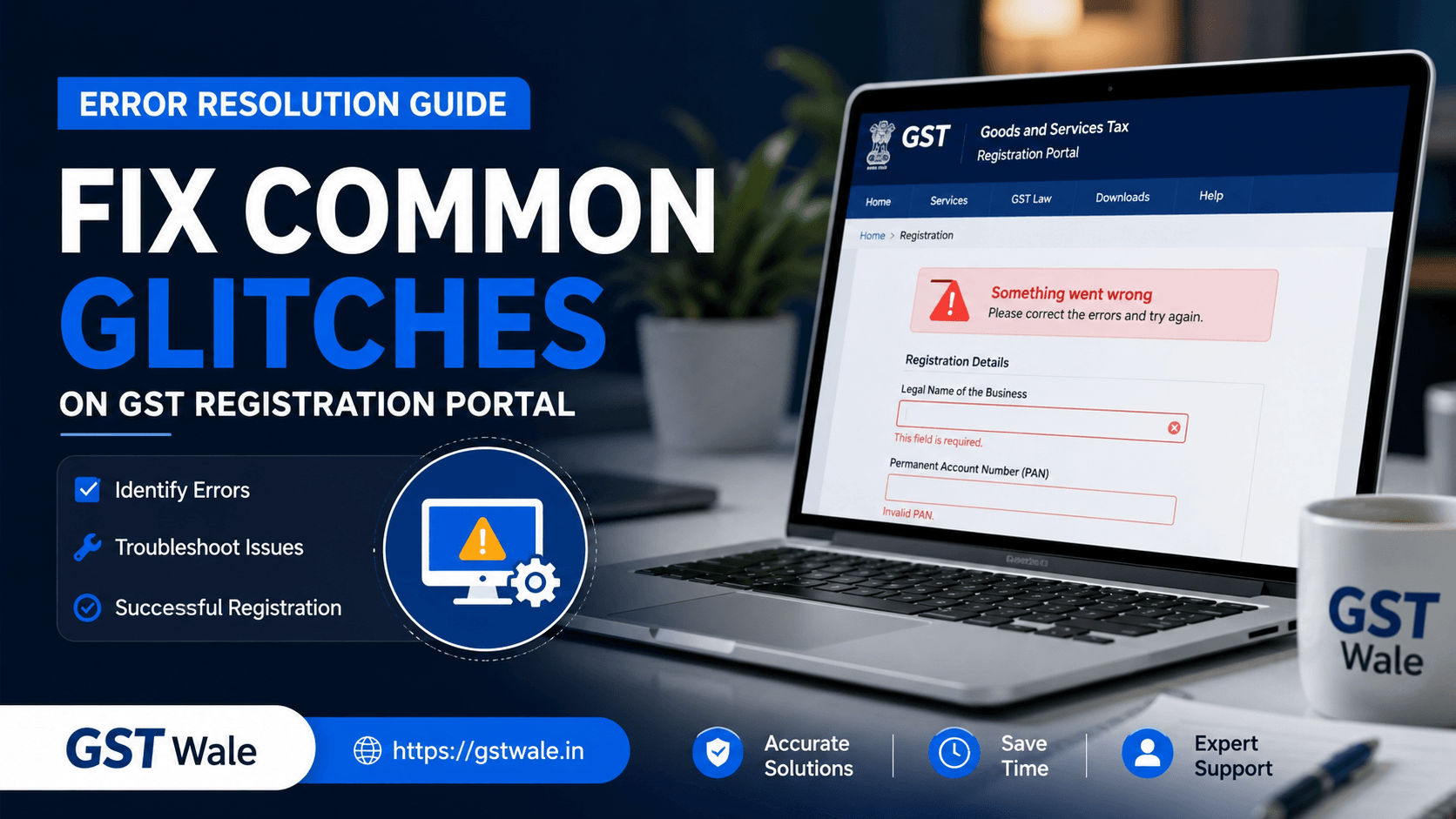
Applying for your gst registration can sometimes feel like solving a complex puzzle. One moment you are smoothly uploading your documents, and the next, a cryptic error message pops up, leaving you staring blankly at your computer screen. As Chartered Accountants, we see business owners face these exact digital roadblocks every single day. The government portal is robust, but with millions of users accessing it simultaneously, glitches are bound to happen.
At GST Wale, we believe that compliance shouldn’t feel like a chore. If you want to skip the technical headache entirely and let experts handle the heavy lifting, you can opt for our professional GST Registration service to ensure a seamless, error-free experience. But if you are currently stuck mid-way through your application, don’t panic. We have compiled this practical troubleshooting guide to help you fix the most common glitches on the registration portal.
1. The Dreaded 'Validation Failed' Error
One of the most frequent complaints we hear from taxpayers is encountering a generic validation failed error right after filling out a detailed section. This usually happens when the data you entered does not match the strict validation rules running in the background.
How to Fix It:
Clear Your Browser Cache: The portal heavily relies on cookies and cache. Press Ctrl + Shift + Delete on your browser, clear everything from "All Time", and restart your browser.
Avoid Special Characters: Ensure you aren't using characters like #, $, @, or consecutive spaces in text fields, especially in address lines. Stick to basic alphanumeric characters.
Session Timeouts: The portal automatically logs you out after a few minutes of inactivity. If you take too long to type out information, clicking "Save" will trigger a validation failure. Save your progress section by section.
2. Solving PAN Mismatch in GST Applications
Your Permanent Account Number (PAN) is the foundation of your goods and services tax registration. The portal instantly verifies your details with the Income Tax database. A pan mismatch gst error occurs when the name, date of birth, or constitution of business entered on the portal does not match your physical PAN card or IT database.
How to Fix It:
Match Word-for-Word: If your PAN reads "Suresh Kumar Gupta", do not type "Suresh K Gupta" on the portal. It must be an exact match, including spaces and initials.
Check the Constitution of Business: If you are registering a partnership firm or a private limited company, ensure that the legal name entered matches the name on the entity's PAN card, not the director's or partner's personal name.
Update Income Tax Records First: If there is an inherent error on your PAN card itself, you will need to get it corrected via the NSDL/UTIITSL portal before proceeding with your gst registration.
3. Resolving Digital Signature Certificate (DSC) Issues
To successfully submit your application, private limited companies, LLPs, and foreign entities must sign using a Class 3 Digital Signature Certificate. Dealing with digital signature certificate issues is arguably the most frustrating part of the online application process.
Step-by-Step Troubleshooting for DSC:
Install the emSigner Utility: Download and install the latest version of the emSigner utility directly from the portal help section. Always run it as an administrator.
Configure Java Settings: Ensure you have the latest version of Java installed on your system. Go to your system's Control Panel > Java > Security, and add https://www.gst.gov.in to the Exception Site List.
Check Port Conflicts: emSigner typically runs on port 1585 or 2014. If another application is using this port, it won't connect. Open your emSigner application and toggle through the available ports until you find one that connects successfully with your browser.
4. OTP Not Received on Mobile or Email
During the initial stage of creating your Temporary Reference Number (TRN) for your gst registration, you need to verify separate OTPs sent to your mobile number and email ID.
Quick Workarounds:
Check Spam/Junk Folders: Email servers often flag automated portal emails as spam.
Network Congestion: If you do not receive the OTP within 60 seconds, do not keep spamming the "Resend" button. Wait for a couple of minutes, clear your browser tab, and try again during off-peak hours (early morning or late evening).
DND Settings: Ensure your mobile number does not have strict Do Not Disturb (DND) settings enabled that block promotional or transactional SMS traffic.
5. Document Upload and File Size Restrictions
The portal is very strict about file formats and sizes. Trying to upload a high-resolution PDF of your rent agreement or electricity bill will instantly crash the file uploader tool.
Expert Guidelines for Document Uploads:
Size Limits: Proof of principal place of business (like electricity bills or NOCs) must strictly be under 100 KB for JPEGs and 2 MB for PDFs. Photograph sizes must be under 100 KB.
Compress Correctly: Use online PDF compressors or image optimization tools to reduce file size without losing the legibility of the text. If the tax officer cannot read the address on your uploaded bill, they will issue a clarification notice.
6. Real-Time Tracking with ARN Status Tracking
Once you successfully bypass these glitches and submit your application, you will receive an Application Reference Number (ARN). This is where arn status tracking becomes crucial to monitor the progress of your application.
Understanding Your ARN Status:
Pending for Processing: Your application has been successfully submitted and is awaiting review by the jurisdictional tax officer.
Pending for Clarification: The officer has found an issue or discrepancy in your documents and has raised a notice (Form GST REG-03). You must respond within 7 working days.
Approved: Congratulations! Your gst registration registration is complete, and your GSTIN and registration certificate will be generated shortly.
Frequently Asked Questions
Q1. Why am I getting an 'Error 500' internal server error while applying for my gst registration?
An Error 500 is a server-side issue, meaning the portal's servers are temporarily overloaded or undergoing maintenance. This is not an error on your end. The best solution is to wait for an hour or try completing your application using an Incognito window.
Q2. Can I use a mobile phone browser to complete my goods and services tax registration?
While you can log in, we highly recommend using a desktop or laptop running Google Chrome or Mozilla Firefox. The portal’s document upload features and emSigner utilities do not function properly on mobile browsers.
Q3. What should I do if my PAN is showing as already registered?
If you face a pan mismatch gst related issue where it says your PAN is already in use, check if you or your previous accountant created a TRN in the past. If you didn't, someone else might have entered your PAN by mistake. You can raise a grievance ticket on the portal's self-service helpdesk to get it unlinked.
Q4. Why does the portal say "Invalid Signature" when I use my DSC?
This happens if the name on your Class 3 DSC does not exactly match the name of the Director/Partner entered in the stakeholder tab. Ensure the PAN linked to the DSC belongs to the person signing the application.
Navigating the technical maze of a gst registration application requires patience and a bit of technical know-how. From managing digital signature certificate issues to decoding a validation failed error, understanding these portal quirks can save you days of unnecessary delays.
However, your time is valuable, and running a business demands your full focus. Why spend hours wrestling with web browser configurations and file compressors when you can leave it to the professionals?
At GST Wale, our team of experienced Chartered Accountants handles your entire process from scratch—ensuring error-free document submission, accurate data entry, and seamless arn status tracking until your certificate is issued. Let us take care of your tax compliance while you focus on scaling your business. Get in touch with GST Wale today to initiate your stress-free gst registration journey!
 Previous