


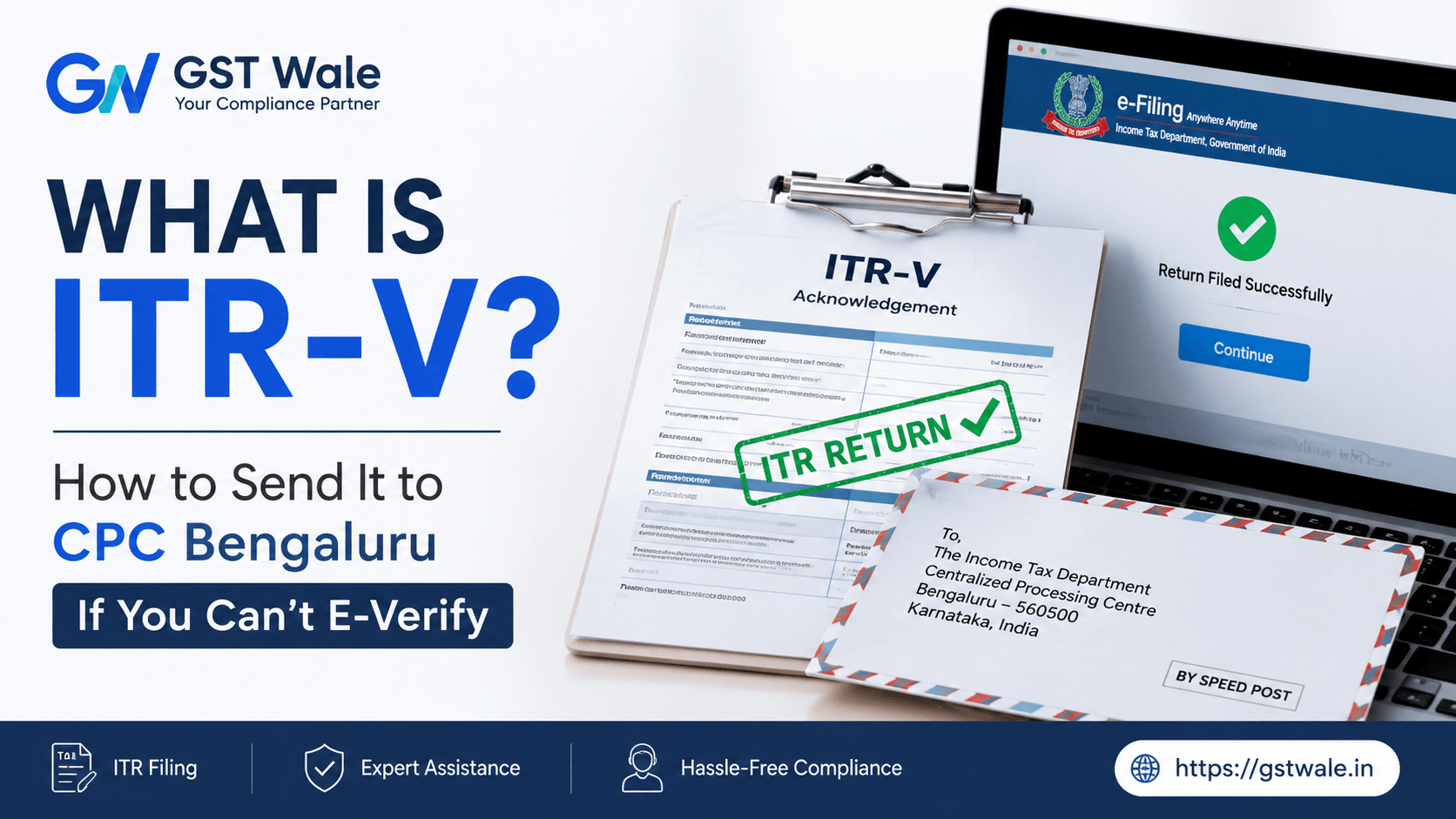
What is ITR-V and How to Send It to CPC Bengaluru If You Can't E-Verify
What is ITR-V and How to Send It to CPC Bengaluru If You Can't E-Verify
Every year during tax season, millions of taxpayers across India rush to complete their filing before the deadline. However, a common misconception that many individuals and small business owners harbor is that hitting the "Submit" button on the income tax portal marks the end of their responsibilities. In reality, filing your return is only the first half of the match. The second, and equally crucial half, is verification. Without verification, your tax filing is treated as invalid by the Income Tax Department, as if you never filed it at all. While electronic verification via Aadhaar OTP or net banking has become the norm, it often fails due to mismatched mobile numbers or technical glitches. When you find yourself stuck in this loop, the traditional, offline method comes to your rescue.
At GST Wale, we constantly guide clients through these practical roadblocks to ensure their compliance remains flawless. If you run into technical errors during the online process, don't panic. You can seamlessly opt for professional ITR Filing assistance to ensure that your records are immaculate, or you can take the manual route of sending a signed physical document directly to the department. This physical route centers around a specific form known as the ITR-V. In this comprehensive guide, we will break down exactly what this document is, the strict rules surrounding it, and how to securely mail it to ensure your compliance is fully completed.
Understanding ITR-V: The Acknowledgment Form
The term "ITR-V" stands for "Income Tax Return Verification". It is a one-page summary document generated automatically by the Income Tax Department's portal immediately after you successfully upload your return without electronic verification. It contains essential details such as your Permanent Account Number (PAN), your name, the specific Assessment Year, and a brief summary of your total income, deductions, and tax payable or refundable.
Think of it as a provisional receipt. It acknowledges that the department has received your electronic data, but they will not begin processing it until you verify that the data submitted is authentic. When you cannot use digital modes like Net Banking, Digital Signature Certificate (DSC), or Aadhaar-based OTP, this form changes its role to act as an ITR acknowledgment physical copy. Printing this form, signing it manually, and sending it via physical mail acts as a legal confirmation that the financial disclosures made in your return are true and accurate to the best of your knowledge.
The Clock is Ticking: Time Limits for Physical Tax Verification
Time management is critical when dealing with physical tax verification. The Income Tax Department enforces a strict timeframe within which your signed document must reach their processing center. Historically, taxpayers were granted a generous 120 days to mail this form. However, to speed up processing cycles and issue refunds faster, the Central Board of Direct Taxes (CBDT) drastically reduced this window.
Currently, the signed document must reach the processing center within 30 days of uploading your electronic return. If you fail to ensure its delivery within this 30-day window, your submission becomes non-est, meaning it will be legally treated as if it was never filed. Consequently, you might face late filing fees, interest on unpaid taxes, and a complete halt on any tax refunds you were expecting. Therefore, if e-verification is not an option for you, you must act swiftly to initiate the physical dispatch.
Step-by-Step Guide: How to Download and Print Your ITR-V
Before you wrap your document in an envelope, you need to access and print it correctly. Follow this simple process to get your document ready:
Log in to the official Income Tax e-filing portal using your PAN/Aadhaar and password.
Navigate to the 'e-File' menu, select 'Income Tax Returns', and click on 'View Filed Returns'.
Locate the specific return for the relevant Assessment Year. You will notice the status marked as "Pending for Verification".
Click on the 'Download Receipt' button to download the PDF file to your computer.
Expert Note from GST Wale: The downloaded PDF file is secured with a password to protect your financial data. The password format is a combination of your PAN in lowercase followed by your date of birth in DDMMYYYY format. For example, if your PAN is ABCDE1234F and your birthdate is 15th August 1989, your password will be abcde1234f15081989.
When printing the document, ensure you use a clear, laser or inkjet printer. The document contains a unique barcode at the bottom of the page, which is scanned by automated systems at the processing center. A blurry, faint, or smudged printout can prevent the barcode from scanning properly, leading to a rejection of your submission.
Crucial ITR-V Signature Rules You Must Follow
Many taxpayers face rejections simply because they overlook the basic ITR-V signature rules. Since this is a legal declaration of your income, the department strictly scrutinizes the physical copy. Keep the following rules in mind to avoid common mistakes:
Ink Color: You must sign the form exclusively using a blue ink ballpoint pen. Do not use black ink, gel pens, sketch pens, or pencils. Gel ink can smudge during transit if the envelope gets damp, which will invalidate the signature.
No Digital Alterations: A scanned, photocopied, or digitally cropped signature pasted onto the document will be rejected instantly. The signature must be original and handwritten directly onto the printed sheet.
Matching Signature: Ensure that your signature closely matches the one on your PAN card or your regular official signature. Significant deviations can trigger security flags.
Proper Placement: Sign exactly within the designated boxed area provided for the signature at the bottom of the form. Do not sign across the barcode or over the text summary.
How to Package and Mail Your Document Safely
Once your document is printed cleanly and signed perfectly in blue ink, it is time to prepare it for postal tax filing. How you package and mail this single piece of paper determines whether it will be safely accepted or discarded upon arrival.
Do's and Don't for Packaging
Do NOT fold across the barcode: You can fold the A4 sheet neatly to fit into a standard envelope, but avoid making a sharp crease directly across the barcode at the bottom.
Do NOT attach extra documents: Do not enclose your Form 16, investment proofs, bank statements, or computation sheets. The processing center only requires the one-page signed summary. Any extra sheets will be shredded.
Do NOT staple or clip: If you are sending returns for multiple assessment years or multiple family members, keep them in separate envelopes. Never staple multiple forms together.
Permitted Postal Modes
The Income Tax Department allows only two modes of postal tax filing for delivering this document. You must send the envelope via Ordinary Post or Speed Post managed by India Post. Sending the document through private couriers (like Blue Dart, DTDC, or DHL), registered post, or hand-delivery to local income tax offices is strictly prohibited and will result in non-delivery.
Tracking the Status of Your Physical Submission
After you mail your envelope via Speed Post, tracking its journey is highly recommended. It usually takes anywhere from 7 to 15 business days for the paper to be received, sorted, and scanned into the system. You can check the status by logging into your account on the e-filing portal and navigating to the 'View Filed Returns' section. Once successfully processed, the status will change from "Pending for Verification" to "Return Verified" or "Successfully Verified". You will also receive an automated SMS and email confirmation on your registered contact details.
Frequently Asked Questions (FAQs)
Q1: Can I send ITR-V through a private courier if the post office is far away? Ans: No. The Income Tax Department explicitly rejects documents sent via private courier services. You must use only Ordinary Post or Speed Post through India Post.
Q2: What happens if I fail to send the physical copy within 30 days? Ans: If it does not arrive within 30 days, your original filing becomes invalid. You will have to re-file your return, which could be treated as a late return and attract penalties under Section 234F.
Q3: Can I sign the form using a black pen? Ans: No, the department guidelines require you to use a blue ink ballpoint pen. Avoid black ink or gel pens to prevent unnecessary rejections.
Q4: Do I need to send my tax calculations or Form 16 along with the form? Ans: No, you do not need to attach any supporting financial documents. Only the single-page, signed form should be sent inside the envelope.
Stay Compliant with GST Wale
Completing your filing correctly ensures peace of mind and keeps legal hassles at bay. While electronic verification is quick, the manual method remains a highly reliable fallback when technology lets you down. Understanding how to handle your document, adhering to signature protocols, and mailing it to the correct facility ensures your filing remains valid and your refunds are processed without unnecessary delays.
Managing deadlines, printing requirements, and tracking postal timelines can become overwhelming when you are busy running a business or managing a demanding career. At GST Wale, we take the stress out of tax season. From accurate filing to seamless tracking, our dedicated team of financial experts ensures your personal and business compliances are completely error-free. Let us handle your paperwork while you focus on scaling your ventures. Reach out to GST Wale today to experience a smooth, professional, and worry-free filing season!
 Previous