



Step-by-Step: Registering a Charter Accountant (CA) on Efileitr to Manage Your Account
Step-by-Step: Registering a Charter Accountant (CA) on Efileitr to Manage Your Account
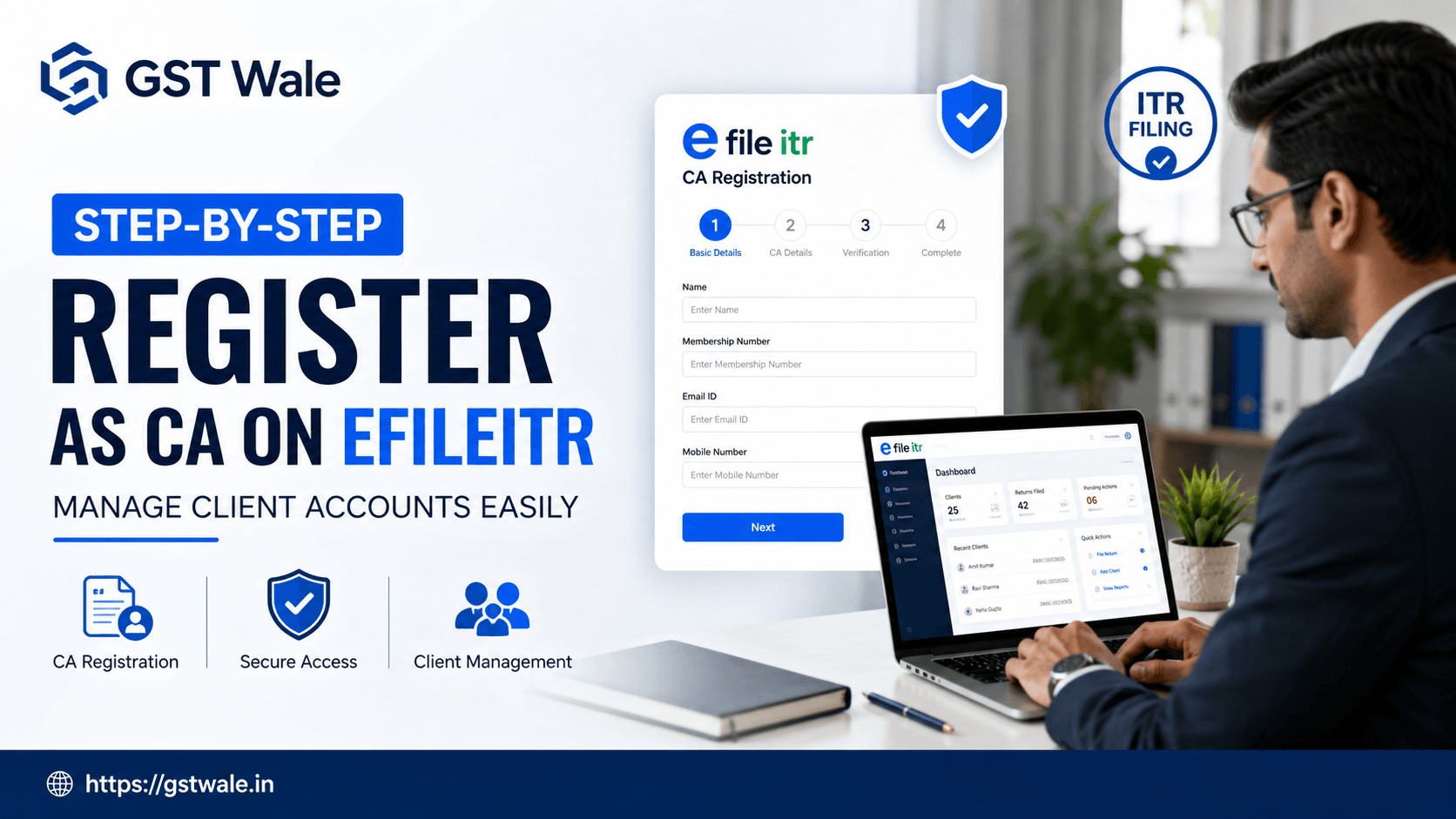
Managing your tax compliance can often feel like navigating a complex maze without a map. Whether you are a business owner or an individual taxpayer, ensuring that your filings are accurate and timely is crucial to avoid unwanted notices from the tax department. Many of our clients at GST Wale often ask how they can bring in a professional to help with their ITR Filing without compromising the security of their login credentials. This is where the efileitr platform becomes a game-changer. By learning how to register a CA on efileitr, you take the first step toward stress-free tax management.
Why You Need to Delegate e-filing Access on efileitr
In the fast-paced world of Indian taxation, time is money. Many taxpayers mistakenly share their personal passwords with their accountants, which is a major security risk. Using efileitr allows you to delegate e-filing access securely. Instead of giving away your keys, you grant specific, controlled permissions to your tax expert.
When you assign tax professional online through this portal, you ensure that your CA can view your returns, prepare data, and assist in compliance without having full, unrestricted control over your account. It is professional, secure, and highly efficient for both parties.
Preparing for CA Portal Registration
Before you dive into the technical side, ensure you have your documentation in order. To make the CA portal registration process seamless, keep the following details handy:
Your PAN and valid Aadhaar-linked mobile number.
Your CA’s valid Membership Number, as this is essential for official verification.
A clear understanding of the level of access you wish to provide based on your current filing needs.
Being prepared ensures that you do not get stuck midway through the process, allowing you to establish the professional relationship with your advisor quickly.
Step-by-Step: How to Register a CA on efileitr
Follow these simple steps to invite your chartered accountant to your dashboard. We have broken this down to ensure even those with limited technical knowledge can follow along smoothly.
Step 1: Log in to Your Account
Visit the official efileitr dashboard and enter your credentials securely. If you haven't activated your account yet, ensure that your profile is fully updated with accurate contact details.
Step 2: Navigate to the 'My CA' Section
Once logged in, look for the 'Authorized Partners' or 'My CA' tab in your profile menu. This is the centralized hub where you manage your relationships with your chosen tax professionals.
Step 3: Add New Authorized Representative
Click on 'Add New CA'. You will be prompted to enter the membership details of the professional. This acts as the authorized representative tax protocol. By inputting their specific ID, you ensure that only the verified person gets access to your requested data.
Step 4: Define the Scope of Work
This is the most critical part of expert account oversight. You can choose whether you want them to just view your past returns or actively prepare and file future ones. Always start with the minimum required access and expand it as your trust and workload grow.
Best Practices for Maintaining Expert Account Oversight
Once you have set up your accountant, your job isn't entirely over. To get the most out of efileitr, maintain these habits:
Periodic Audits: Regularly check your dashboard to see who has active access to your account. Revoke access immediately if you change your consultant.
Verify Notifications: Whenever your CA submits a draft, ensure you receive an email or SMS notification. Never sign off on a return you haven't thoroughly reviewed.
Use Official Channels: Always communicate via the portal or your CA's official email address. Avoid sharing sensitive financial documents over public messaging apps.
Frequently Asked Questions (FAQs)
Can I revoke access on efileitr at any time?
Yes, absolutely. One of the main benefits of using efileitr is that you retain full control. You can revoke access at any time through your dashboard settings.
Is it safe to assign a tax professional online?
Yes, it is far safer than sharing your login credentials. By using the delegation features, you ensure your data remains protected while allowing the professional to do their job.
Do I need to be a GST-registered business to use efileitr?
Not necessarily. While efileitr is popular among GST-registered businesses, it is designed for all taxpayers who want a structured way to handle their tax filings.
What if my CA does not appear on the search list?
Ensure you have the correct membership number. If the issue persists, ask your CA to verify if their own profile on the portal is active and updated.
Managing your financial compliance doesn't have to be a headache. By utilizing efileitr, you bridge the gap between complex tax laws and professional expertise. It allows you to delegate tasks securely while keeping your peace of mind intact. If you are still feeling overwhelmed, remember that the team at GST Wale is always here to assist you. Let us help you navigate your tax journey with expert guidance. Reach out to us today to streamline your filing process and ensure that your financial health is in the hands of seasoned professionals.
 Previous


