



How to Link and Validate Multiple Bank Accounts on Efileitr
How to Link and Validate Multiple Bank Accounts on Efileitr
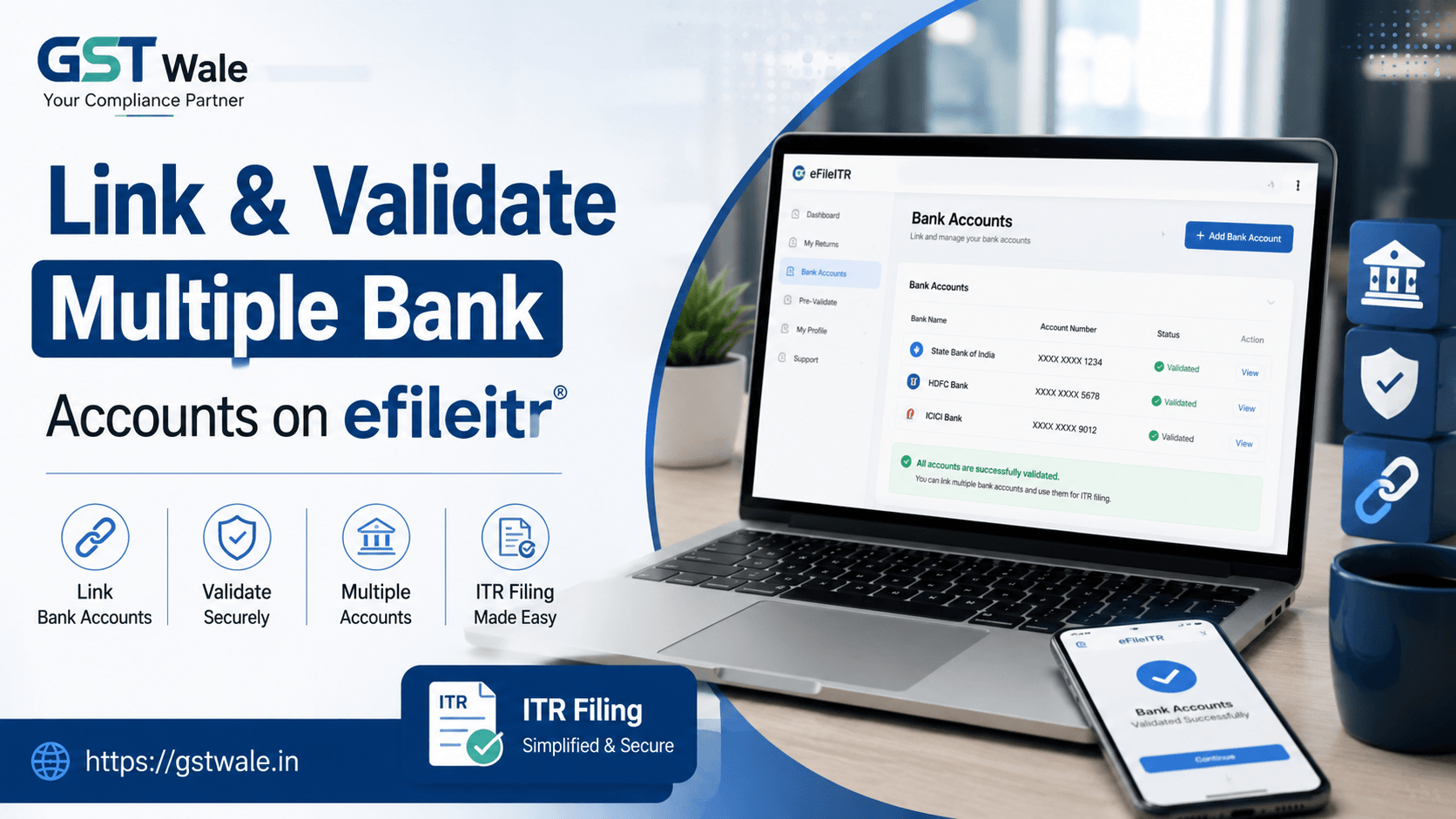
It is that time of the year again when taxpayers are busy gathering documents and preparing for their annual tax obligations. As a Chartered Accountant, I often see clients panic during the final submission stage because they haven’t updated their banking details. Whether you are a salaried individual or a business owner, ensuring your tax department has the correct account information is non-negotiable. If you need professional assistance with your ITR Filing, our team is always ready to step in. A crucial part of this process involves using the efileitr portal effectively to manage your financial links, ensuring that any potential refunds hit the right account without unnecessary delays.
Managing your finances through the efileitr system might seem technical, but it is a streamlined process once you know the ropes. Many taxpayers ask me, "Why do I need to link multiple accounts" The answer is simple: flexibility. By having multiple accounts verified, you can choose where you want your refund to go, providing a safety net in case one account has issues.
Why Multi-Bank Management Matters on efileitr
In the past, we were often stuck with a single bank account for tax purposes. Today, the efileitr portal allows for much more agility. When you pre-validate accounts on the system, you are essentially telling the Income Tax Department that these accounts belong to you and are active.
From my experience at GST Wale, I have seen numerous cases where a refund failed simply because the primary account was inactive or dormant. When you utilize the multi-bank e-filing features, you mitigate these risks significantly. Furthermore, if you ever need to change tax refund account details, having a pre-validated list makes the transition instantaneous rather than waiting for manual verification during the peak filing season.
Step-by-Step: How to Link and Validate Bank Accounts
To ensure your efileitr profile is fully compliant and ready for transactions, follow these steps carefully.
1. Logging into the Portal
First, log in using your PAN and credentials on the official efileitr website. Once you are on the dashboard, navigate to the 'Profile' section. This is your command center for all personal and financial data.
2. Accessing the Bank Account Tab
Look for the 'My Bank Account' tab. This section is designed for users to add, remove, or view the status of their linked accounts. You will see an 'Add Bank Account' button.
3. Entering Accurate Details
When you click 'Add', you will be prompted to enter:
Your Bank Account Number
The IFSC Code (Double-check this!)
Account Type (Savings or Current)
The bank name and branch
4. The Pre-Validation Process
This is the most critical part. Once you enter the details, the system will attempt to pre-validate accounts through your Aadhaar or EVC (Electronic Verification Code). Ensure your bank account is linked to your PAN and that the name on your bank account matches your PAN records exactly. Any discrepancy here will lead to a rejection of the validation request.
How to Select Primary Bank for Refund
Once you have added and validated multiple accounts, you need to decide which one gets the money. The efileitr portal allows you to select primary bank for refund with just a click.
Navigate to your validated bank list.
Locate the account you wish to designate as primary.
Click the 'Enable for Refund' or 'Set as Primary' checkbox.
Save the changes.
I always advise my clients to keep at least two accounts pre-validated on efileitr. This practice ensures that even if there is a technical snag with your primary bank, the system has a secondary, verified path to credit your refund. It is a secure banking tax portal feature that every taxpayer should leverage to avoid the "Refund Failed" status.
Common Pitfalls to Avoid
Even with the best intentions, errors happen. Here are a few things I see clients struggle with:
Mismatched Names: If your bank account says "Rajesh Kumar" but your PAN says "Rajesh K. Sharma," the validation will likely fail.
Inactive Accounts: Always ensure your bank account is "Active" in the bank's records before adding it to efileitr.
Not Updating IFSC: Banks change IFSC codes during mergers. Always check the current code on your chequebook before entering it.
Frequently Asked Questions
Can I delete a bank account from efileitr?
Yes, if an account is closed or you no longer use it, you can easily remove it from your dashboard. However, always ensure you have at least one active, validated account remaining.
Does multi-bank e-filing speed up my refund?
While it doesn't change the tax processing speed, it ensures that there are no roadblocks during the disbursement phase, which can indeed make the process feel faster.
How do I know if my account is validated?
On the efileitr bank dashboard, the status will show as "Validated" in green once the process is complete. If it says "Pending" or "Failed," you will see a reason provided by the system.
Can I use a business account for individual tax refunds?
Yes, as long as the account is linked to your PAN. However, we recommend keeping personal and business taxes separated where possible for easier auditing.
Managing your financial data on efileitr is a simple yet powerful way to take control of your tax journey. It eliminates unnecessary stress and ensures that your hard-earned money reaches you without bureaucratic hurdles.
If you ever feel overwhelmed by these digital processes or need expert guidance to ensure your filings are accurate and tax-efficient, reach out to us at GST Wale. We specialize in simplifying the complex world of taxes for you. Let us handle the technicalities so you can focus on your growth.
 Previous


