



How to Download, Fill, and Offline-Upload JSON Utilities for Complex ITR Return
How to Download, Fill, and Offline-Upload JSON Utilities for Complex ITR Return
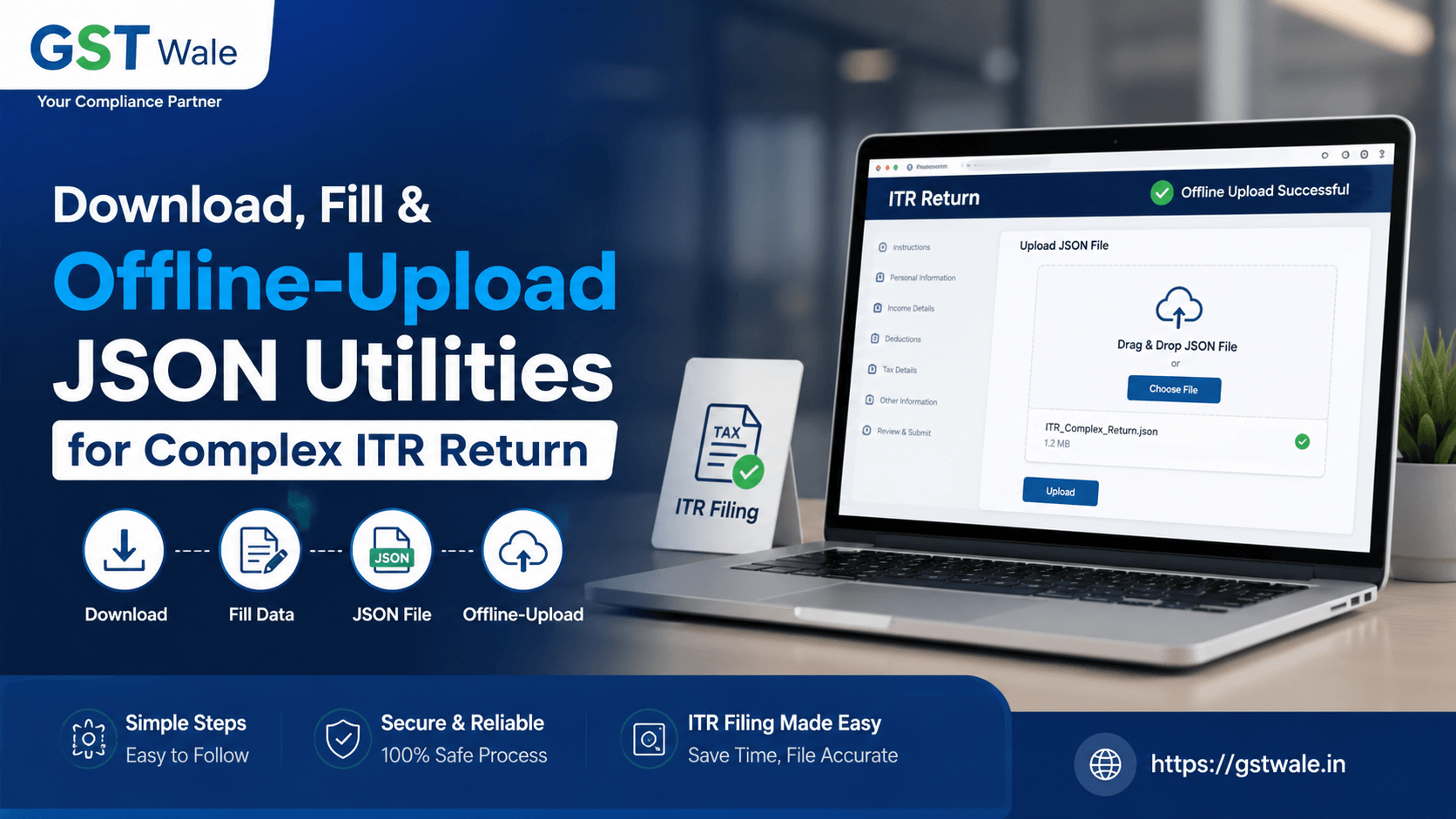
Tax season often brings a sense of unease, especially when your financial records are complex. As professionals at GST Wale, we often see taxpayers struggling with the transition to the Income Tax Department’s digital ecosystem. If you are preparing your ITR return, you might have noticed that for complex cases, the online portal sometimes hits a snag. This is where the offline utility becomes your best friend. For those who need expert assistance with this transition, our team offers comprehensive ITR Filing services to ensure your compliance is handled accurately and on time.
The shift toward a JSON-based filing system was designed to make bulk data handling easier, but it does require a bit of technical know-how. Let’s break down how you can navigate this process without the usual headache.
Why Use the Offline Tax Utility Tool?
Many taxpayers ask us, "Why should I use the offline tool when I can file directly on the portal" The answer lies in data integrity and convenience. When you have a high volume of entries—such as multiple bank accounts, complex capital gains, or exhaustive business schedules—the offline tax utility tool provides a stable environment.
It allows you to work at your own pace without worrying about session timeouts or slow internet connectivity. Think of it as your personal workspace where you can compile heavy tax files offline before committing them to the government portal.
Step 1: Downloading the JSON Schema and Utility
The first hurdle is getting the right files. You must always download these from the official Income Tax e-filing portal to avoid security risks.
Navigate to the official e-Filing portal.
Go to the "Downloads" section.
Select the relevant Assessment Year.
Find the utility for your specific ITR form (e.g., ITR-3 or ITR-4).
Perform the json schema download and the utility installer.
Pro Tip from GST Wale: Always ensure your system has the latest version of Java installed, as the utility often relies on it to function smoothly.
Step 2: Filling and Validating Data
Once the utility is installed, you are ready to input your data. If you have pre-filled data, you can use the import tax data utility feature. This is a game-changer. By importing the pre-filled JSON from the portal, you save hours of manual data entry and minimize the risk of typos.
Pre-filled JSON: Download this from your "My Account" section on the portal first.
Data Entry: Once imported, review every schedule carefully. Check your deductions under Chapter VI-A and verify your TDS claims against your Form 26AS.
Validation: After filling in all the details, click the "Validate" button. The tool will highlight any errors in red. Do not ignore these; the portal will reject the file if these aren't resolved.
Step 3: Generating and Uploading Your JSON File
After you have successfully validated your data, the final step is to generate the JSON file. This is the file that contains your entire ITR return in a structured format that the server can read.
Click on "Generate JSON" within the utility.
Save the file in a folder where you can easily locate it.
Log in to your e-Filing account.
Go to "e-File" > "Income Tax Returns" > "File Income Tax Return."
Select the relevant Assessment Year and mode of filing (Offline).
Proceed to uploading generated ITR by attaching the JSON file you just created.
Once uploaded, the system will verify the data. If everything is in order, you can proceed to e-Verify your return.
Common Challenges and How to Fix Them
Even for the seasoned taxpayer, technical glitches can occur. Here is how we at GST Wale troubleshoot common issues:
Version Mismatch: Always ensure you are using the latest version of the utility released by the department. They update it frequently to fix bugs.
JSON Schema Errors: If the portal rejects your file, it is almost always because the schema version is outdated. Re-download the latest utility.
System Speed: If your PC feels sluggish while using the utility, close other resource-heavy applications. The tool requires a fair amount of RAM to process large datasets.
Frequently Asked Questions (FAQs)
1. Is it mandatory to use the JSON utility for my ITR return?
No, it is not mandatory for everyone. For simpler returns (like ITR-1 or ITR-2 with limited income sources), you can file directly on the portal. However, for complex returns, the offline utility is highly recommended.
2. Can I edit my data after generating the JSON?
Once you generate the JSON, that file is fixed. If you realize you made a mistake, you must return to the utility, make the necessary changes, re-validate, and generate a fresh JSON file for your ITR return.
3. What if I lose my JSON file?
Always keep a backup of the JSON file on your computer or a secure drive. If you lose it, you will have to re-import the pre-filled data and re-enter your information.
4. How do I know if my upload was successful?
After uploading, the portal will show a success message. You should also receive an acknowledgment on your registered email and mobile number.
Let GST Wale Handle Your Compliance
Navigating the intricacies of a complex ITR return can be daunting, especially with the constant changes in tax laws. If you find the JSON utility process overwhelming, remember that you don't have to do it alone.
At GST Wale, we pride ourselves on making tax compliance simple for our clients. Whether you need help with a difficult ITR filing or want to ensure your tax planning is optimized, our experts are just a call away.
 Previous


